|
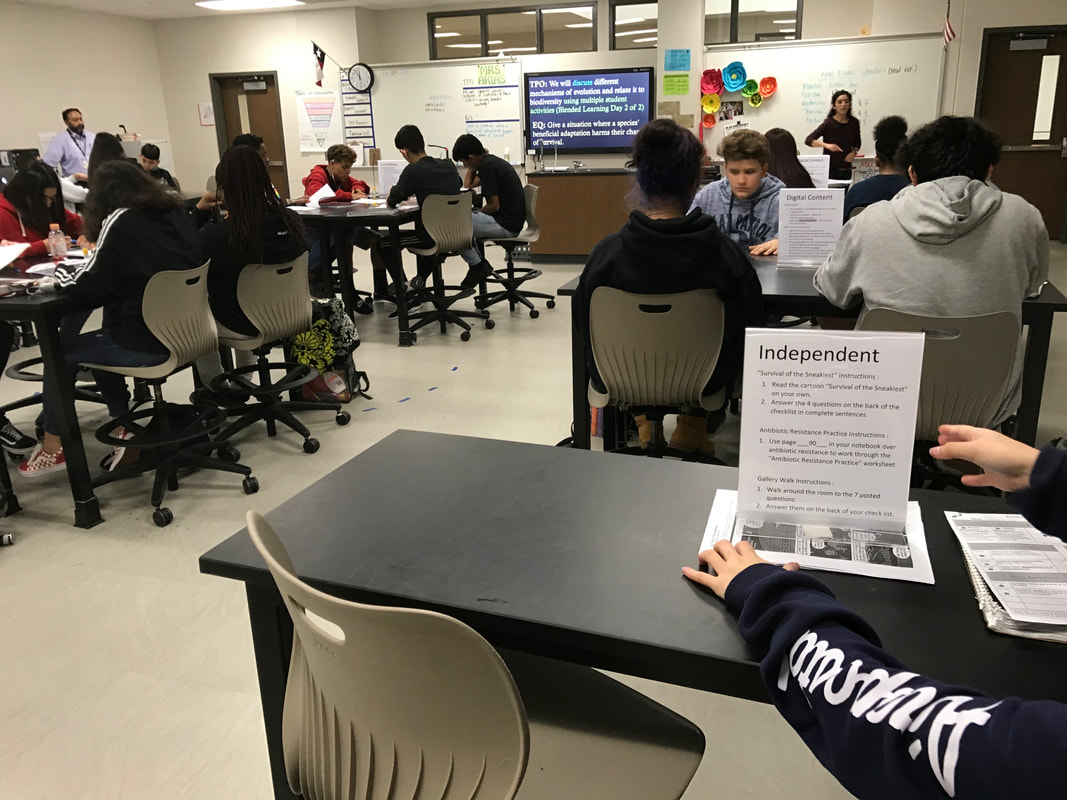
Have you ever wondered what Blended Learning looks like in a High School setting? Then take a moment to watch the video from CyPark High School. CyPark High School is located in CyFair ISD in Katy, Texas. If you have any questions after watching the video feel free to post to this blog post.
Direct Link to the video
0 Comments
What is the difference between a Phase One, Phase Two and Phase Three checklist? This video will quickly cover the difference while also showcasing how to build a Phase Three checklist.
Direct Link to the video
If you are looking for ways to increase student engagement and ownership in the classroom? Then try to add in choice board to the checklist or lessons. In this video, I am going to share out how to get started with choice boards, how to Differentiated checklist, and where to find sample checklist.
Direct link to the video:
 Welcome to another school year and another edition of the Weekly Blend with myself, Marcia Kish. I am excited that you have found this blog and hopefully subscribed to our YouTube Channel. My goal is to share, guide, and be the idea person for Blended Learning that you are looking for to help support your classroom, school, and district. With the Hybrid teaching behind most of our schools, I am looking forward to implementing Blended Learning into the onsite and virtual classrooms again this year. As I move forward with Coaching the Three Phases of Blended Learning, I remind teachers that even though the COVID shutdowns effective our classrooms, that Hybrid Teaching was challenging, and that moving back into a social distance classroom is complex, that all educators are true heroes. Without our educators being brave and willing to try something new, the children would have suffered. So first and foremost, thank you. Thank you for being Brave. Thank you for sticking your neck out there and trying. Thank you for failing and trying the next day again. Thank you for being the amazing human beings that are guiding support for our children. Thank you.  Getting Started with Blended LearningWow, what a summer of professional development learning opportunities for schools across the country. With both virtual and onsite options, I was on the road meeting people for the first time, introducing myself to educators that I worked with for 365 days, and connecting again with educators from pre-COVID days. It feels great to be back. In this weekly edition, I will be sharing out ideas for
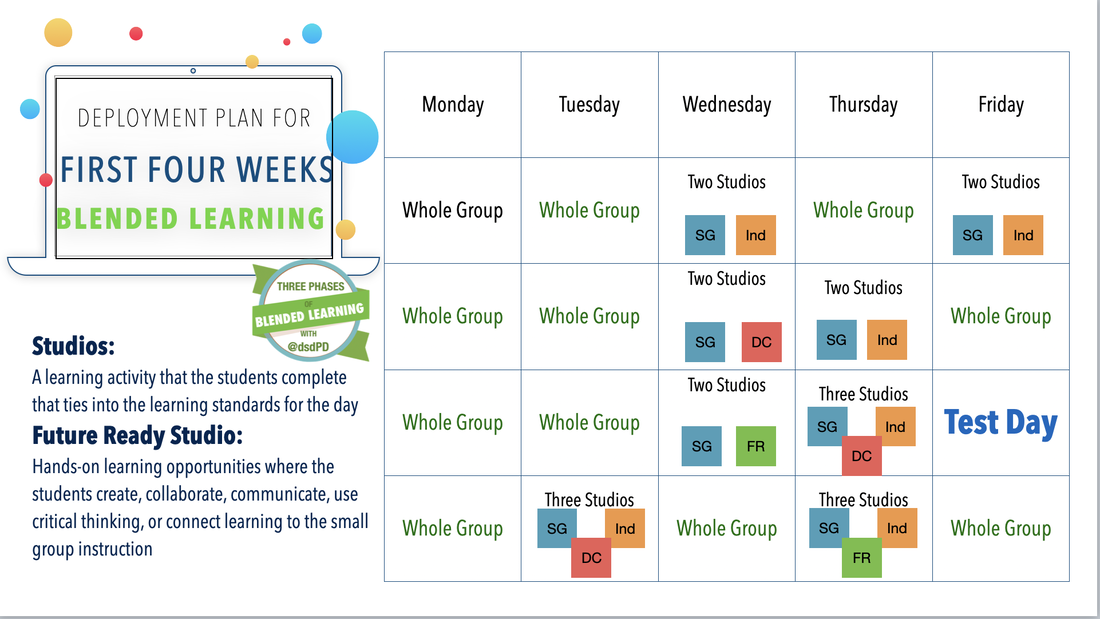
Getting Started with Small GroupsThe idea of adding in one thing to another hectic year is unreasonable. However, small group instruction could actually eliminate some of the stress from the "COVID Slide" or Learning Gaps. In this section of the Weekly Blend, I am going to talk about how to start small with breaking apart the lesson and meeting with groups of students while other students are working on independent practice or digital content. I call these different activities learning studios. 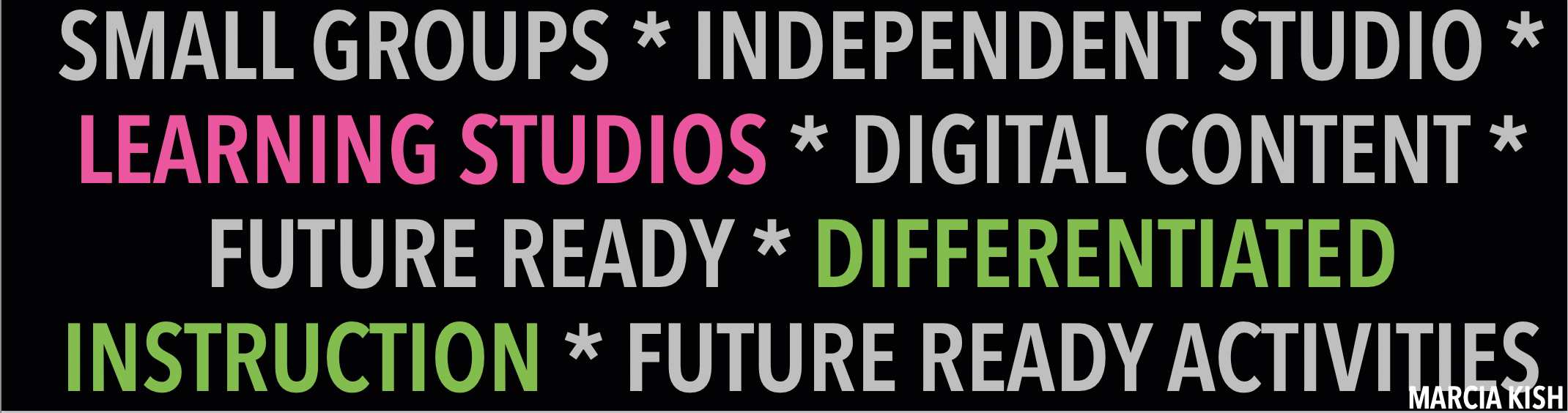 Studios Explained
Deployment PlanWhat I am about to showcase is a GUIDE and a RESOURCE. I am showcasing examples of how to deploy small group instruction through the Three Phases of Blended Learning Model. Please use the is Deployment Plan as it aligns to your curriculum and pacing guide. If you have any questions, don't hesitate to reach out to me for help. 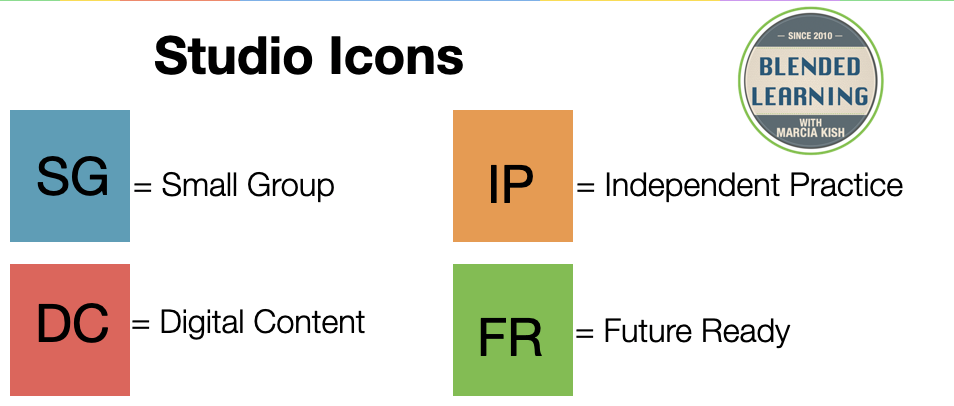 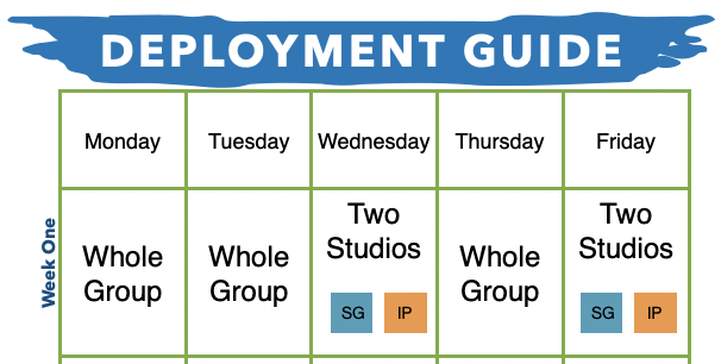 Week One:
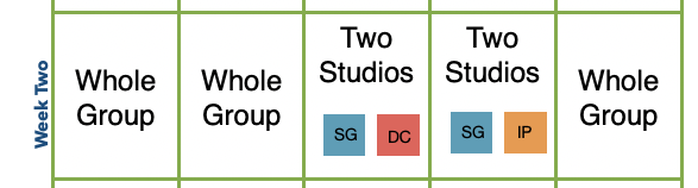 Week Two:
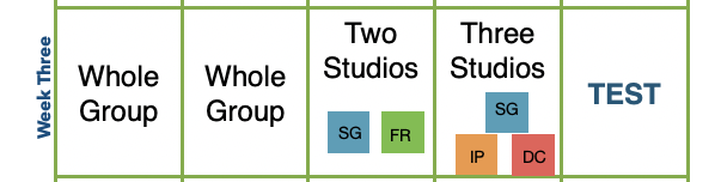 Week Three:
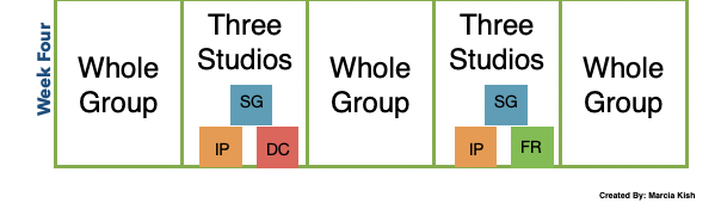 Week Four:
The Deployment Plan for the rest of the year will be posted through out upcoming Blogs and in the Three Phases of Blended Learning Guide Book. (Coming Soon) Phase One in ActionMy first onsite coaching session of the 2021/2022 School year was at Splendora ISD in Texas. I had the pleasure of visiting with High School, Middle School, Intermediate, and Elementary classroom teachers. For only three weeks into the school year, these teaches were rocking checklists, learning studios, and so much more. I am so proud of the hard work that they all accomplished in such a short amount of time. My journey with Splendora ISD started in July with a three-day workshop with a cohort of educators. Together we went through getting started with Blended Learning, Phase One, Phase Two, and using data to drive the small group instruction examples. We even had time to plan together a lesson to be used at the end of August. Below are examples and photos of all of the educators' hard work. ELAR Classroom In a Phase OneAll of the Splendora ISD Blended Learning Cohort Team did an amazing job. Each team member earned their Phase One Blended Learning Sticker. --- Congratulations. Below I am showcasing one classroom that had all four studios up and running. This is a quick view of Ms. Martin's 7th Grade ELAR classroom. Some of her key elements of her Studio Day include:
 Welcome to Week Two of the Weekly BlendThank you for joining us again this week as we continue to provide Tips and Tricks, Resources, and Guides for the New Blended Learning Classrooms. This week we broke the videos into three parts to make them easier to view, take notes, and explore the content. Part One video will showcase my favorite, the blended learning deployment plan. Sometimes, it is tough to transition into a new teaching style, but with this deployment plan, we make it easy by demonstrating how to start slow. Watch Part One video to learn more. Part Two video defines Blended Learning "Studios." This video will walk you through Centers vs. Stations vs. Studios and why I came up with the idea for Studios. Finally, Part Three video will showcase technology tools, Future Ready Ideas, and the Blended Learning Starter Kit. Let's get started with Part One of Week Two of the Weekly Blend with Marcia Kish Weekly Blend Part One: Deployment Plan
Weekly Blend Part Two: "Studios"
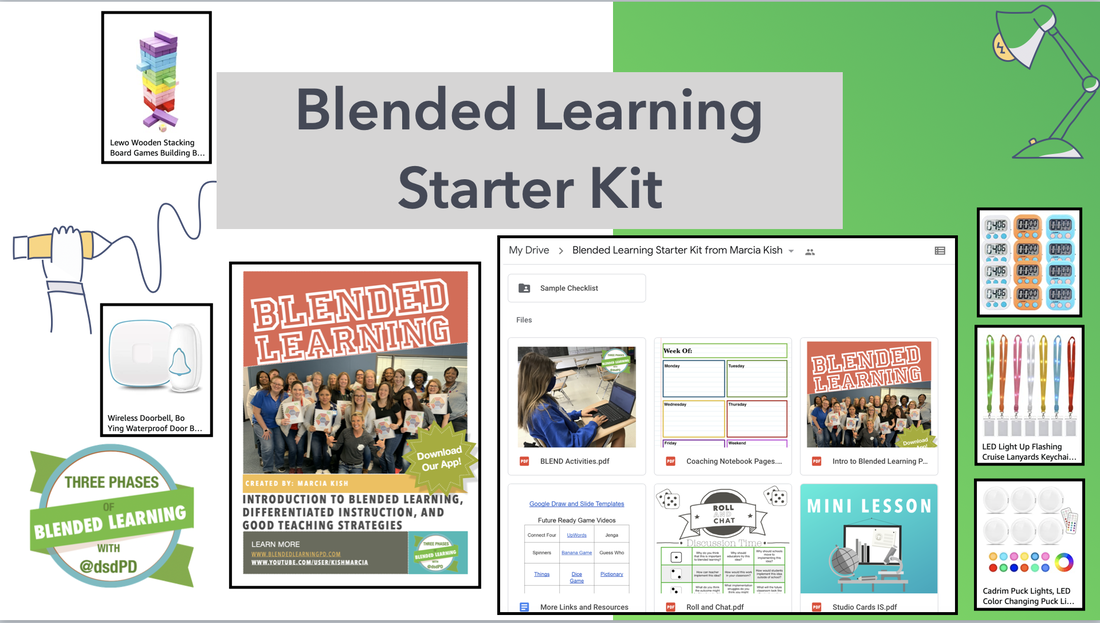
Weekly Blend Part Three: Tips and Tricks
Preview for Week Three of the Weekly BlendWow, what a fantastic week of resources and ideas for getting started with Blended Learning. Next week on the weekly blend, we will break down all four learning studios and talk about what activities can be found in each studio. Make sure you subscribe to our YouTube channel, so you don't miss any videos that we post. Have a fantastic week! --- Marcia
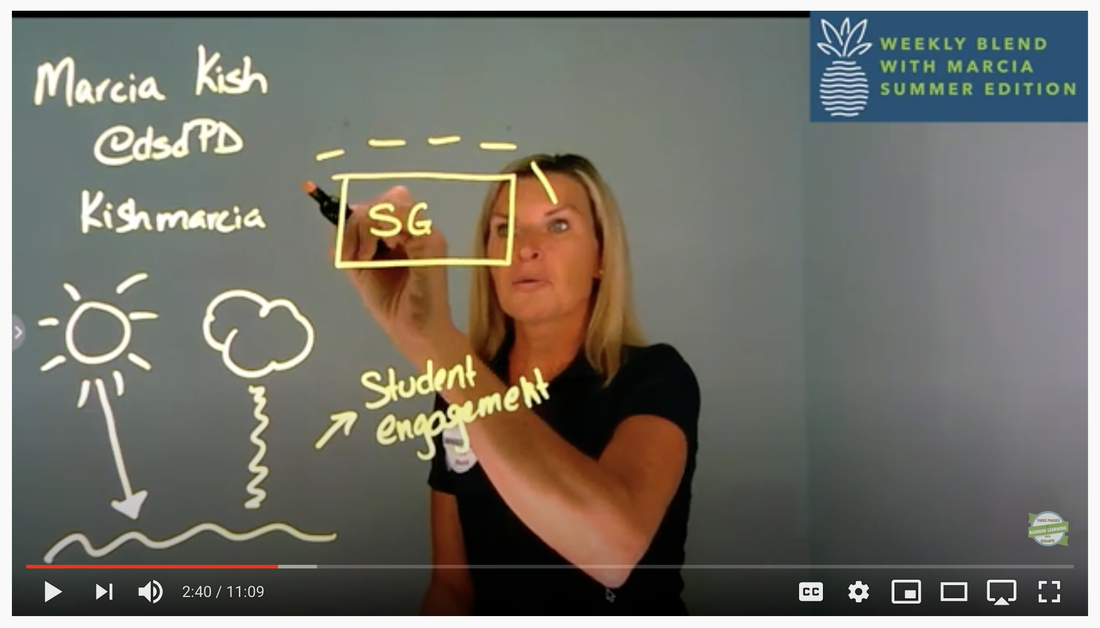
 Welcome to the Weekly Blend!The Summer Weekly Blend will last for a total of 12 weeks. Each week, we will provide Tips and Tricks for getting started with Blended Learning, an overview of key elements of Blended Learning, and ideas that you can use in the classroom. Week One will showcase, eGlass a new White Board for the classroom, design vs decorating the blended learning classroom, and Blended Learning resources. Let's Get Started eGlass - The New White Board
Design vs Decorate
Blended Learning ResourcesTo round out Week One of the Weekly Blend Summer Edition, we wanted to share out fantastic resources and guides for the getting started with the New Blended Learning Classroom. Take a look at some of the links listed below.
Join Us Next WeekJoin us next week for Week Two of the Weekly Blend Summer Edition where we will showcase how a blended learning deployment plan, define "Studios", provide a list of technology websites, and the Blended Learning Starter Kit. See you next week!
The Weekly Blend with Marcia Kish is a resource for Educators, Instructional Coaches, and Administrators, who would like to learn more about implementing Blended Learning into the Virtual, Hybrid, and Social Distance classrooms. Each week, Marcia Kish will share a coaching video, new tech tools, tips and tricks, lessons learned, what to try next, and her favorite coaching items. Join us each week to learn more about deploying and implementing Blended Learning strategies into the classroom.
Weekly Coaching Video
FREE Snappy Class App for Google Classroom
Tips and Tricks
Across the board, almost all of the educators I am currently working with are asking for more ways to increase student engagement within the virtual and hybrid classroom setting. Below, I will showcase three of my top favorite ways to engage students during class. Hopefully, with these couple of tips and tricks, you will see more screens on during your lesson.
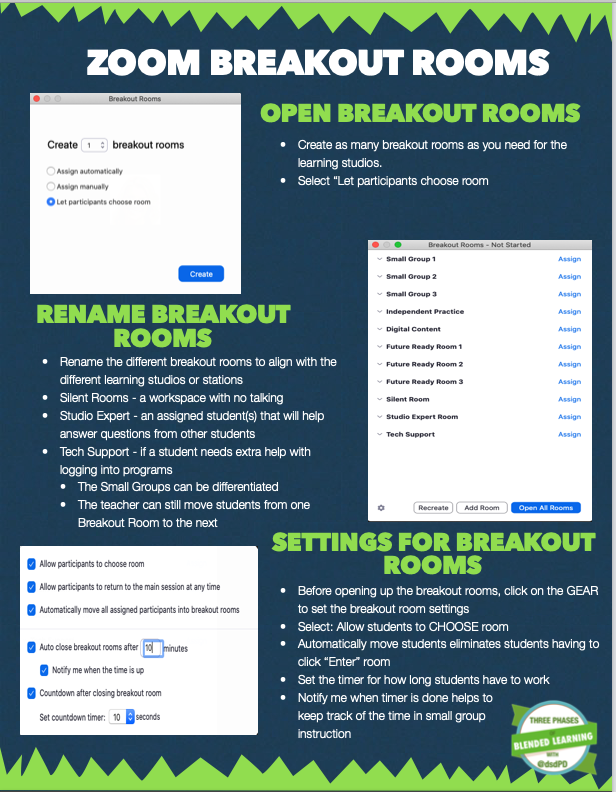
Individual Breakout Rooms or Choose Your Room
How to Increase Student Engagement
The most common struggle I hear among all of the teachers I am currently working with is student engagement. For the last couple of weeks, I have asked the teams to switch their mindset from being worried about student engagement and think about the lack of involvement as part of student ownership. Why are educators worried about engaging students? Shouldn't we provide ways for students to have voice, choice, and ownership in "their" learning?
I used the following analogy this week. Think of a cheerleader at a football game. The cheerleader is trying to engage the fans to cheer, clap, and yell to encourage the team to move the ball down the field. Now think of the student section at that same football game. The student section starts the cheers, chants and encourages others around them to motivate the football team. The cheerleader is the teacher! The student section is the students in the classroom. Both are important parts of the crowd supporting the team. When teachers stop and think about the amount of time, they spend trying to get the students engaged with the lesson vs. how much easier it would be to allow them to voice, choose, and ownership in the learning planning, the lesson becomes a big eye-opener.
FREE GOOGLE DRAW TEMPLATES
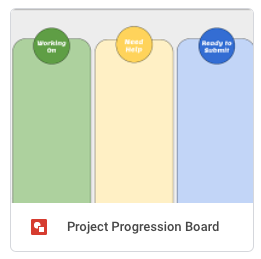
Try one of our Google Draw Templates to increase student ownership. Allow students time to collaborate with the activities in a small group while the teachers is pulling small groups to reteach the content standards.
Coaching Lessons Learned
This week while working with a team of Middle School teachers from Texas, I set aside time during our coaching session to have the teachers individually plan. I put about 20 minutes on the clock for them to work on their lesson plan. I made myself virtually available during that time, so if they wanted to ask questions or show me their lesson, the teachers could do so. While the first group was working, I did not have one teacher ask for help. When the time for planning was complete, I wondered if anyone had any questions. Crickets. Yikes, I wanted the teachers to asked for individual help, and I wanted teachers to showcase what they created. I knew it was not their fault, but instead, it was how I set up the work time.
STOP, ASK and LISTEN
After the first group of teachers attended the virtual coaching session, I thought about what worked and what did not work while planning with the teachers. I realized that I did not give them enough time to plan, that the teachers did not ask any questions, and I rushed the coaching session. During the Administrator reflection session, I asked what they thought went well and what I could do better. I listened. I did not respond but instead Stopped and Listened to what they were saying. They had the same concerns. The administrative team wanted the teachers to have more time to plan. I adjusted my coaching session for the next group. I set up the first part of the meeting the same way as the first group. However, when it came time to plan a lesson, I switched it up for the teachers. I add more time for individual planning, and I put the teachers into Individual Breakout Rooms in Zoom. Even though most of the teachers were in the same physical classroom, I put them in Individual Breakout Rooms to ask me targeted planning questions. It worked! During the 35 minutes of planning, I met with six different teachers, and I gave them individual help and guidance on their lesson plans. My time was used more effectively, and the teachers felt more successful. By stopping, asking, and listening to my reflections and the administrative team's reflections, we made the adjustments needed to ensure that everyone had time to ask questions. Who we are working with this week
CyFair ISD - Coaching sessions on hybrid learning for coaches and instructional support team
Judson ISD - Middle School training for the Math, Science, ELAR, and Social Studies Team Dean MS at CyFair ISD - Exploring data driven mini-lessons for the Middle School Classroom Spring, Summer, and Fall Workshops
We are currently booking for Spring, Summer, and Fall workshops, coaching sessions, and Keynote Presentations. Please click on this link to download a copy of our top session topics.
Blended Learning Workshop Information
With classrooms moving to a hybrid, live-streaming, virtual, and social distance environments, we decided to create a step-by-step guide on using Zoom Breakout Rooms to help meet all learners' needs. In this blog post, we will showcase examples of using Zoom for small group instruction, individual work time, and exploring the different settings that will make teaching a little bit easier during the 2020 school year.
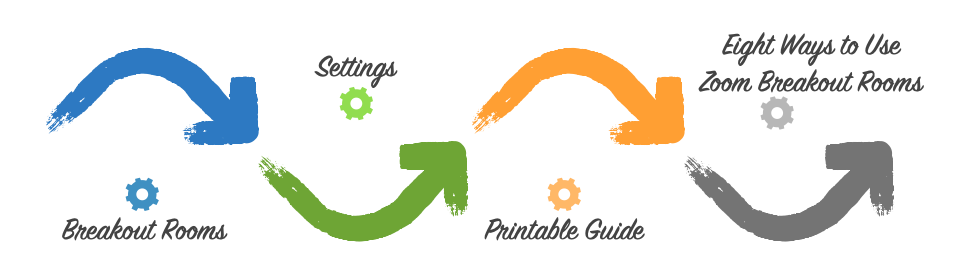
Breakout Rooms
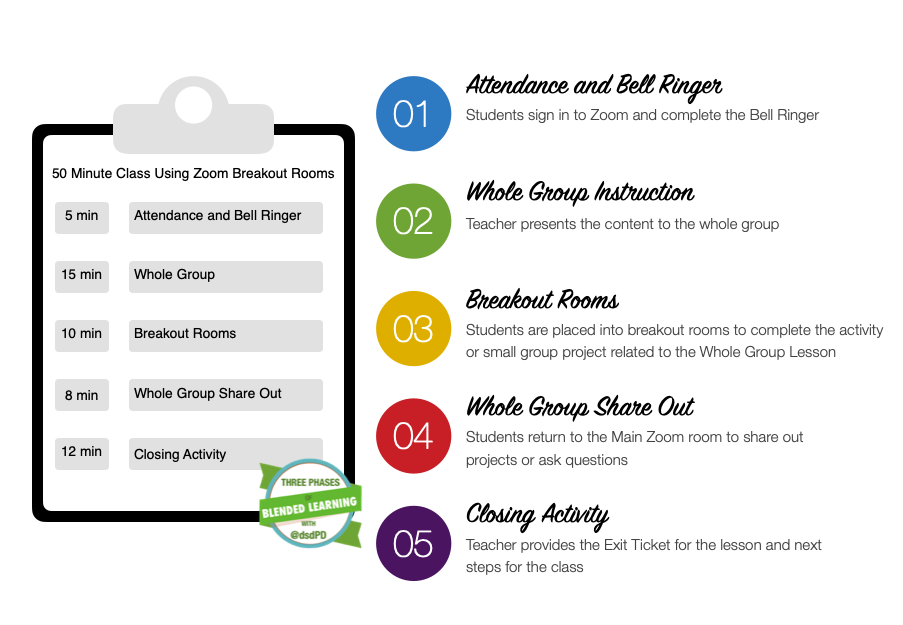
One of my favorite features in Zoom is the Breakout Rooms. During every virtual professional development workshop that I deliver, I am always sending educators to the different breakout rooms to discuss, share, and implement the strategies taught during the whole group session. Using the same approach that I apply during my workshops, we are now implementing the hybrid, virtual, live-streaming, or social distance classroom environment. Below is an example of setting up a 50-minute classroom setting using Zoom Breakout Rooms.
Zoom Settings
Zoom is continuously adjusting and modifying the platform to adapt to the virtual, hybrid, live-stream, and social distance classroom environments. I have found that exploring the different Zoom settings through the Zoom.us website is essential to ensure that the Zoom session you deploy fits your classroom needs. Take a moment to watch the following videos on Zoom Settings.
Video One: Settings Inside of ZoomVideo Two: Settings Inside of Zoom.usZoom Printable Guide
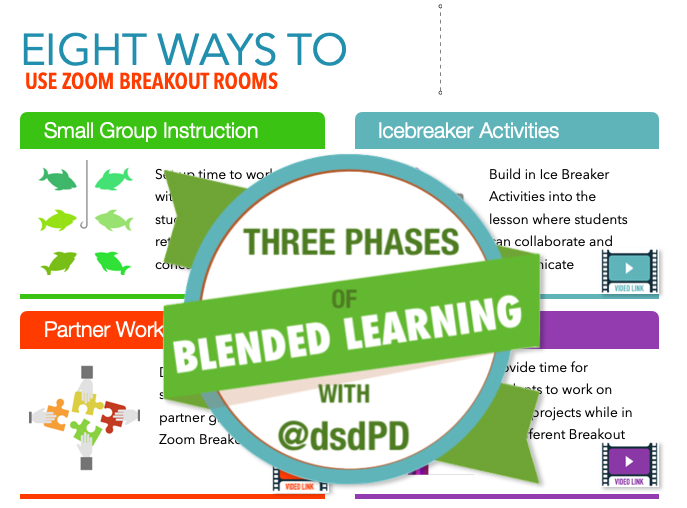
Eight Ways to Use Zoom Breakout Rooms
Explore Eight Ways to Use Zoom Breakout Rooms. The link will provide you with tips, tricks, strategies, and how to use Breakout Rooms for small group instruction in the eight short videos.
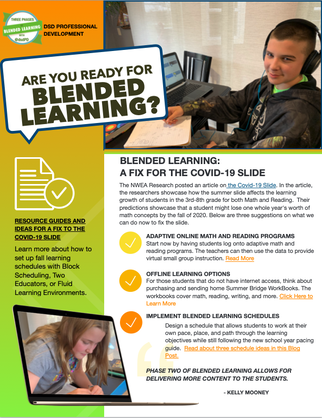
What can we do to help slow down the slide? What can educators do in the fall to help fix the Covid-19 slide? I suggest, Blended Learning as "A Fix To Covid-19 Slide" Continue reading to learn more about how to "Slow and Fix the Learning Slide"
What can we do NOW to slow the slide?
According to the NWEA Report, Math tends to have a more substantial decrease in retention of information during the summer months. As the students progress to the higher grade levels, the math skills decrease. Reading is still essential, and educators should also focus on reading skills now and in the fall. In some of the data reports, the prediction for information loss will be almost a full academic years worth of growth. We need to device a plan on how to slow the slide and to customize a new educational program for the fall.
Training the Teachers
With schools closing early for the 2019/20 school, now is the time to take a deeper dive into the "New Normal" for education. Blended Learning will become part of the education process for the fall of 2020.According to the USAToday.com Report, students will either start the school year with at-home learning, participate in some type of A/B schedule, or have flexible learning schedules.
Explore some of our Virtual Workshops for Schools as well as for Individual Educators looking to learn more about Blended Learning and EdTech Tools. Slow the Learning Loss Slide
Over the years, I have suggested adaptive digital content tools that will help reteach concepts to the students during a blended learning classroom. For those students that have internet access, using one of these FREE online programs could help to slow learning slide down.
Math Online Adaptive ProgramsFreckle
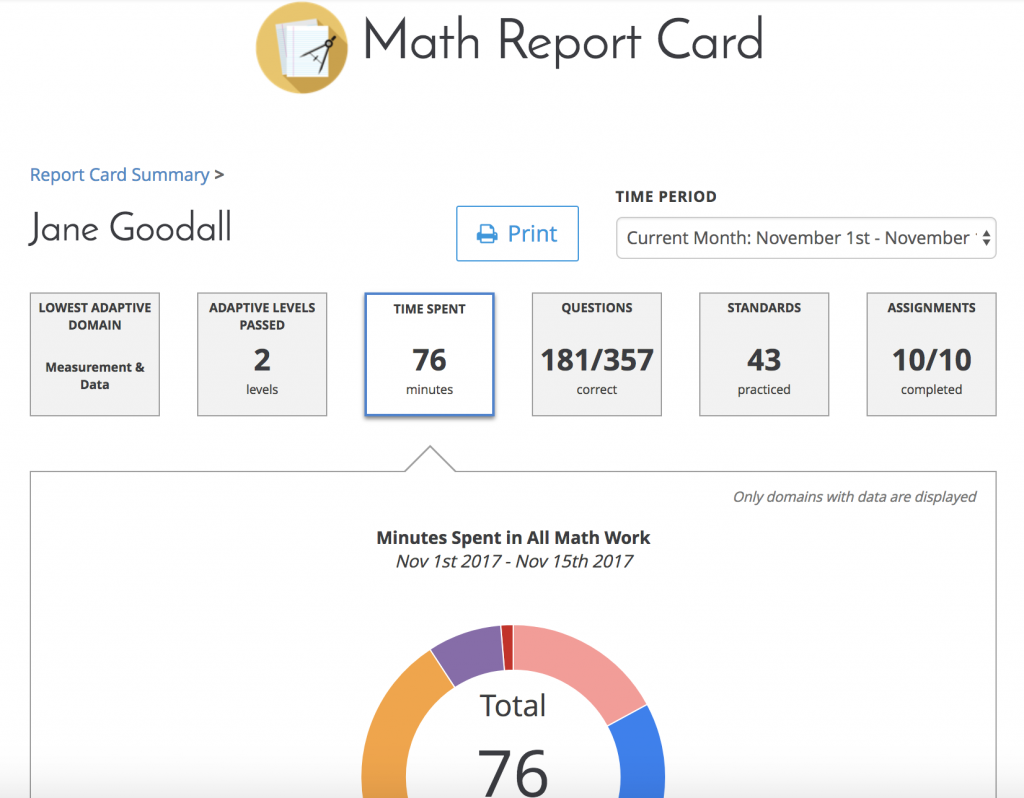
Freckle.com is an adaptive math program for Kindergarten through 8th grade. The students will sign up for the class with the provided code from the teacher. Next, the students will need to take an online adaptive test for all five math concepts. After the students finish the level set quizzes, they will start to move through each math concept at their current math level. Note that each math problem can be read out loud to the students. If the student misses a question, a video will pop up, showing how to solve the problem. Data reports show the educator the current math level, what areas that still need more work, as well as the number of minutes each student worked through Freckle.com.
Prodigy
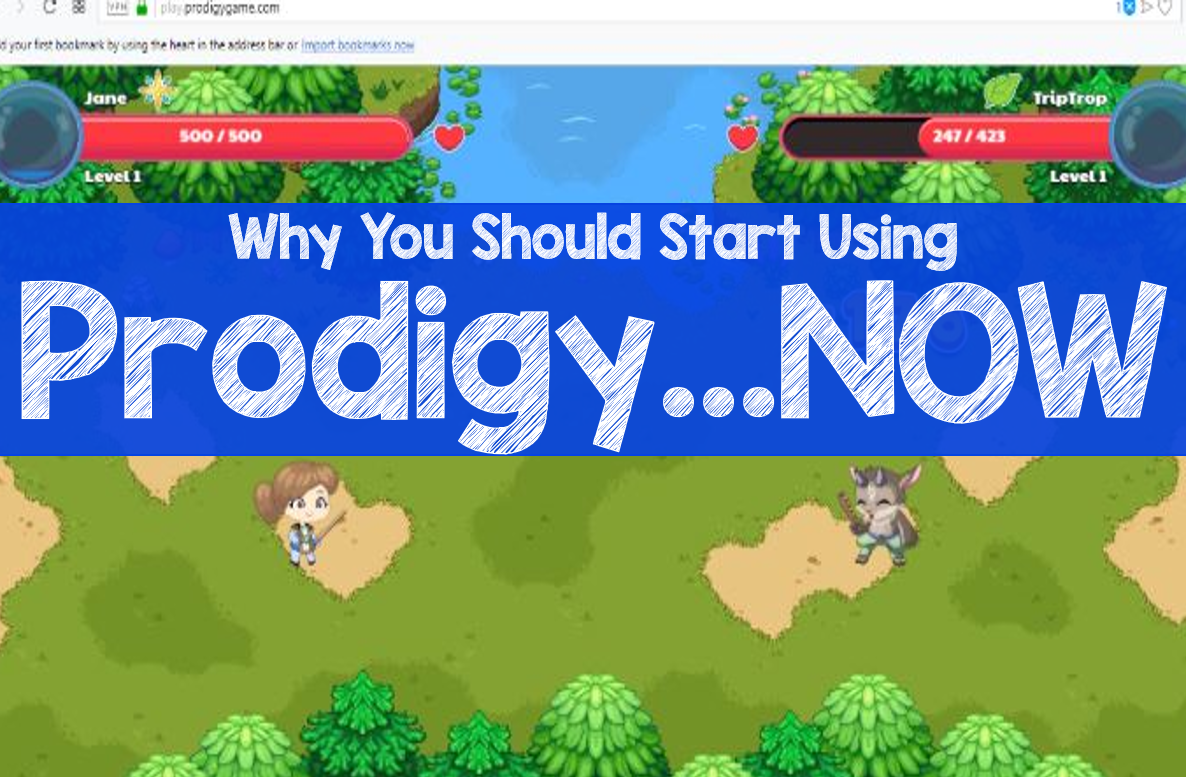
Prodigygame.com is an adaptive math program. The program adjusts the learning level of the student based on the pre-assessment test. The students learn about new concepts, a practice previously learned content, and compete against other math students in the arena. Students love this program. Teachers love the data reports from Prodigy. The reports are easy to read, and the teacher can supplement the missing information with additional mini-lessons. is a math adaptive program. The program is set to adjust the learning level of the student based on the pre-assessment test. The students learn about new concepts, practice previous learned content, and play compete against other math students in the arena. Students love this program. Teachers love the data reports from Prodigy. The reports are easy to read and the teacher can supplement the missing information with additional mini-lessons.
Khan Academy
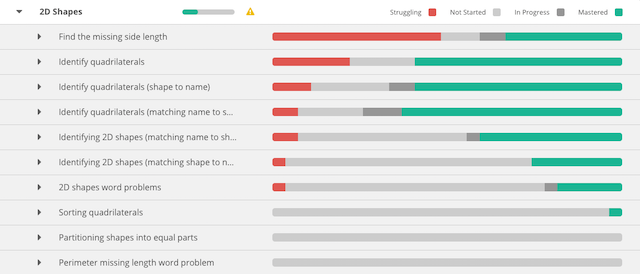
Khan Academy allows the students to test out of math concepts. For example, if a student can master the math concept during the pre-assessment, the program will skill the lesson tutorials, which in return will allow the students to move through math concepts faster or slower depending on their depth of knowledge. The data reports will showcase the mastered ideas, the struggling concepts, as well as the skills that the students have practice. Watch this series of videos by Kahn that demonstrate how to read the individual reports.
Mathigon
Mathigon.com is one of my new favorite high school math programs. The program is not adaptive, but it brings math to life with interactive activities for each chapter. The data reports provide an outlook of what the students have completed, where they might be struggling, and lesson planning suggestions for the teachers. Remember, we are not replacing the teacher; we are providing learning opportunities to help slow the slide of education until next fall.
Fixing the Slide in the Fall
There are a lot of suggestions out there for how to fix the Learning Loss Slide in the Fall. One idea would be to have the teacher loop with the students to the next grade level. This might sound like a good plan, but believe it or not, it will add more stress to the teacher. The teacher will have to learn the following grade-level content and reteach the concepts from the previous year. That is a lot of extra prep for the teachers. I have come up with Three Ways to Fix the Slide of the Learning Loss through the deployment of Blended Learning.
1. Block Schedule
Over the years, I have worked with blended learning schools that have adjusted the regular schedule to accommodate for longer lengths of learning periods called Block Scheduling.
Template One: A and B Days and Regular Schedule on Friday Template Two: Wednesday and Thursday Block Days (Read more about the different types of Block Scheduling) A Block Class could be broken up into two parts. Part One, would cover new content in order to stay up with the current pacing guide for education. Part Two of the block would allow for differentiation of content or reteaching of concepts that were part of the Covid-19 Learning Loss. 2. Extra Support
Adding in support teachers or incorporating two educators into each blended learning class could help with the Covid-19 Learning Loss. Teacher A provides small group instruction to the students based on the current pacing guide suggested by the school district. Teacher B provides small group reteaching based on the missing concepts. Both teachers would be in the same classroom. The students would travel to both mini-lessons, independent practice, digital content, and future-ready skills throughout the class period. By having two educators in the classroom, the students will be able to relearn the missing concepts and get back on pace within a school year.
3. Fluid Learning
Another way to accommodate for the Covid-19 Learning Loss might include Fluid Learning. Think of setting up the school day in two parts. The first part of the day would be a Personalized Learning approach where the students would fluidly move from lesson to lesson based on their academic growth. Stay with me here. The students would enter the school and go to their homeroom. During the homeroom time, the students will review their new schedule for the first part of the day. The student would visit the teacher(s) that are teaching the critical concept for Math and Reading based on their learning plan. After the first 90 minutes of the day, the students would return to the homeroom and continue with the regular blended learning day.
The Covid-19 Learning Slide
There is no doubt that there will be a learning slide from Covid-19. To prevent too much loss, starting now with the implementation of adaptive learning programs, and preparing for learning in a blended learning fashion, we can fix the learning slide.
Learn More About Blended Learning
Before Ohio shut down the schools on March 16th, I was able to spend quality time with my two adorable twin nieces, Maysen and Alexis Jahnke. Maysen and Alexis are Freshman at Chardon High School, and like many students, they love everything about school. They were on the flag team, debate team, track, lacrosse, and much more. School is not only a place to learn but also a place to socialize, interact, and be around people their age.
When they found out that school was going to be closed, they went through a rollercoaster of emotions. At first, Maysen and Alexis were excited and treated the first week off of school like one big giant snow day. Late-night FaceTime with friends, TicTok video creations, some homework, but mostly enjoying sleeping in. The second week came around, and they were seriously missing all of their friends, teachers, sports, and a routine. Week three is coming to an end, and the girls are now adjusting to the new normal of completing schoolwork at home, dealing with their brother, Thomas, all day, and their mom and dad requesting quiet hours so they can conduct work Zoom meetings. The New Normal
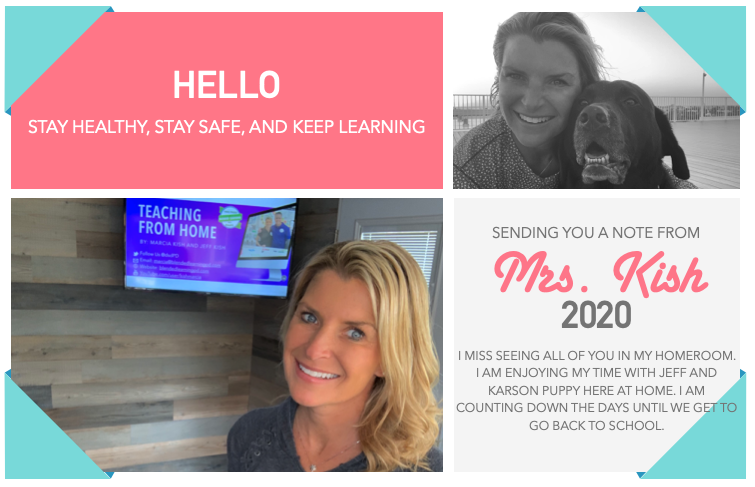
The new normal and staying connected with students is extremely important. Humans are social beings. We live in communities, gather together, share common passions, and thrive in learning from each other. As educators, we need to make sure that we are still connecting in some way with our students. I have generated a list of five ways to connect with students during the time of quarantine. I challenge you to try one this week to see if you can connect with your students or staff members.
Five Ways To Connect With Students1. Zoom.us
Zoom.us is a fantastic tool to conduct virtual social gathers while being in quarantine. Zoom is a free online program and is easy to use with student, parents, and family members. Watch the quick video on how to get started with Zoom.
2. FlipGrid
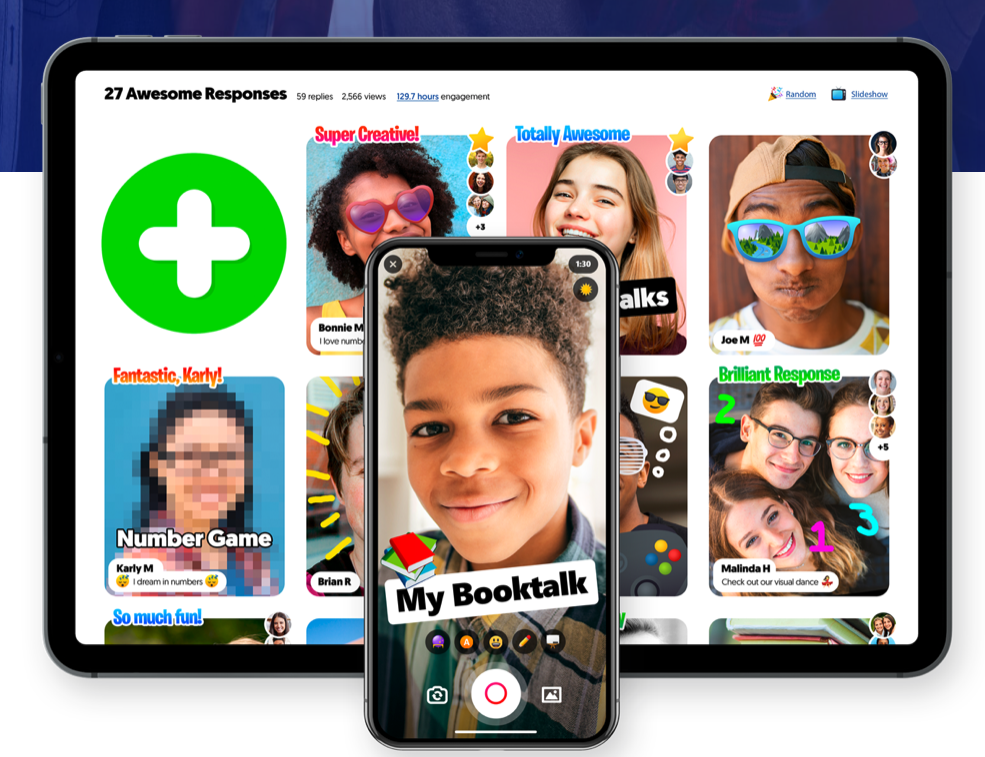
Set up a FREE Flipgrid.com account and send out simple but fun prompts to the students via Google Classroom or email. The students will love making the videos as well as seeing their classmates videos. Creating and sharing videos is an asynchronous event so the students can complete and watch when their schedule allows.
3. Google Slides
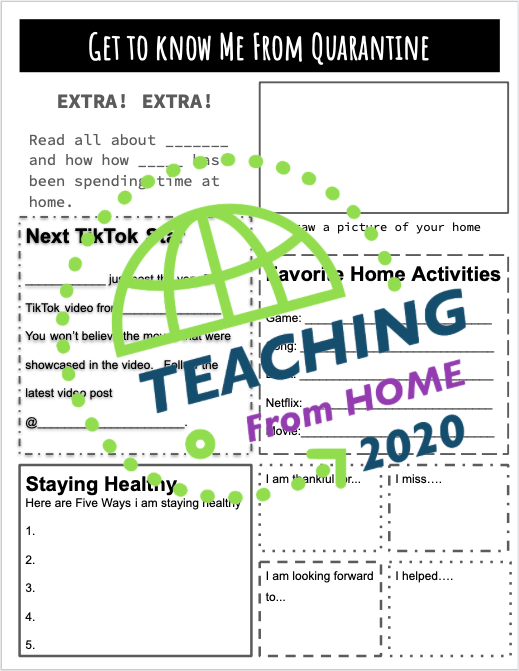
Think about using Google Slides as a show and tell activity. Use the Google Slide template or make your own template. Share out the link to the students. Make sure the setting are set up so that way everyone can edit. Note: you may want to set up the slides with numbers and ask the students to use their school magic number for their slides. Watch the video below as well as click on they image to get your free copy of the Google Get To Know Me from Quarantine.
4. Yoteachapp.com
Create a private classroom backchannel for the student to talk, share, post, and comment to each other with www.yoteachapp.com. Watch the quick video on how to set up your backchannel as well as how to share out yoteachapp.com to the students.
5. Send a Post Card
For those students that might not have internet connection, think about sending a letter or a postcard to the students. Write a quick little message about how things are going with you at home with the kids, pets, and family. Then ask how they are doing and that you would love to hear back from them. If you would like, send a pre stamped envelope with your address along with your letter so that way the kids can write you back. Try it! See if you can get all of your students to respond to you through the US Mail.
Learn More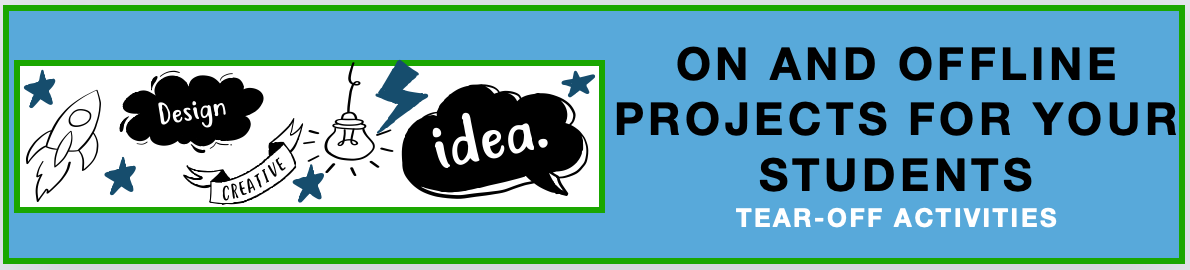

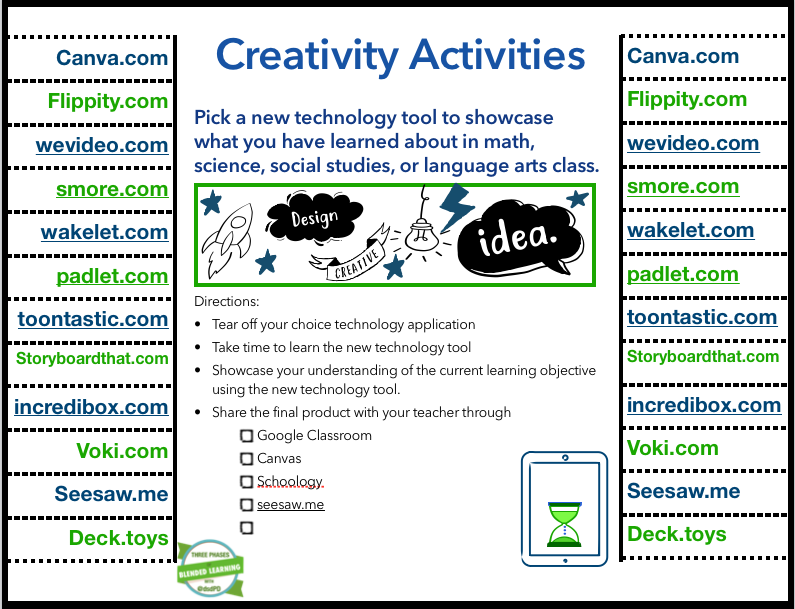
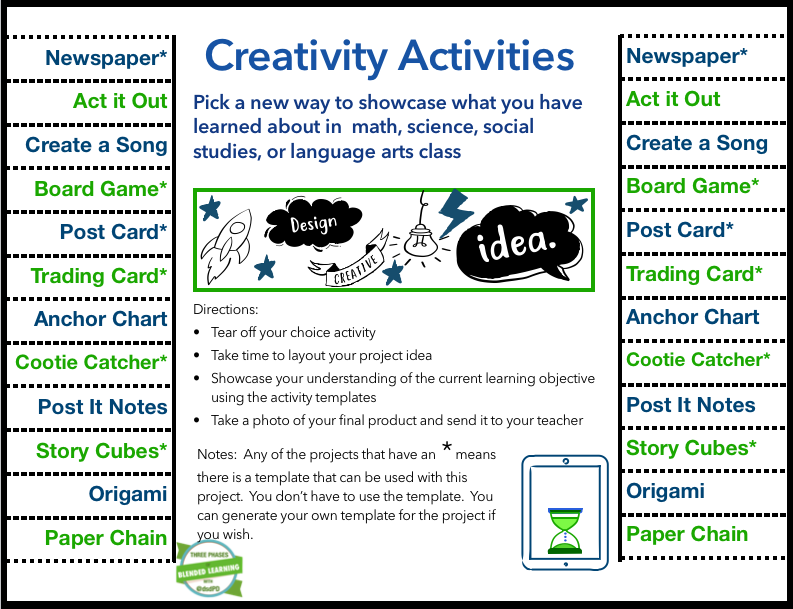
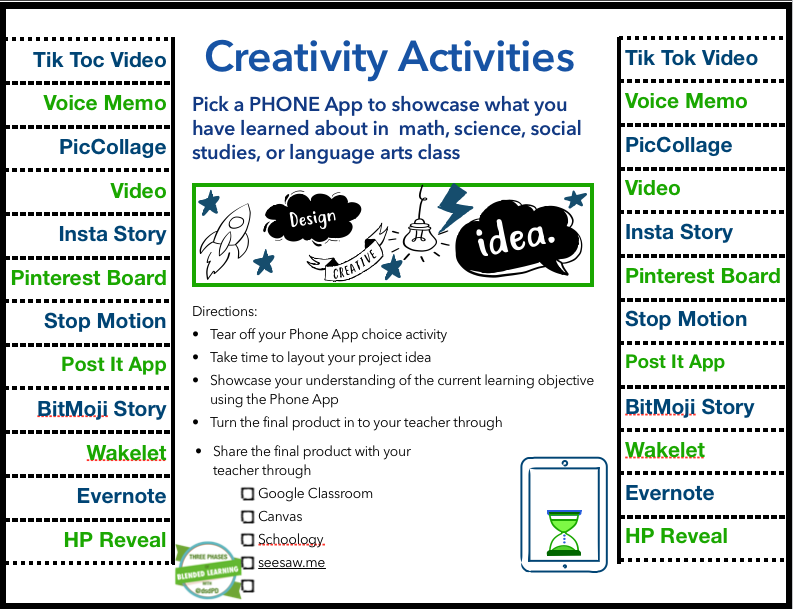
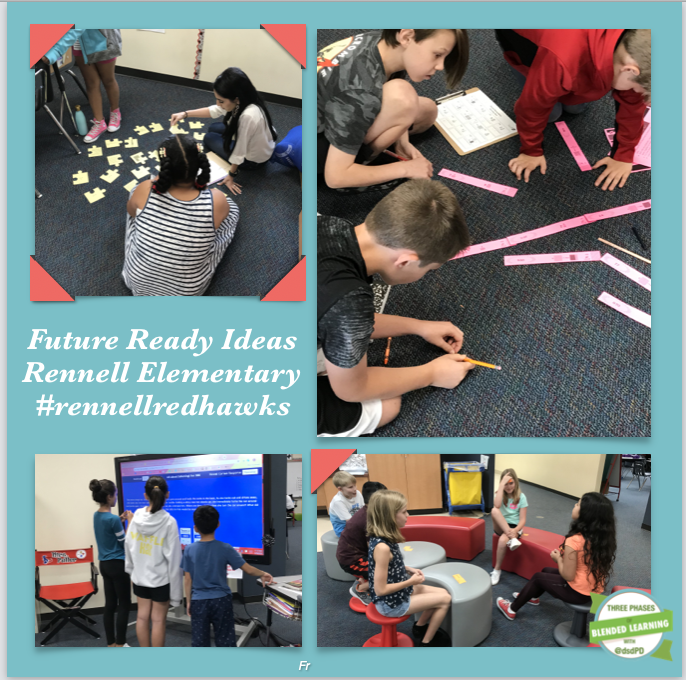
 Don't let learning stop! With the unknown of when students will be able to enter back into the classroom, provide online and offline activities for your students to complete from home. The following activities can be printed off for the students and turned into the teacher via Google Classroom, Schoology, Canvas, seesaw.me, or email. I came across this tear-off learning activity from my good friend, Meredith Akers. Meredith is a principal at Rennell Elementary at CyFair ISD, and she designed a math lesson where the students had to tear off a math problem during the Future Ready activity for a blended learning lesson. The students and the teachers loved having a choice in different activities. While thinking about what the students could do at home, I came up with the tear-off activity that can be used with any subject and topic. TEAR-OFF ACTIVITIES
I have generated three different types of tear-off activity sheets. The online technology tools will explore twelve various technology tools that are all free to use for the students. The offline twelve activities can all be completed with the printable templates or with paper and markers. Finally, I created twelve phone applications that can showcase the understanding of the concepts that are free for the students to use with their smartphones. The teacher or the parent will assign a new idea for the students to learn or research. The student will then pull or pick a new technology tool to use to showcase their understanding of the concepts. When the students are finished with the project, he will send the finished product to the teacher through email, Google Classroom, Schoology, Canvas, or Seesaw.me. Click here to grab your copy of the creativity tear-off activities and templates.Read More about Blended Learning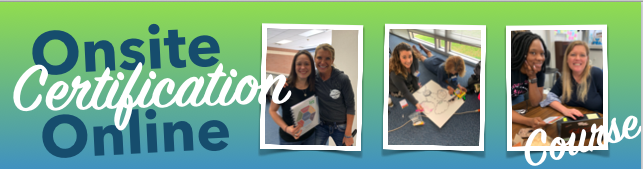 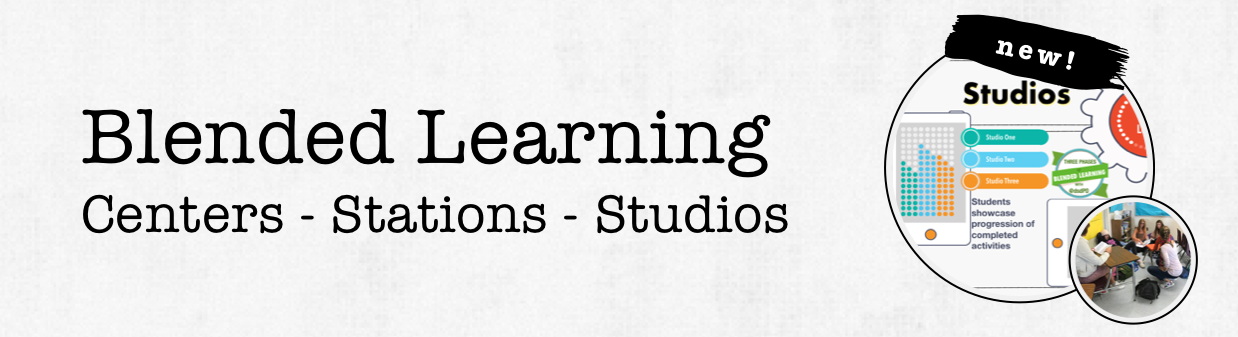 
Data, Data, Data-- Everywhere There Is Data
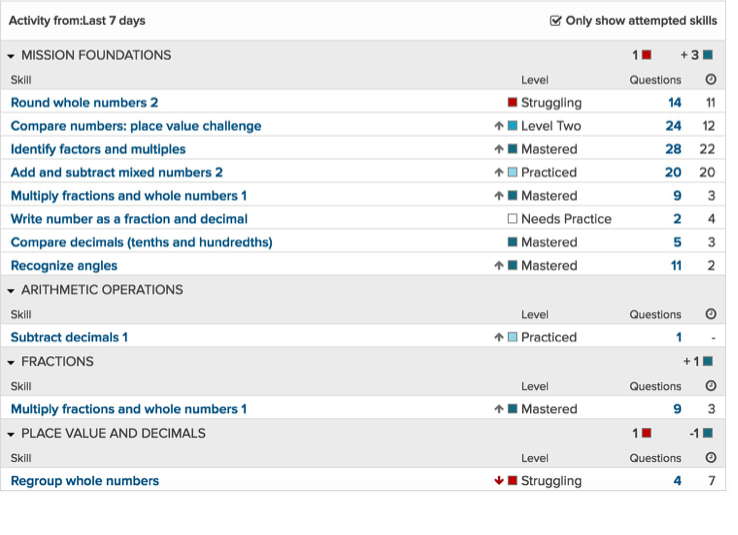
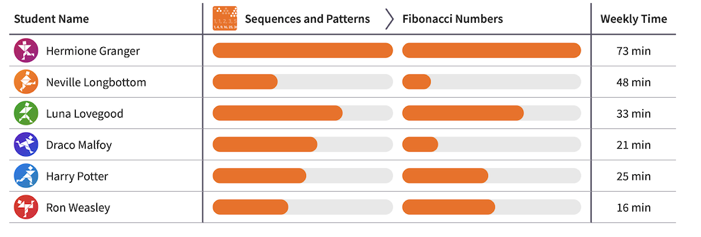
Nowadays, educators have so much data being tossed at them daily. There are online data from the digital content resources, the district provided data from the common assessments, exit ticket data from the teacher, and not to mention the ongoing summative assessments. With all of this data submitted to the teachers, it is no wonder why most educators don't even know where to start with USING the data to drive the instruction in the classroom. Five Ways to Use the Data
This blog post will walk you through five ways to use the data in a blended learning classroom setting.
1. Simple Ways to Collect Data
Start by making a game plan on what type of data you plan to collect within a given day or week. Think about this scenario, a teacher deploys four learning studios, each studio has a quick check for understanding, and the teacher will see over 125 students in one day. That means that there is a possibility of 500 pieces of paper to grade from one full day at school. Nobody has time for that kind of grading.
Here is the Game Plan for grading and collecting data 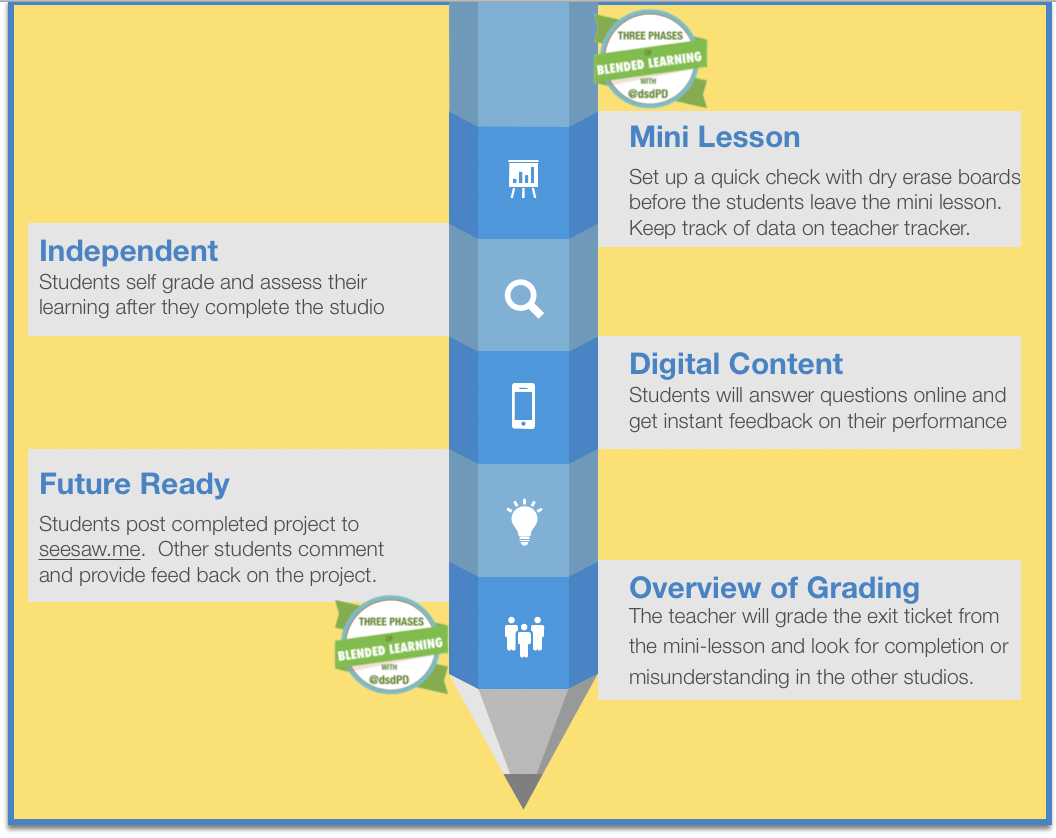
With this game plan, the teacher went from grading 500 pieces of paper to grading a quick check at the mini-lesson. The workflow went from being all on the teacher to now transferring the workload to the students. Of course, this does not happen overnight. You will need to take time to train the students on how to be responsible for completing their work, checking the work, and commenting on other student work.
2. Teacher Data Clipboard
After visiting close to 1,000 classrooms in the first semester of school, I have realized that most educators don't have a system to keep track of student growth, and data. Of course, every teacher is using the grade book reporting system to report absent students and test scores. I am not talking about the lack of reporting essential data but rather how a teacher can keep track of the daily data and weekly progress of understanding a skill or concept.
After visiting a Kindergarten classroom at Kirtland Elementary, I feel in love with their daily tracker. (See the photo below.) The tracker was easy to use, it kept track of daily growth, the standards and breakdown of the standards were listed on the top, and the teachers used the data to group and regroup the students based on the mini-lesson exit tickets. 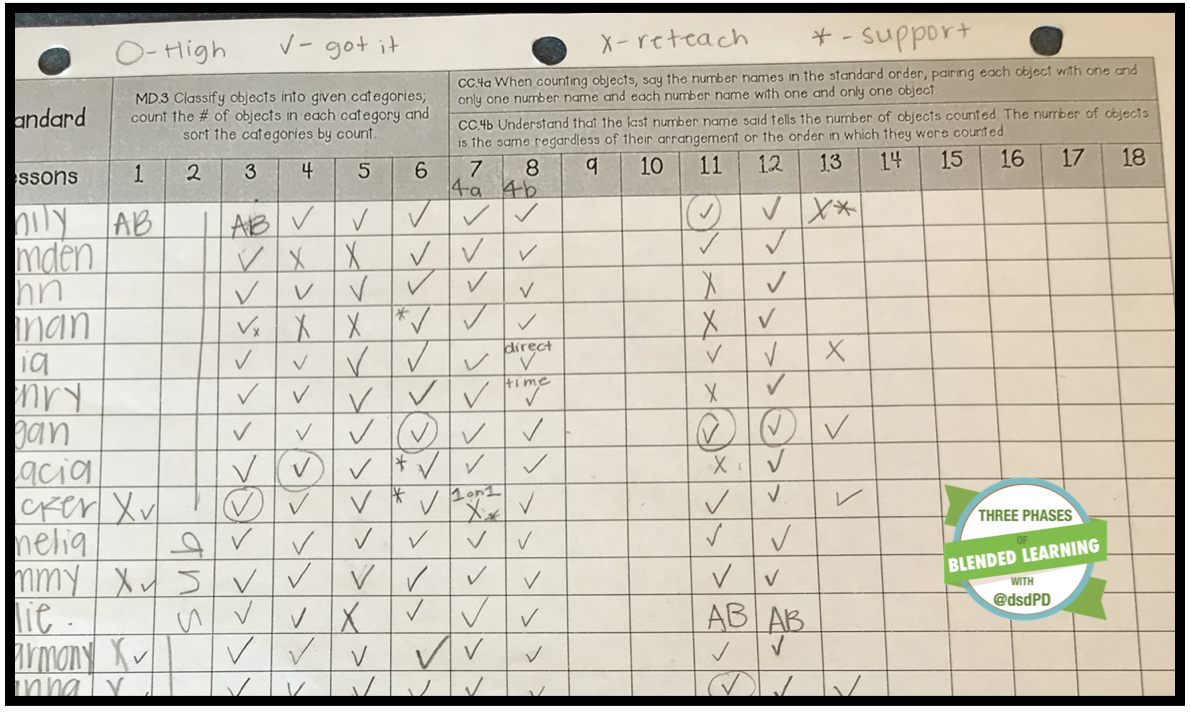
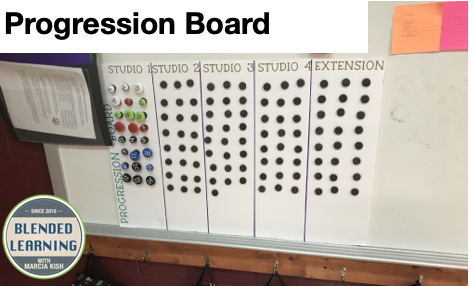
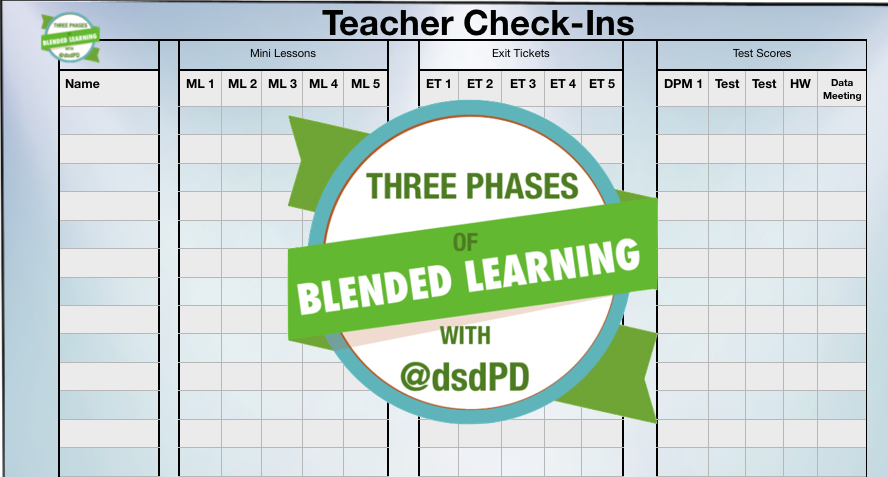
I took this idea of the data tracker and created a blended learning weekly teacher progression board. The teacher progression board keeps track of the standard, the mini lesson exit ticket, the whole group exit ticket, any assessments, and the weekly data meeting. Watch the video below to learn more about the Teacher Progression Tracker.
3. Google Forms
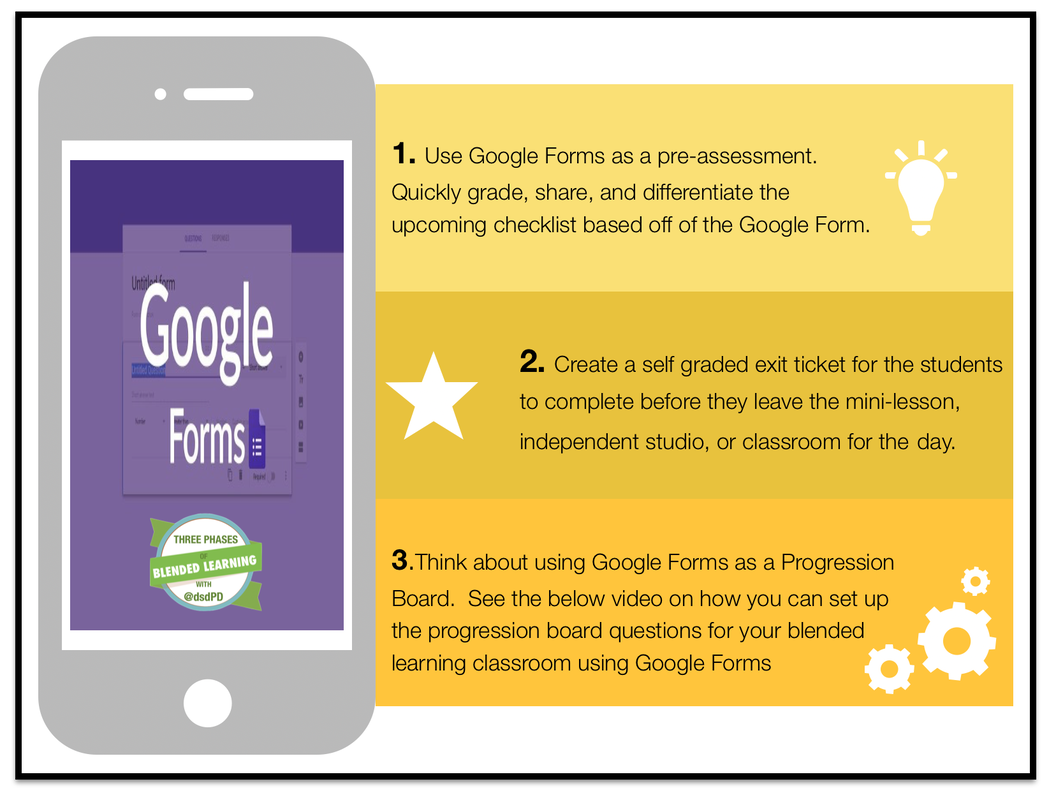
I love using Google Forms. The ability to send students to a different question based on the answer is one of my favorite aspects of Google Forms. When using data in the classroom, Google Forms can become one of your quick assessments. Students can complete the quiz on their iPads, laptops, chromebooks, laptops, or even their phones. Watch the video below as I showcase how to design a quick formative assessment using Google Forms. Pay close attention to the end of the video where I showcase how to obtain notifications that someone responded to the Google Form.
4. Digital Content Websites
There are a lot of great digital content websites out there on the world wide web. I am going to share out my favorite websites that are adaptive, collect data, and are student friendly. Feel free to post any additional websites that you would like me to add to this list in the comment section below.
Elementary Data Collection Websites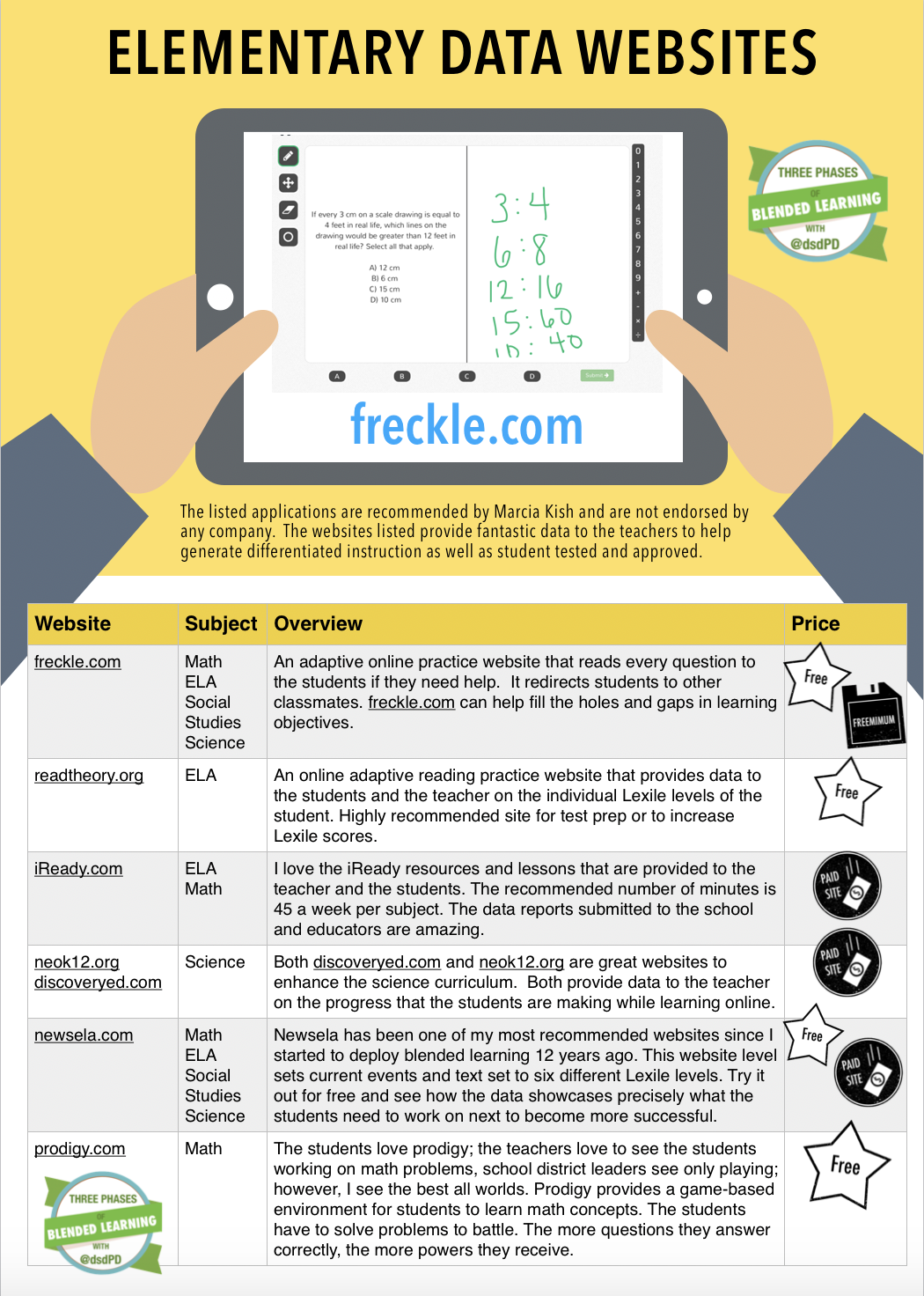
Freckle
Read Theory
iReady
Discovery Ed and Neo K12
Newsela
Prodigy
Middle School Data Websites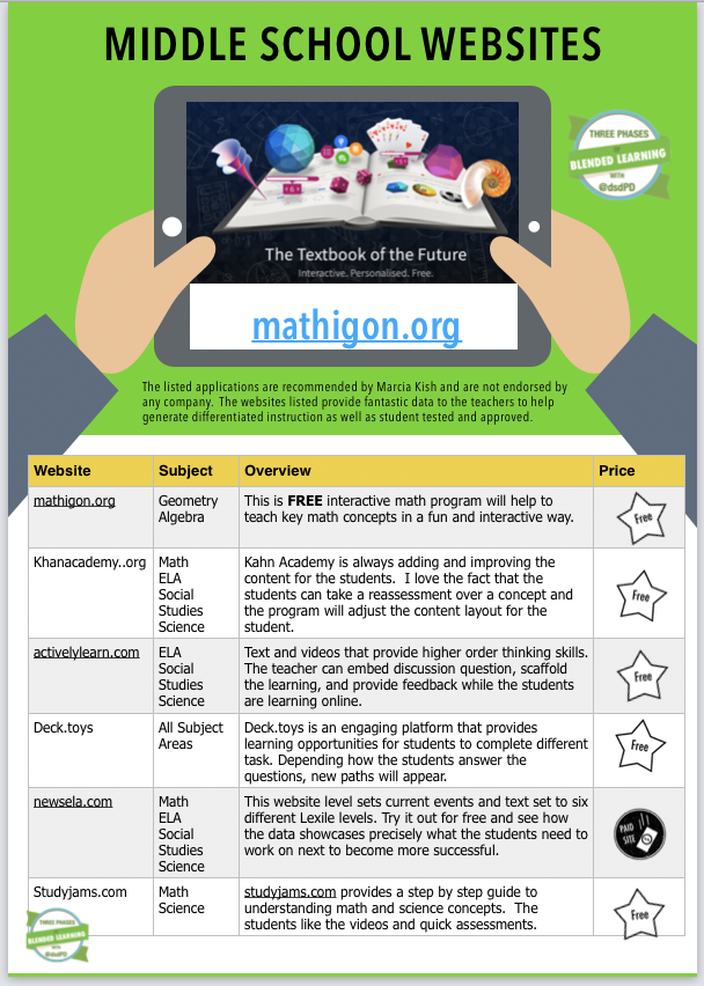
Mathigon
Kahn Academy
Actively Learn
deck.toys
Newsela
Study Jams
High School Technology Tools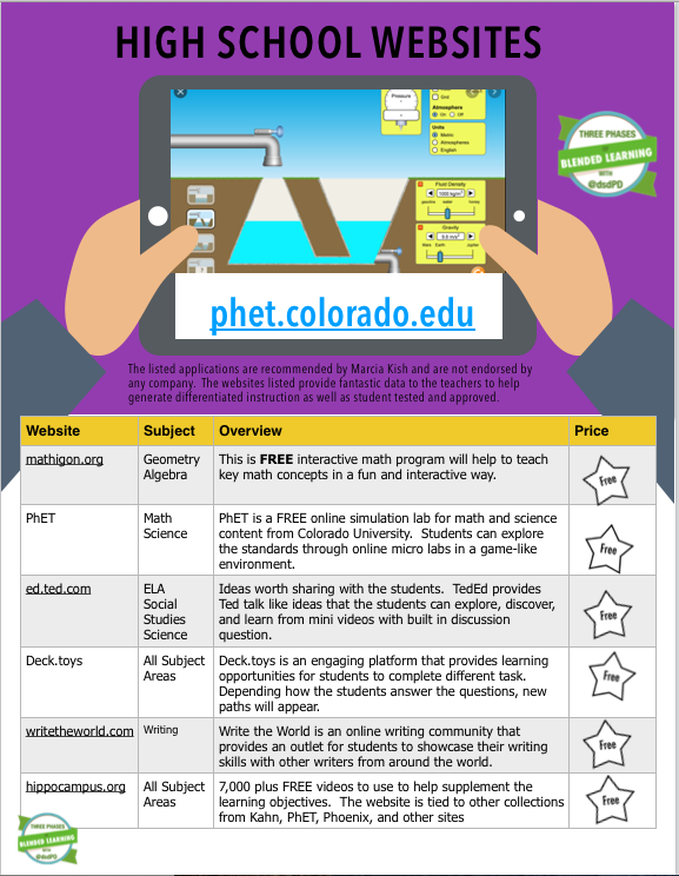
Mathigon
PhET: Free Online Physics, Chemistry, Math, and more
Ed.Ted
Deck Toys
Write the World
HippoCampus
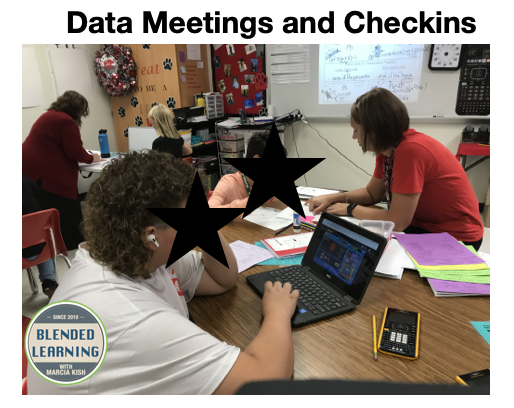
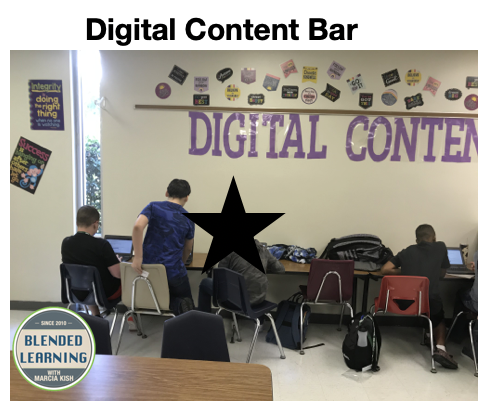
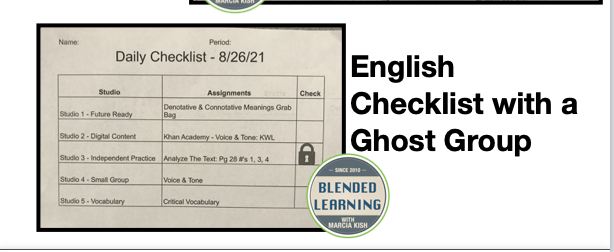
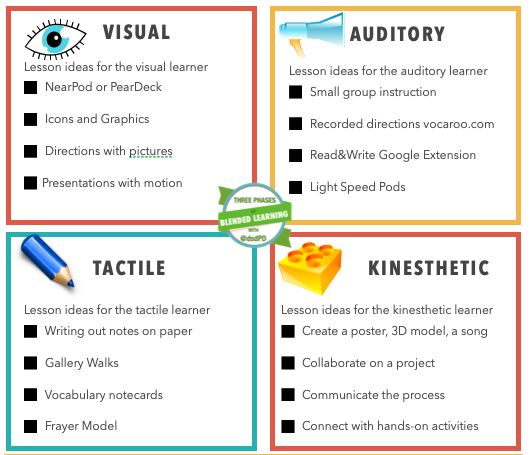
Data Meetings What is the difference between centers, stations, and studios? As a blended learning coach, I get asked this question all of the time. "What is the difference between centers, stations, and studios?" A lot of educators feel that when they implement blended learning into the classroom that it is just a new form of centers. However, the Three Phases of Blended Learning showcases how to deploy a lesson where the students learn in four different learning modalities. The four learning styles include, visual, tactile, auditory, and kinesthetic. Recent research has found that not all students learn in one form of modality but rather in multiple forms which will in turn increase the ability for the students to learn more quickly and be able to have a deeper understanding of the content. 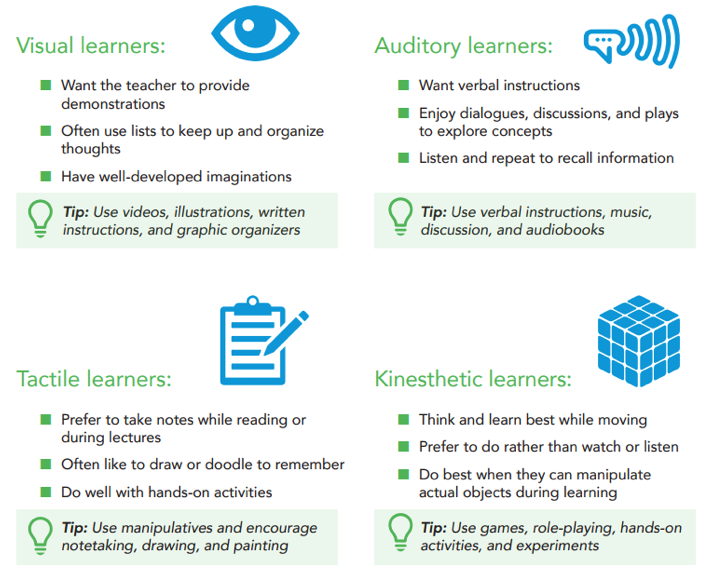 What are Centers?When I taught in the second-grade classroom, I deployed centers during my math and reading time. The students would travel from one center activity to the next during a given time frame while I worked with a small group of students at the kidney-shaped table. I am going to share out a sample center activity map that the students completed during my math time. Launch: To kick off the math lesson, I would have all of the students gathered around to hear the whole group lesson of the day. Next, the students and I would complete a quick number talk activity. Centers: After the launch, I broke the students up into different groups based on their level of understanding or last test scores. The centers included the following activities along with time to meet with me for small group instruction on the math concept of the day. 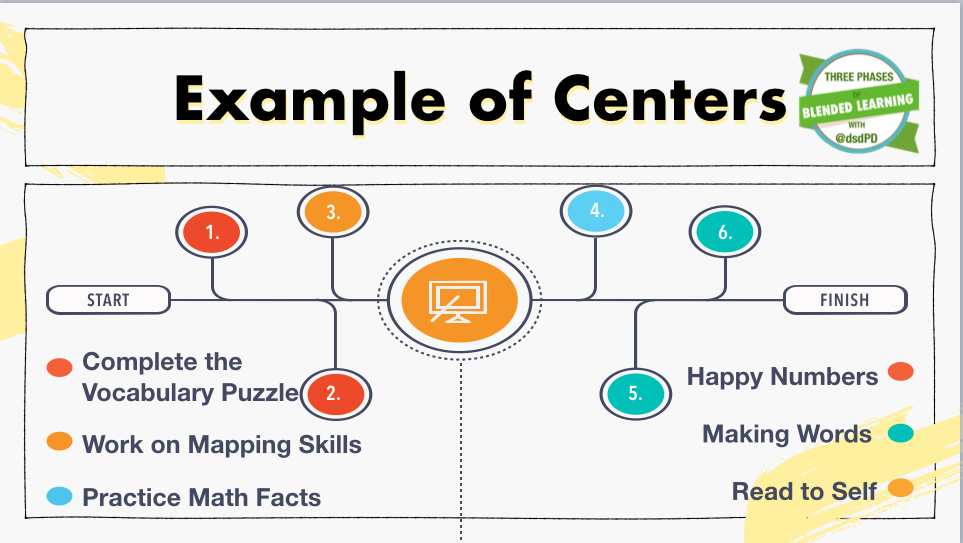 The students would work through the different centers until it was time to wrap up the math for the day, and then we would end with a closing activity that tied back into the key concepts for the day. Note that the students would only be able to complete two or three centers a day. StationsThe station rotation model is one of the key deployment plans mentioned by Michael Horn in his book Blended: Using Disruptive Innovation to Improve Education. Phase One of the Three Phases of Blended Learning process deploys station rotation as a way to train the students and the teachers. Stations help to build and develop the ability to learn in different modalities. A lot of our teachers enjoy the station rotation model because the teacher still has control of the classroom. An example lesson of a station rotation model would look like this in a Social Studies classroom. Launch: The teacher would kick start the lesson with a quick five-minute overview of the lesson topic, objectives, or essential questions. Stations: The students would move to the following stations during the given time frame. Note that each station would last for ten minutes and focus back on the learning objective of the day. Teacher Station: Small group instruction with the students Independent Station: Students working on their own to complete a worksheet Technology Station: Students would complete an online activity that ties back to the daily objectives Hands-on Station or Vocabulary Station: The students would have an opportunity to explore the content through a hands-on learning lab or work through key vocabulary words that align with the daily objective. 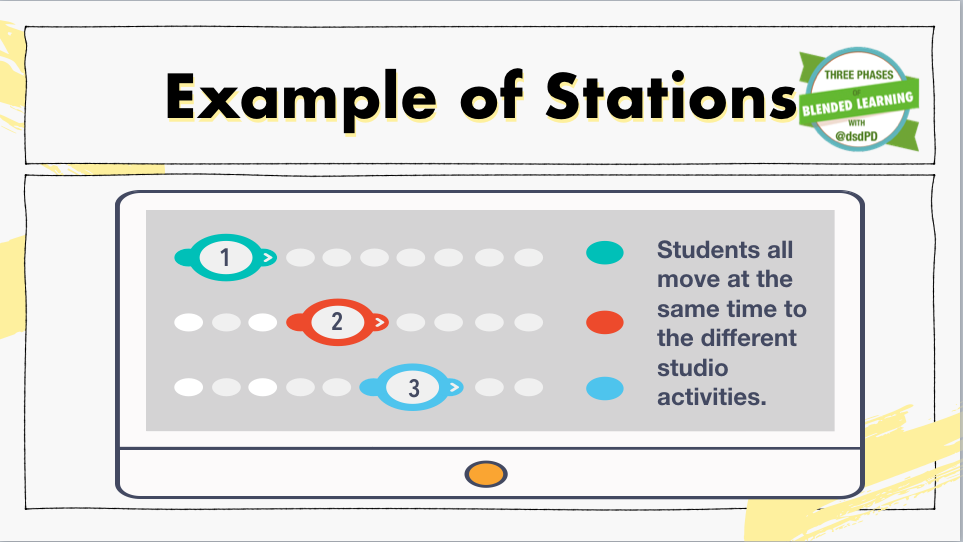 StudiosAs a blended learning coach, I have realized that moving to Phase Two of the Three Phases of blended learning is when pure magic happens in the classroom. The Station Rotation model (Phase One) is a great way to start to transform the classroom from whole group instruction to now allowing the students to work in small groups with different forms of learning styles. However, there are flaws with the station rotation model because not all of the students learn at the same pace. If the groups of students have to wait to move to the next activity when the timer goes off, then what happens to the students that finish early? What happens if the students don't have time to complete their work during that station? Studios, allow the students to move at their own pace freely. With the implementation of a checklist, the students can pick what studio they would like to complete first, second, and third. (Note that in Phase Two, the students can not choose the mini-lesson studio as a choice. The teacher will call the students back to the mini-lesson based on the data.) With studios, the students also can pick where they want to learn the content. The Phase Two studios, provide equal opportunity to learn the same content in four different learning modalities. The Launch: The teacher would point out the learning objectives and the starting zones for the day to the whole group. She would also provide any key concepts or resolve any misconceptions from previous days. The Checklist: The students would be given a multiple-day checklist that would include mini-lessons, digital content, independent practice, and future-ready activities (hands-on learning labs). Note, to prevent the students from staying in one learning studio too long, add in suggested time boxes on the checklist. Studios: The students start at their first learning studio. When the student completes the studio, he will move to the next learning studio of his choice. The goal of the day is to complete at least four studios, if possible. Mini-Lesson Studio: The mini-lesson, also known as small group instruction, is an essential part of the checklist. The teacher will meet with every student every day to teach, reteach, or enhance the learning in a small group setting. Closure: At the end of the class period, the teacher will conclude the lesson by reviewing the essential question and tieing the learning back to the primary objective. 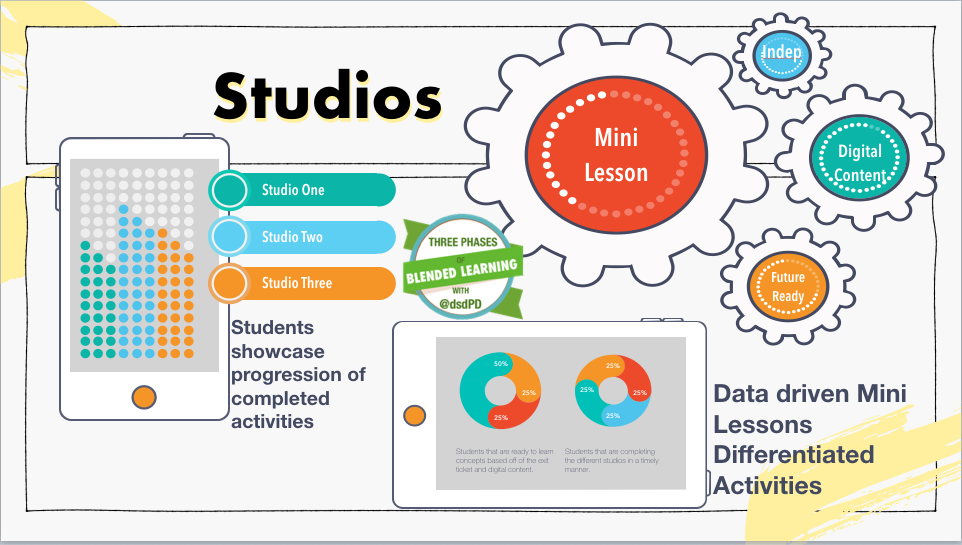 Centers- Stations- StudiosRegardless if you are implementing centers, stations, or studios, you are changing the delivery method of the content from whole group learning to small group learning. The students will be able to retain the information for more extended periods because they are learning the content in different learning modalities. Read More About Phase One, Phase Two and Phase Three
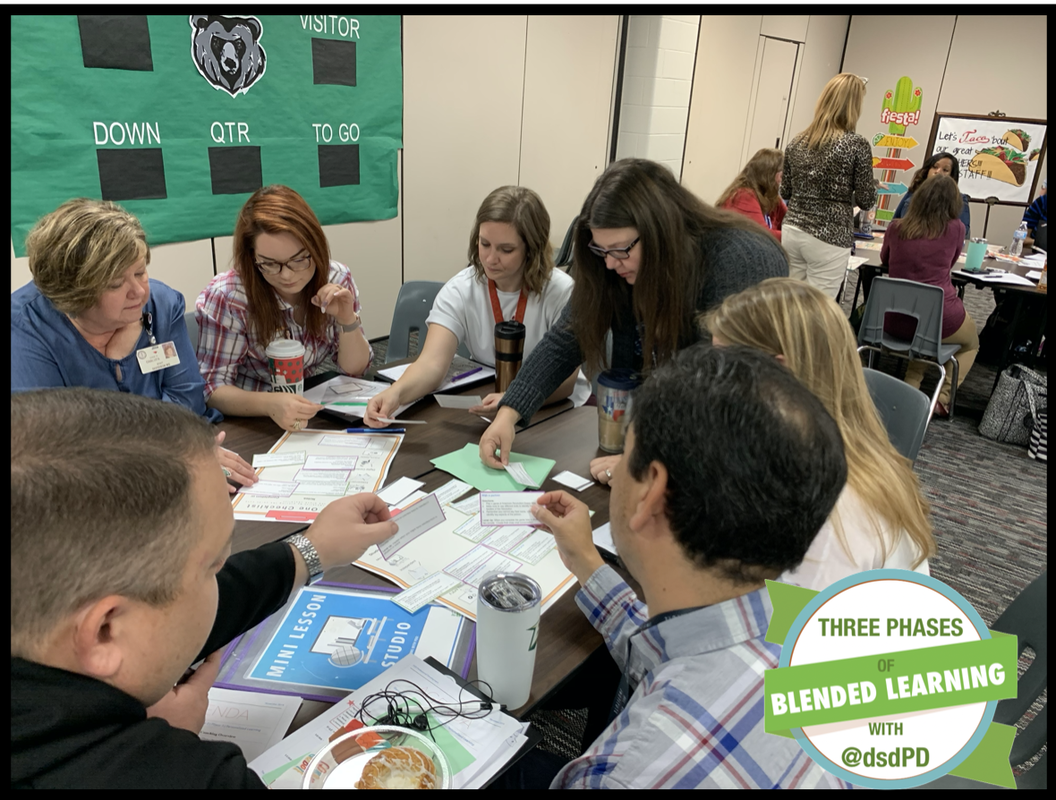
 Wow, yesterday was a fantastic day at CyFair ISD. I handed over the certification sticker to the last group of educators from the Three Phases of Blended Learning Certification Course! What a big moment. That means that we now have 60+ educators that are ready to train, coach, and implement The Three Phases of Blended Learning Model into the classrooms around CyFair and the country. 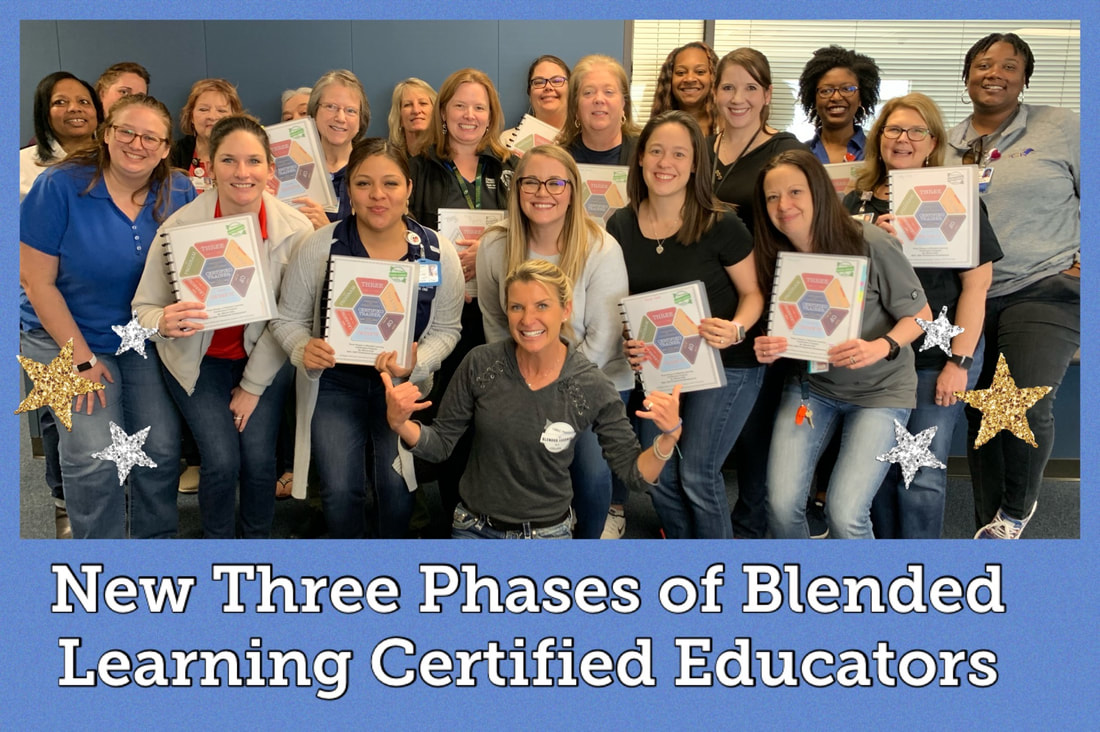 What is the Three Phases of Blended Learning Certification course?The Three Phases of Blended Learning Course is a six module onsite or online course that educators can take to learn more about how to implement blended learning in their classroom, at their school, or throughout the district. The six modules cover the following concepts.
Online Course: Sign Up TodaySign up and get started today. The Three Phases of Blended Learning Certification course can start when you are ready. You can work at your own pace and learn from other educators from around the country. Onsite Course: Submit inquiryWe are looking for new schools, cohorts, or individuals that are wanting to take on the Certification Course. If you are interested in signing up, please contact Marcia Kish at [email protected] The onsite certification course information
Read More... 
End or Start the School Year with a
|
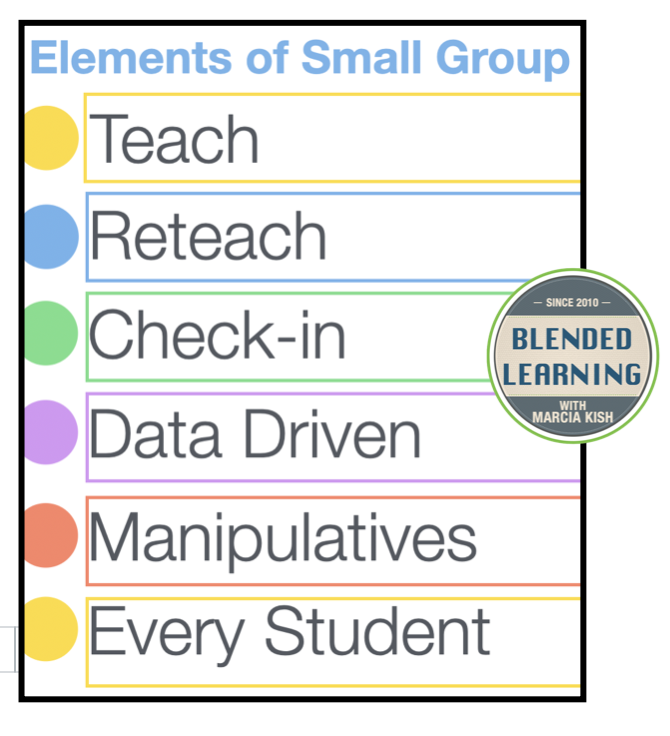
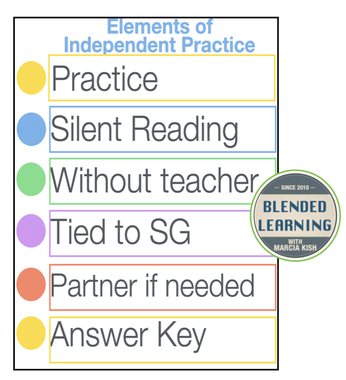
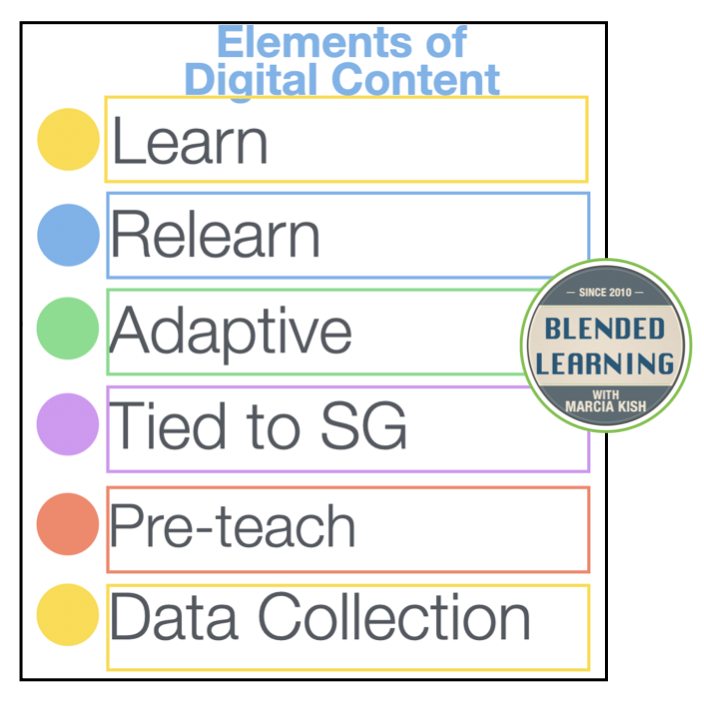












|
|
Closer to Home Hooks
I live in Ohio and work with many schools in Iowa, Ohio, New York, and Nebraska. Sometimes, talking about ocean conservation does not hit home with the students in the middle of the country. Therefore, I talk about the Humane Society. The hook for this project would be to have the students visit a shelter or have a member from the Humane society visit the classroom.
After the Hook: Now What?
After you provide the students with a hook, let them brain storm. Brainstorming with a partner, with a group, by themselves. Let the students have time to think.
Fish On
|
Once the students have an idea, have them write the ideas down on fish cutouts. Why fish cutouts? Because they are fun and it goes along with the Hook idea. Plus, students like to have a variety. Instead of having the students write on post-it notes, paper, or in a Google Form, let them write the ideas on a fish. If you don't want to cut out fish, you can buy them from Amazon. Trust me; you will get a lot more ideas if you let the students write on fish cutouts.
|
|
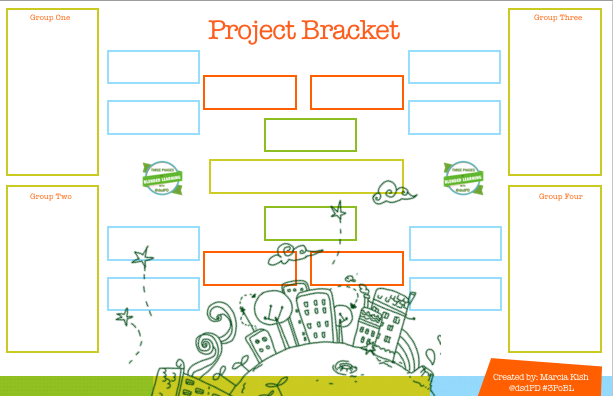
The Bracket Challenge
While the students are brainstorming their ideas, have them tape the fish to the wall or dry erase board. Let the students write as many ideas as they wish down on the fish. (One idea per fish. You will find out why in a minute). Once all of the fish are taped to the board, start the bracket challenge.
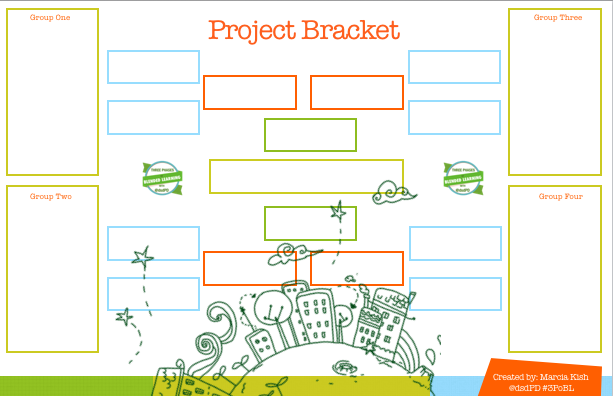
Create your bracket or use the sample bracket showcased above. I like to tape the fish to the bracket and let the students move the fish from one winning idea to the next. Note: Some teachers will stop after the first couple of rounds and let the students pick one of the project ideas. Other teachers will have the students complete the whole bracket, and the top four ideas become the focus of the class. It's your classroom; you can set up the parameters.
Start to Blend Your Project Based Leaning
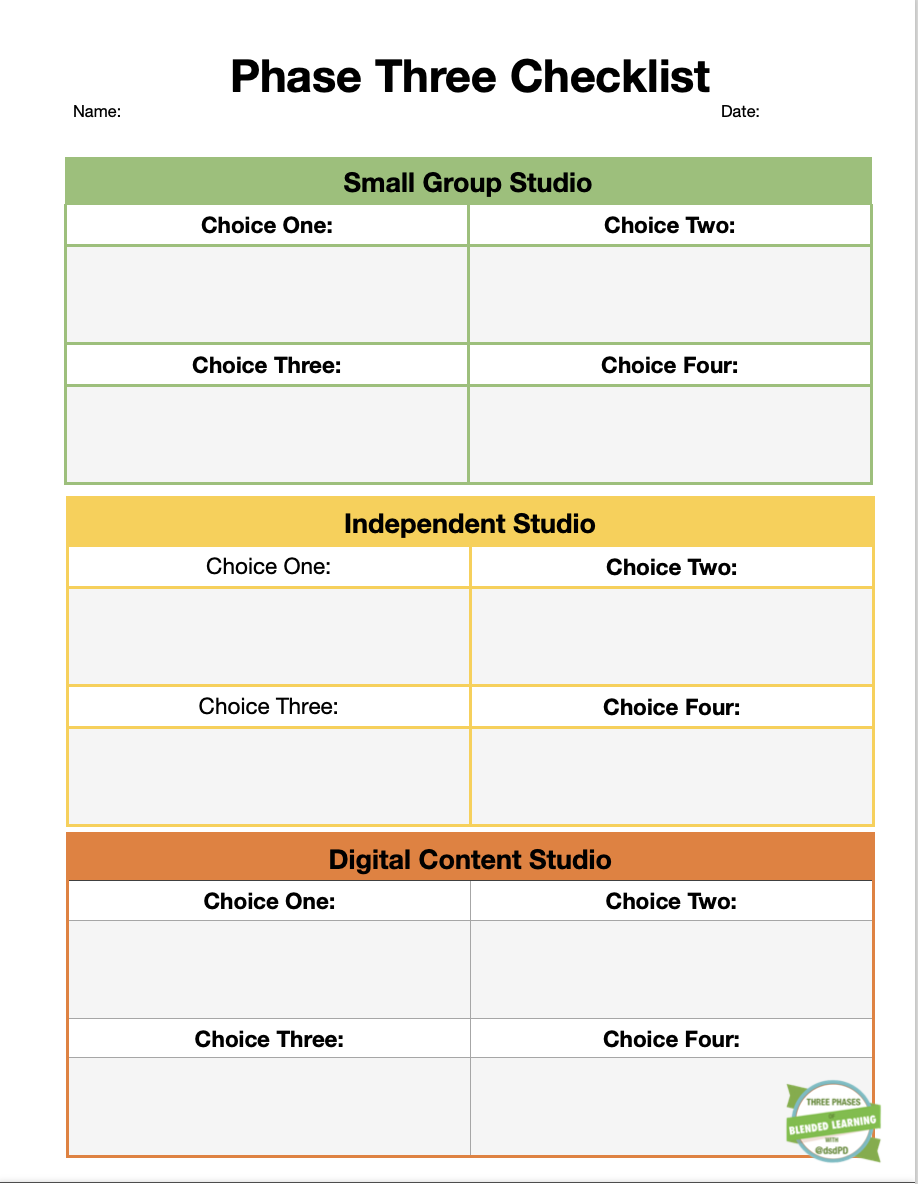
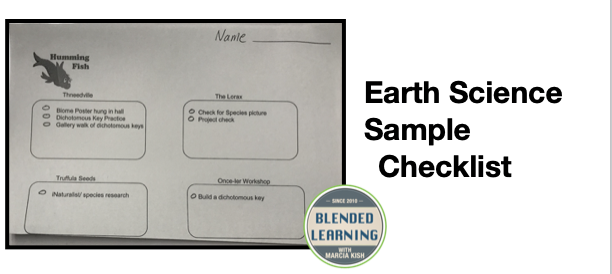
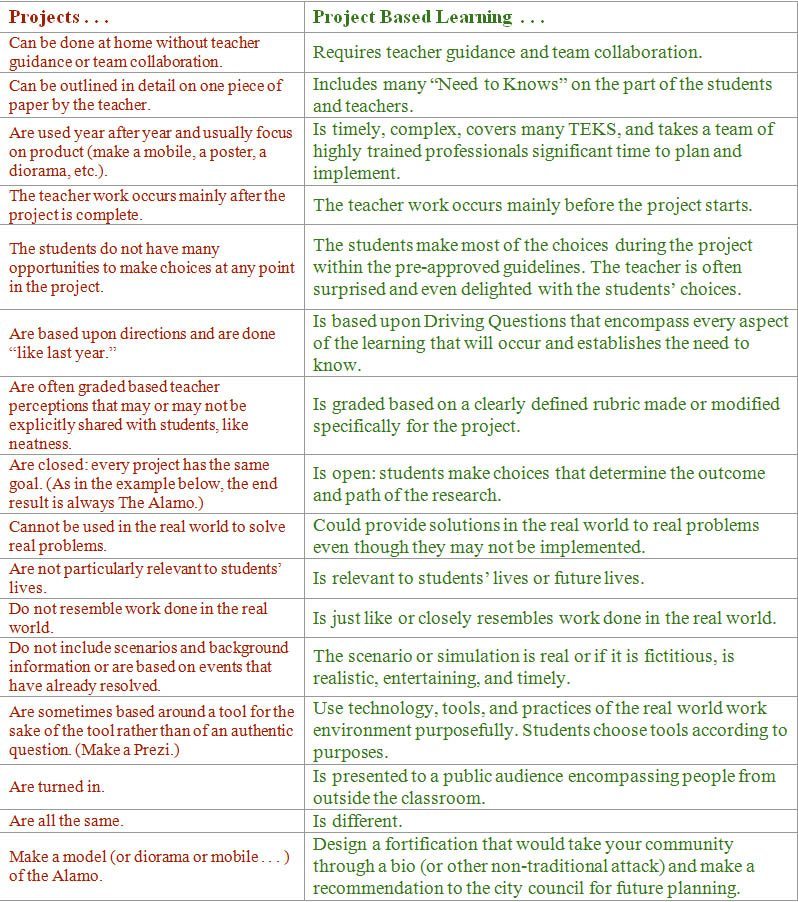
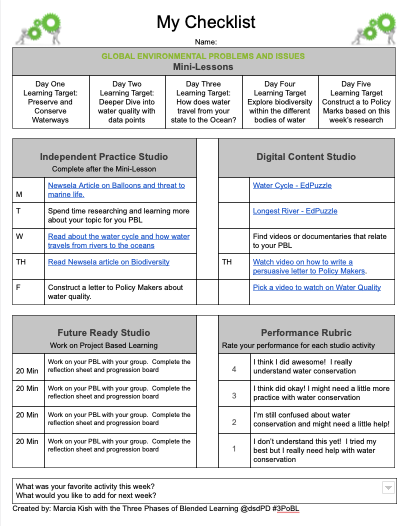
While I am working with educators, I notice that some of them think that they can "only" do Project Based Learning for two weeks, rather than thinking about how to BLEND project-based learning into the current learning targets. Let me explain. Instead of thinking of PBL as a separate part of the lesson, think of it as part of the checklist. Please take a look a look at the sample checklist that I made for a 6th-grade science class. If you would like the link to the Google Doc, click here and download a copy of the checklist. The students have time each day to work on their project. Once all of the items are checked off of the checklist, then the students can spend the rest of the time working on their project.
Planning Guide
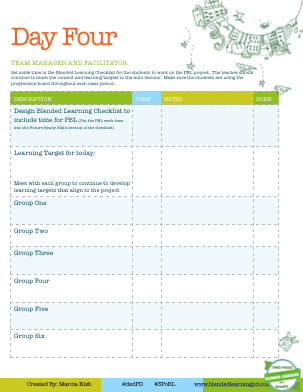
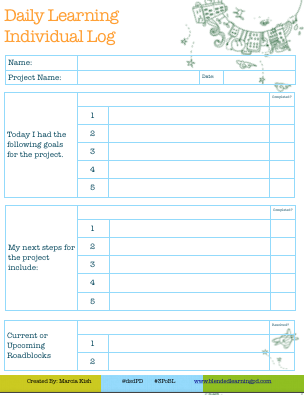
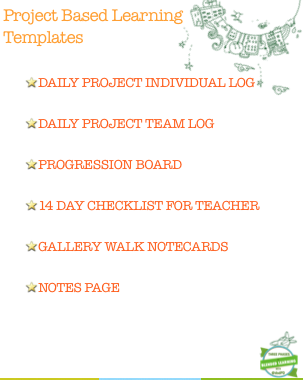
I have created a 14 day planning guide for deploying and showcasing a Project Based Learning activity. This guide is a starting point for both the teacher and the students. The planning guide comes with:
|
|
|
Learn More about Blended Learning
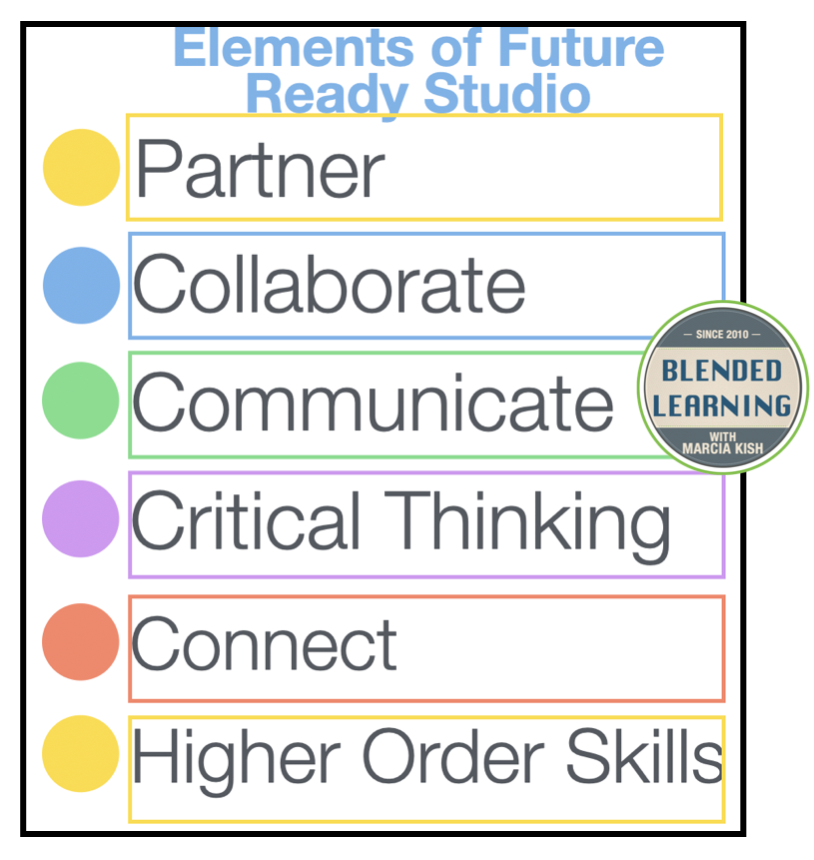
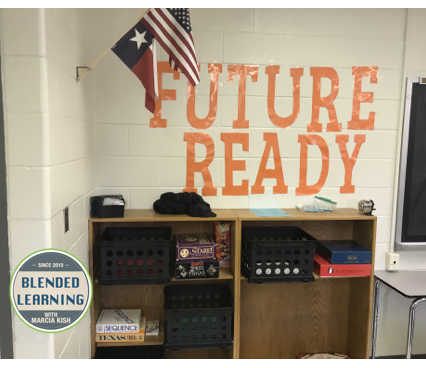
Future Ready Skills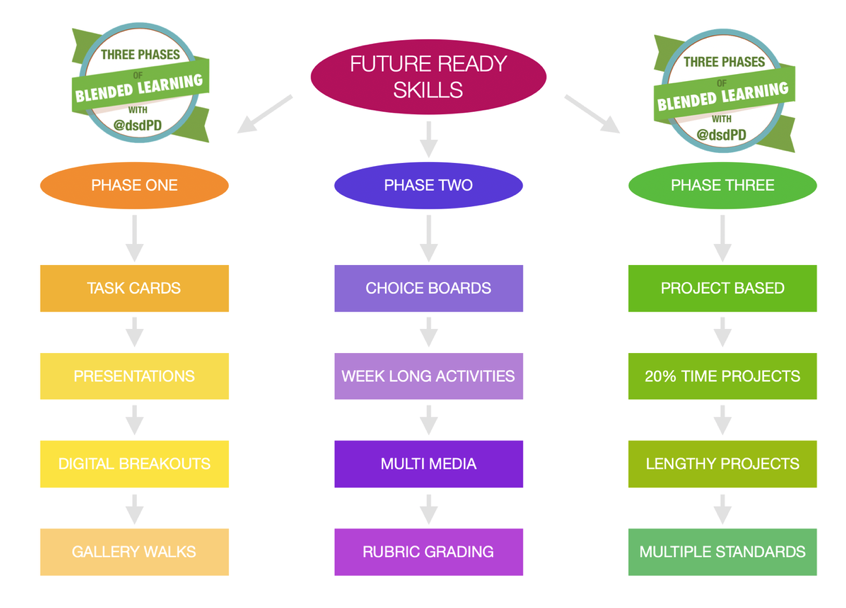
|
|
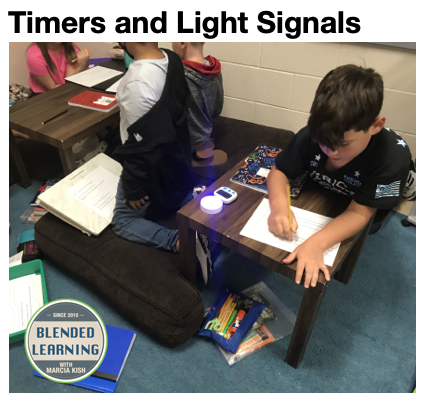
Classroom Timers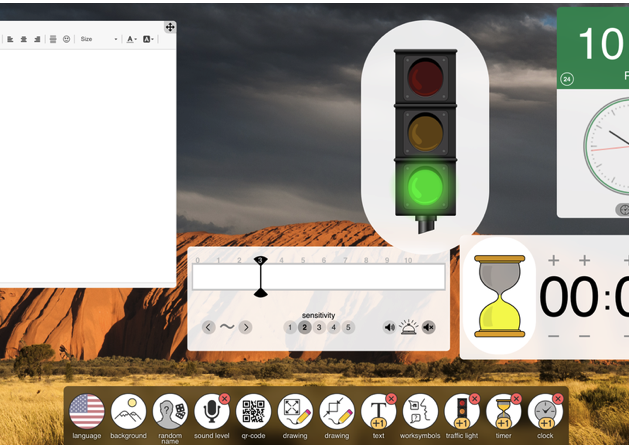
|
April Classroom Visits at Cypress Fairbanks ISD
One of my favorite parts of my job is being able to go into the classroom to watch blended learning in action. The classroom coaching model brings the blended learning workshops to life when I can provide just in time suggestions. This one-on-one coaching lends itself to generating sustainability as well as designing a plan that best works with the students within each classroom environment. No two classrooms are the same; therefore the coaching strategies have to differ from one teacher to the next.
Last week, I was able to make one last visit to the elementary and middle schools at Cypress Fairbanks ISD. Let's say that I was blown away by the blended learning progress both the teachers and the students made within one school year. The photos and videos below are showcasing a small snippet of what was happening within the individual classrooms.
Last week, I was able to make one last visit to the elementary and middle schools at Cypress Fairbanks ISD. Let's say that I was blown away by the blended learning progress both the teachers and the students made within one school year. The photos and videos below are showcasing a small snippet of what was happening within the individual classrooms.
Rennell Elementary School
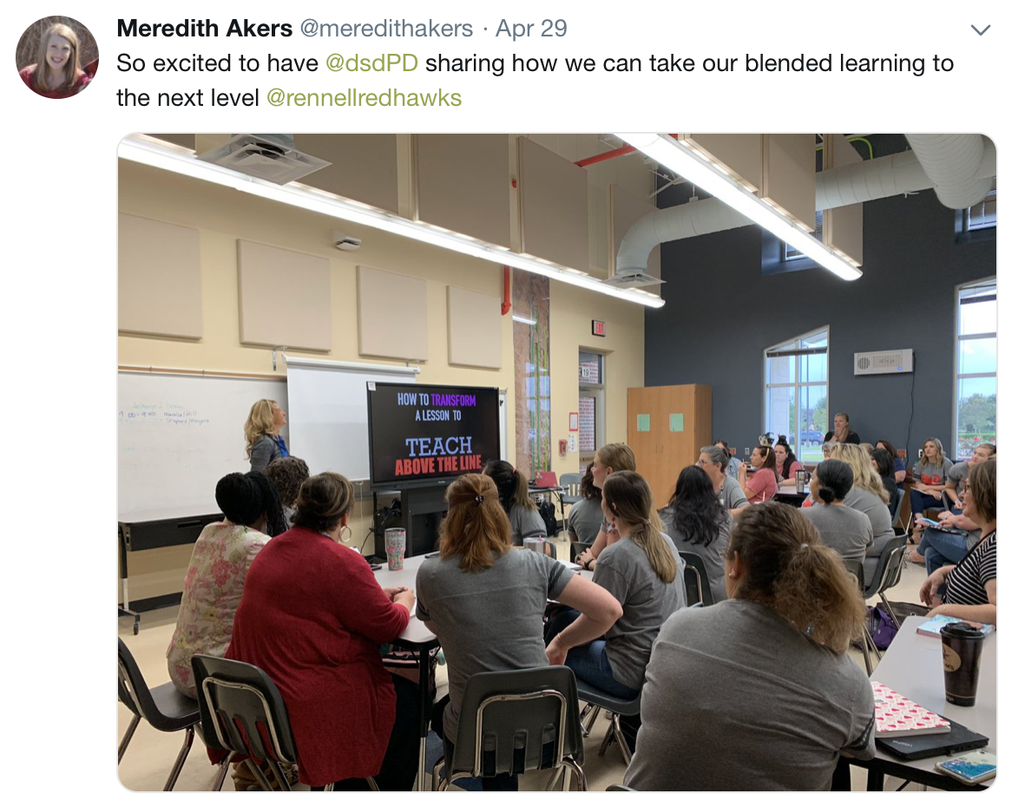
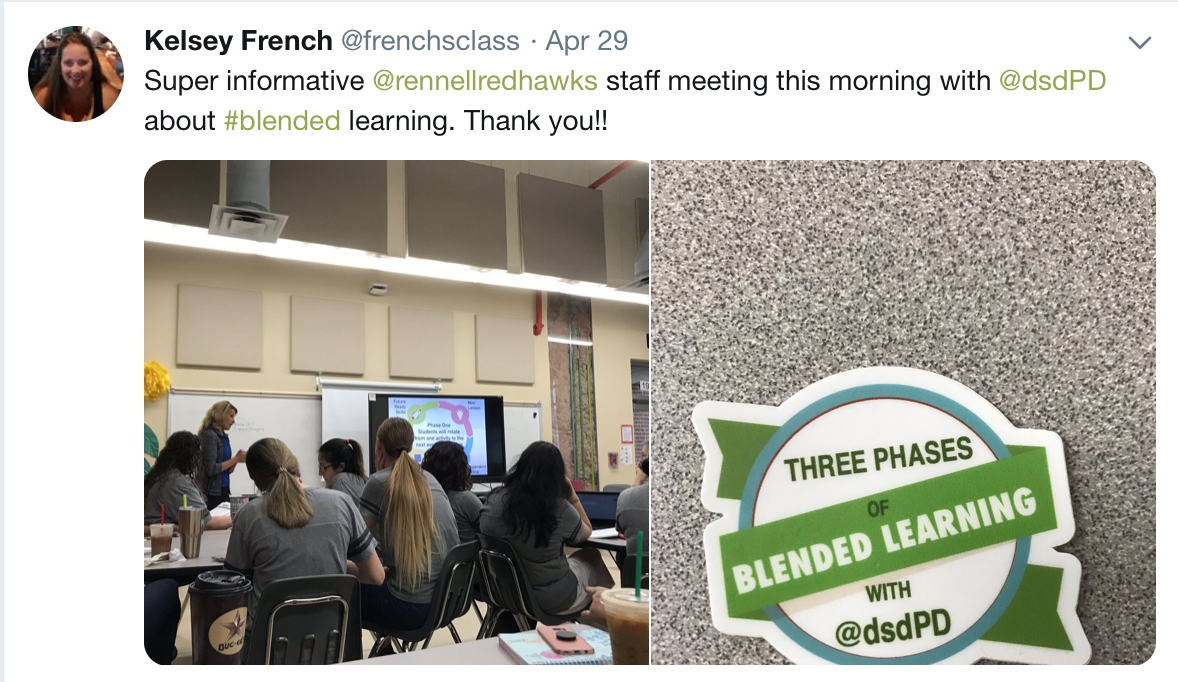
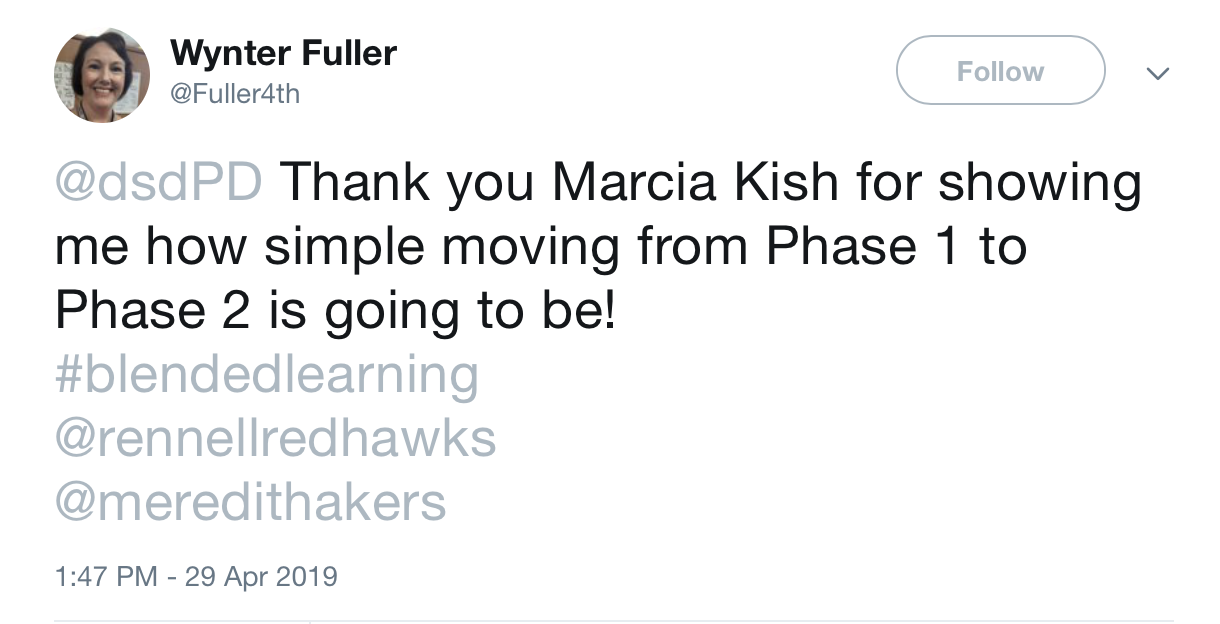
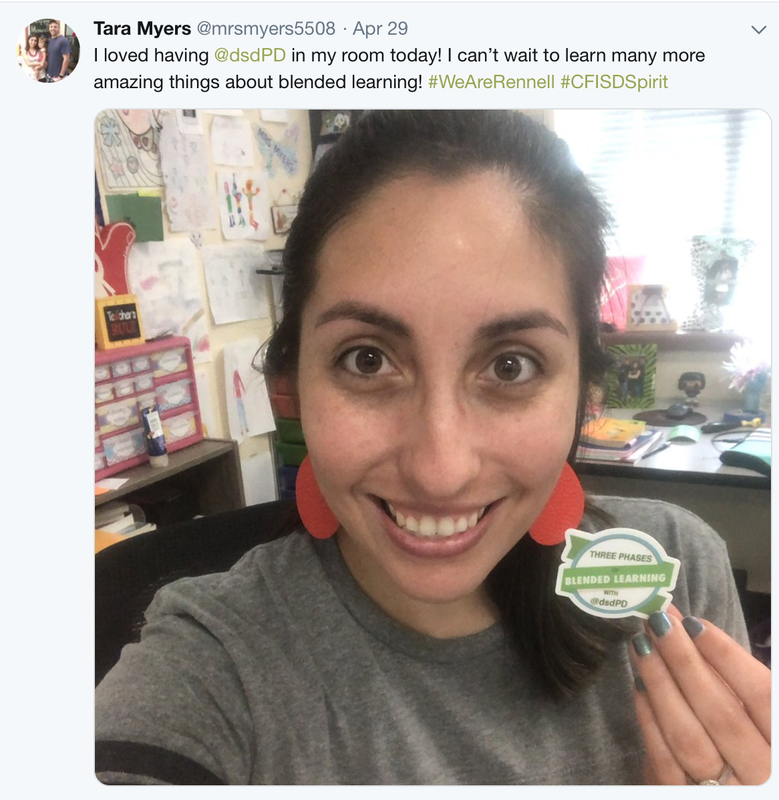
On April 29th, I made my first visit to Rennell Elementary School. Mrs. Merideth Akers, the school principal, invited me to present to the whole staff a quick overview of the Three Phases of Blended Learning before school started. The 50-minute workshop showcased the starting points for Phase One as well as level up aspects of Phase Two. The staff was highly engaged as they were able to see sample blended learning classroom videos as well as the step by step guide to how to plan for blended learning lessons.
After the kickoff workshop, Mrs. Akers and I traveled around the building visit each classroom. The classroom visits provided me with the background information that I needed to design a Blended Learning Action plan for next year. The action plan is designed around generating weekly, monthly, and yearly blended learning goals. Learn more about the Action Plan by clicking on this link.
After the kickoff workshop, Mrs. Akers and I traveled around the building visit each classroom. The classroom visits provided me with the background information that I needed to design a Blended Learning Action plan for next year. The action plan is designed around generating weekly, monthly, and yearly blended learning goals. Learn more about the Action Plan by clicking on this link.
Mini Lesson, Studio Expert Tags, & Choice Boards
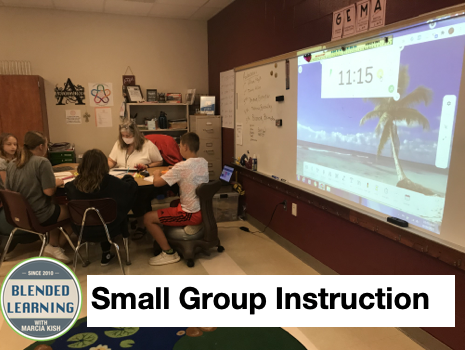
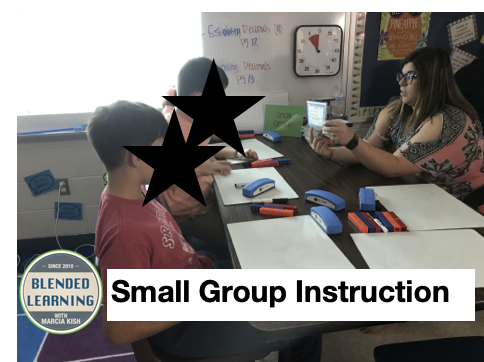
The essential part of Blended Learning is the Mini-Lesson. The mini-lesson is where the teacher can teach, reteach, and build connections with the students. In the photo below you will see the teacher in a highly effective mini-lesson.
Providing choice to the students allows them the opportunity to pick a learning style that best works for their individual needs. Even during review sessions, students still enjoy choice.
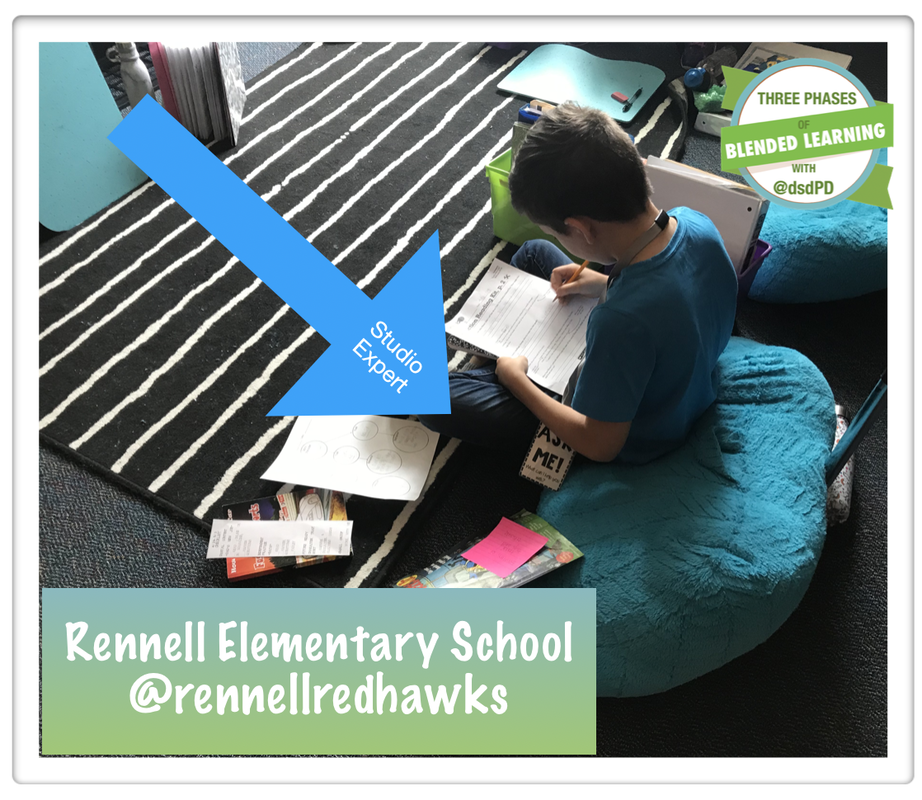
Student Ownership can start with studio experts. Let the studio experts answer questions and help guide each other students through the checklist while the teachers are in the middle of a mini-lesson. Visit this link to learn more about studio experts.
Providing choice to the students allows them the opportunity to pick a learning style that best works for their individual needs. Even during review sessions, students still enjoy choice.
Student Ownership can start with studio experts. Let the studio experts answer questions and help guide each other students through the checklist while the teachers are in the middle of a mini-lesson. Visit this link to learn more about studio experts.
 Studio Expert | 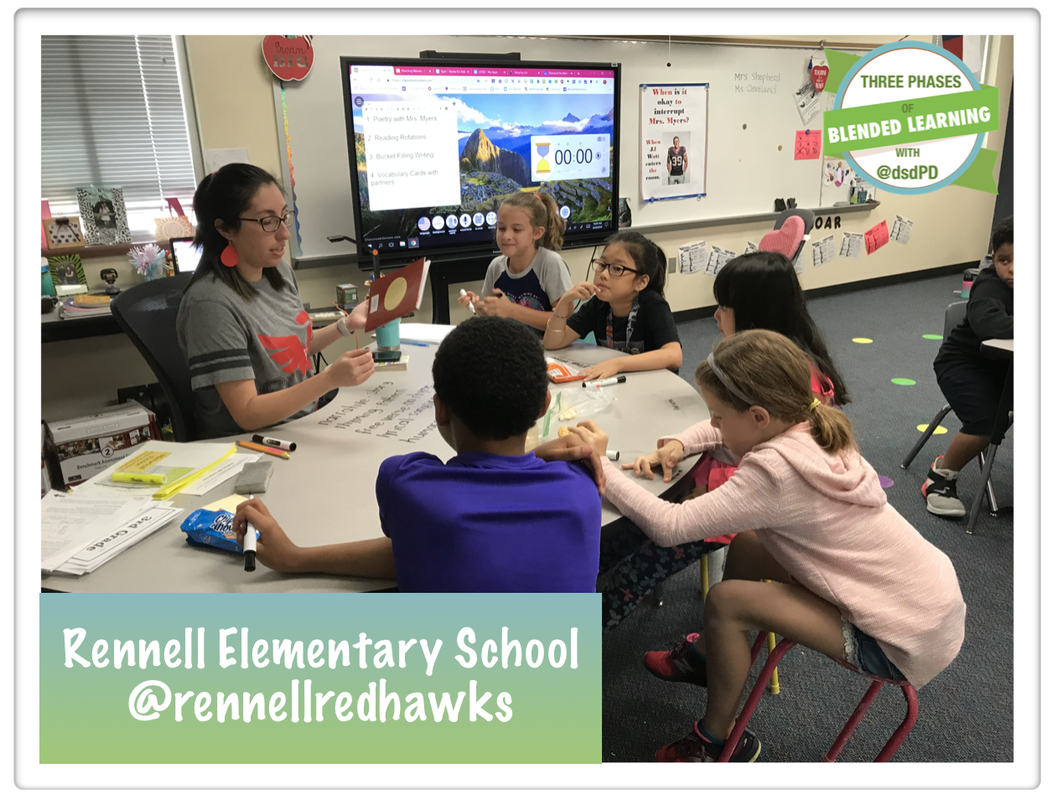 Mini Lesson Photo | 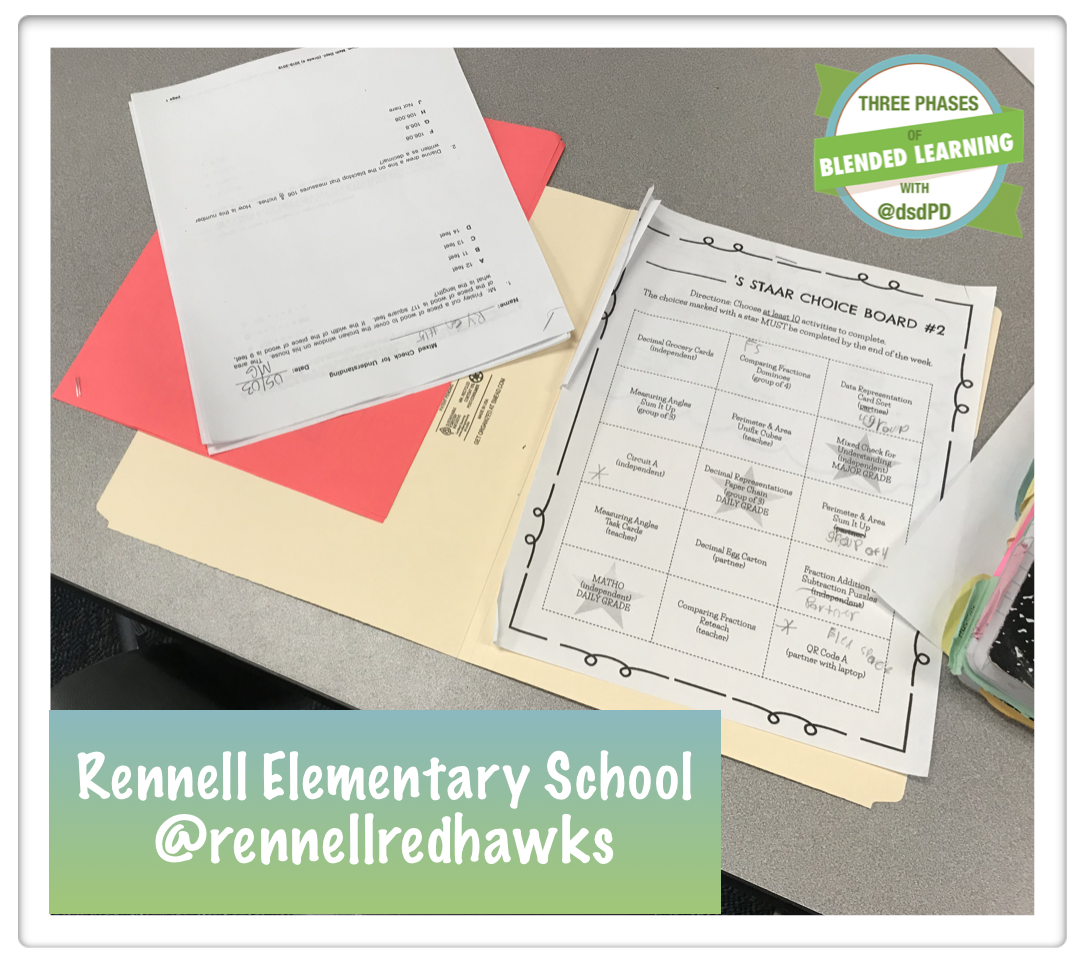 Choice Boards |
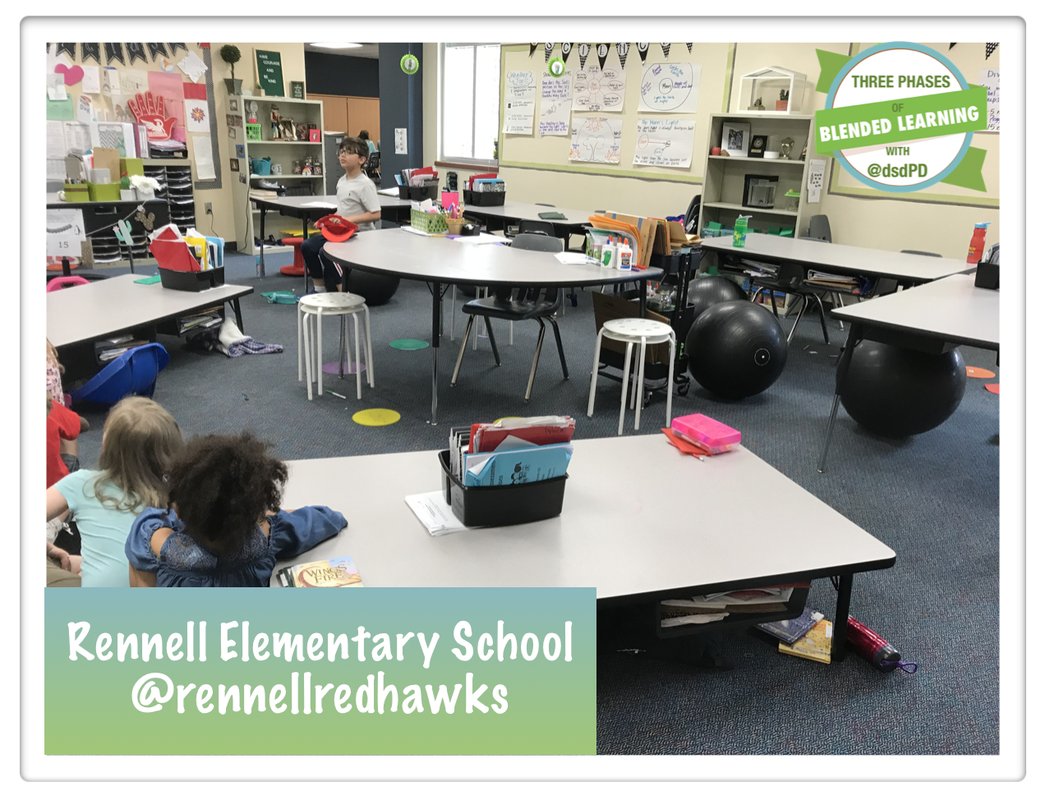
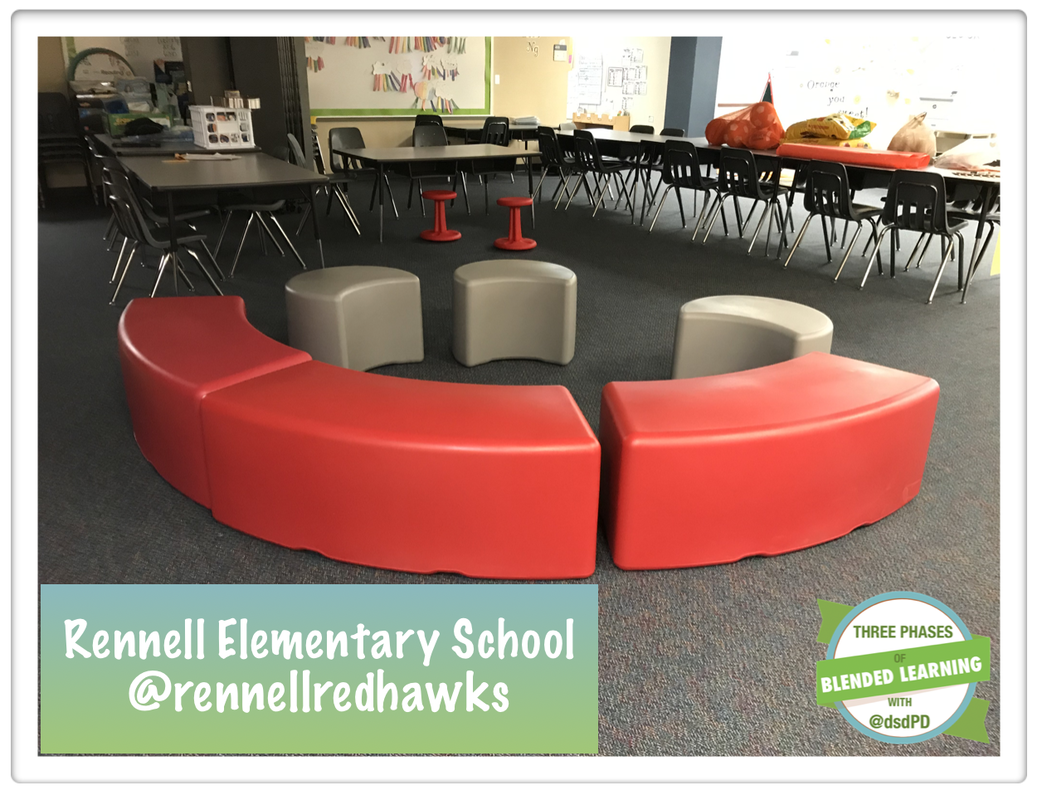
Organization and Flexible Seating
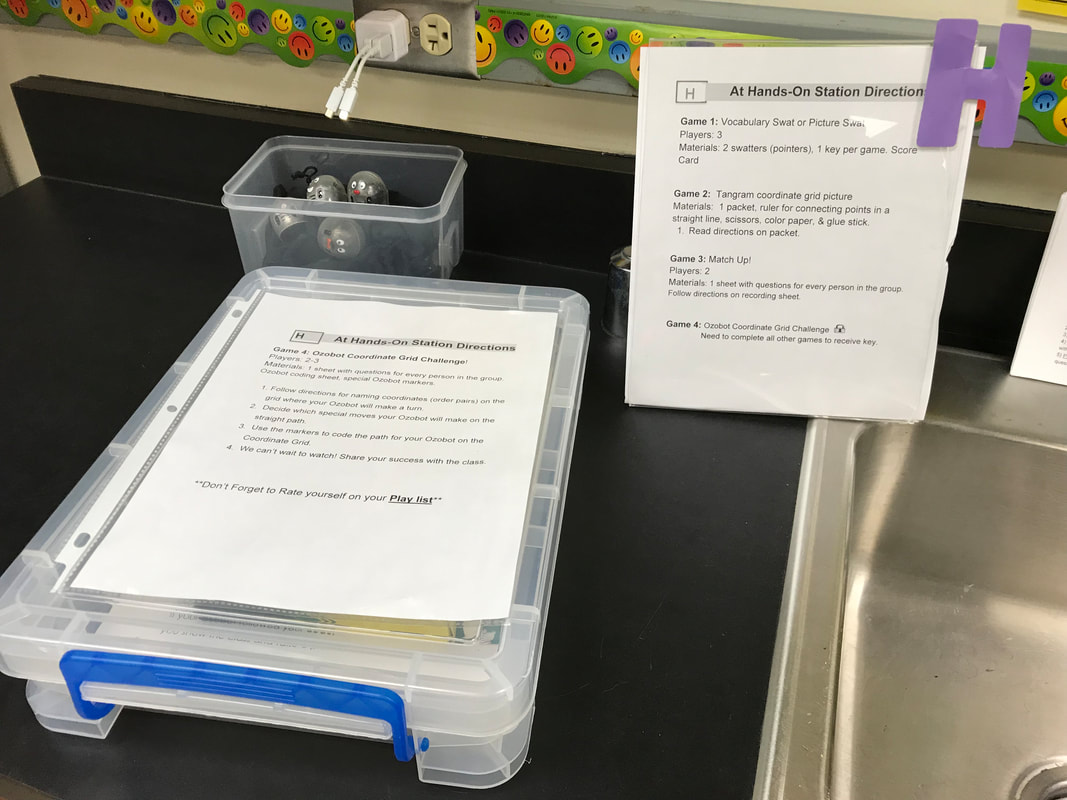
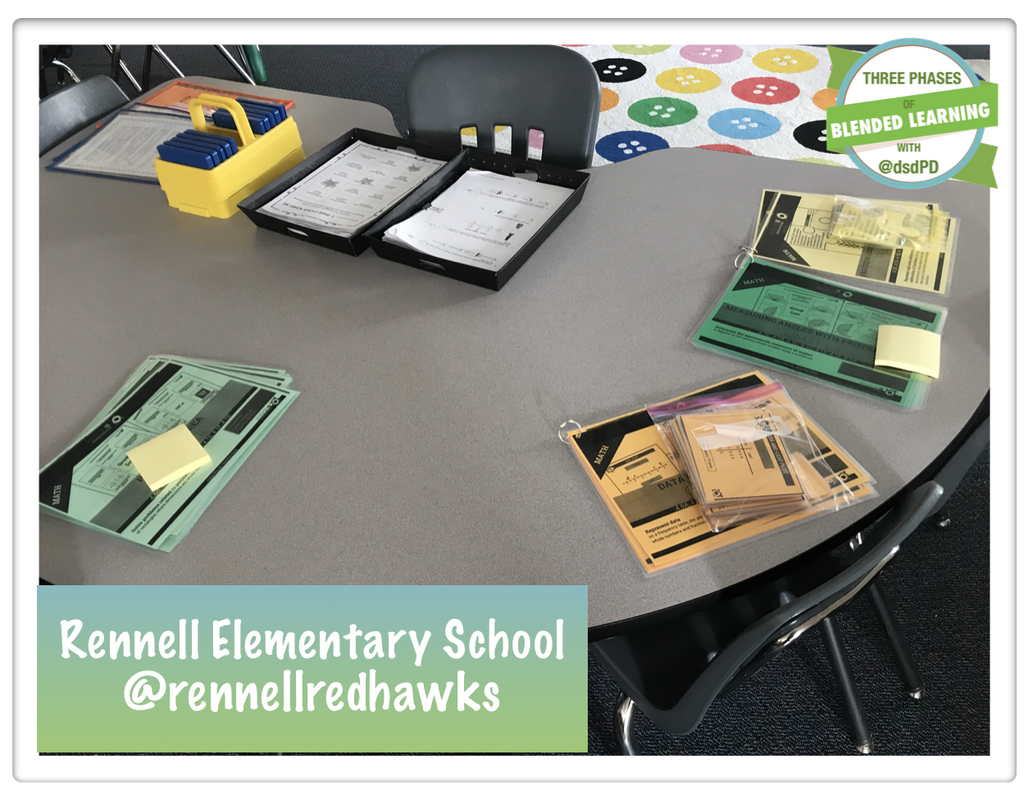
The more organized the teacher, the more efficient the blended learning process becomes during class. It works the extra minutes to laminate, cut, and combine the necessary items for the different learning studios.
 |  |
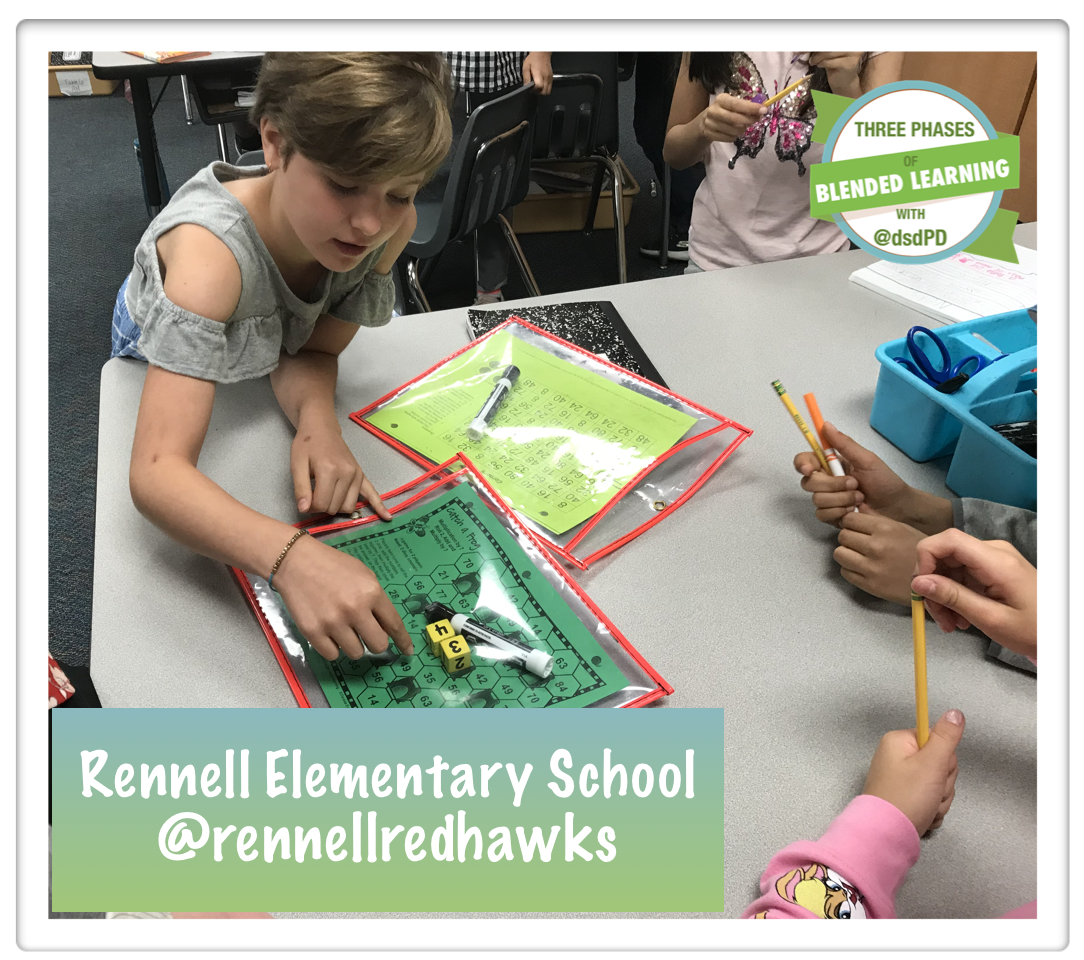
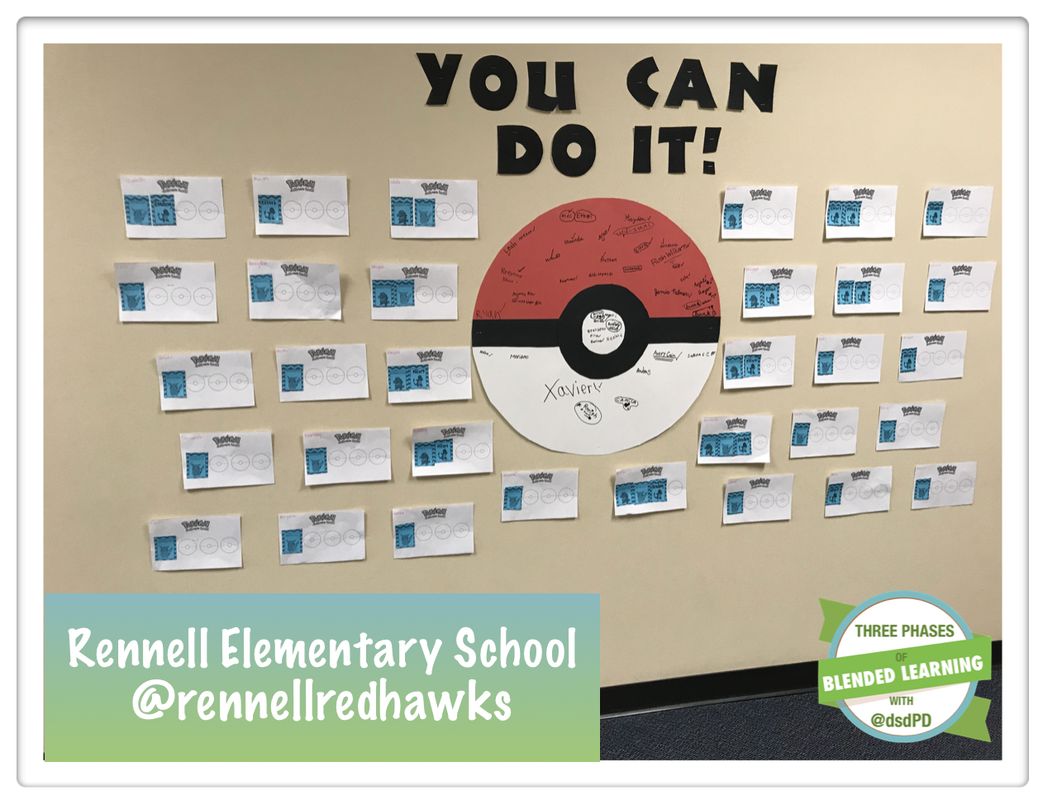
Future Ready Skills and Gamification
 |  |
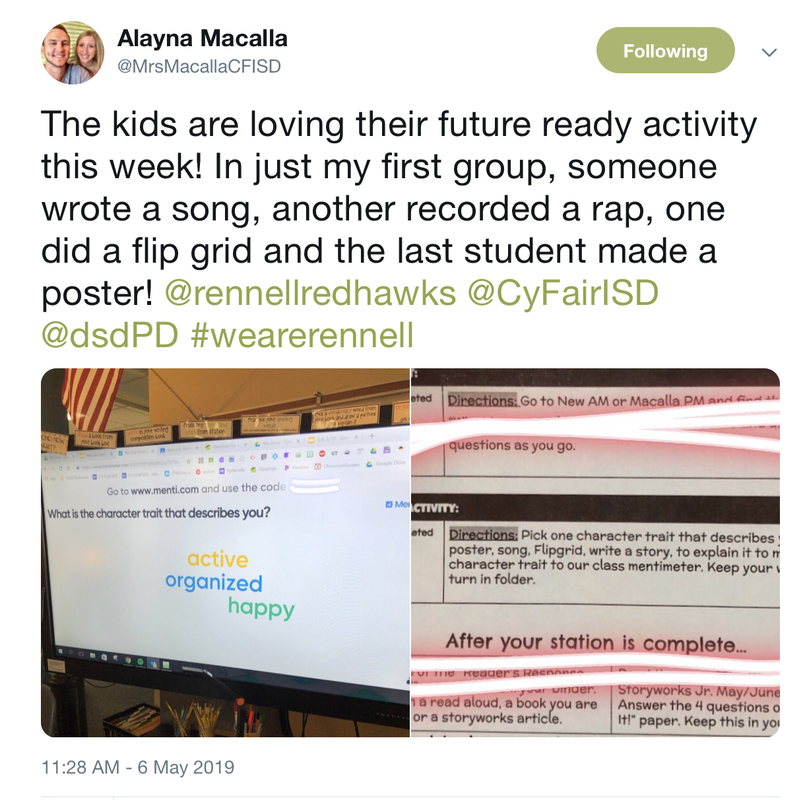
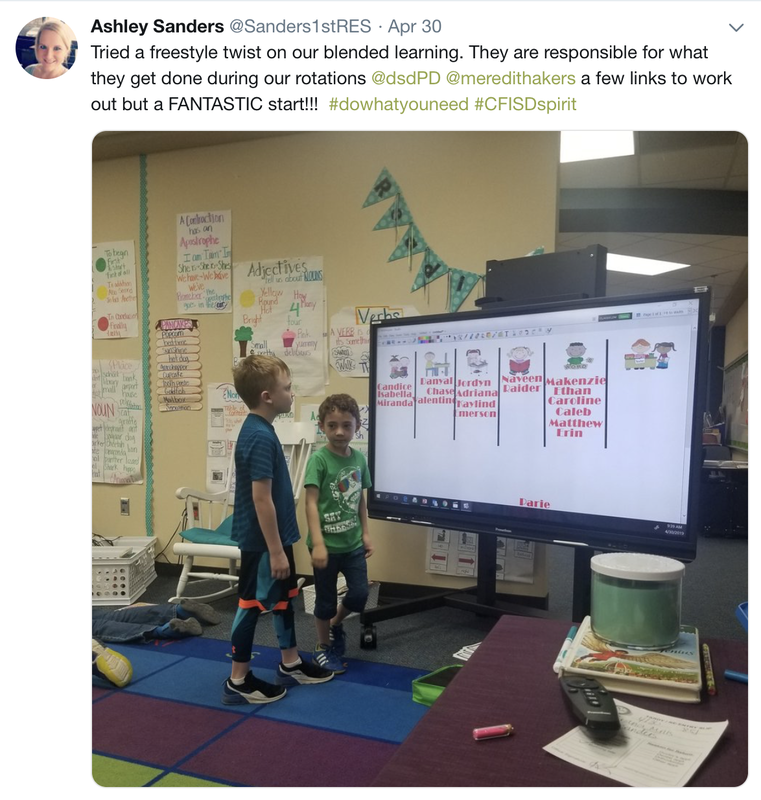
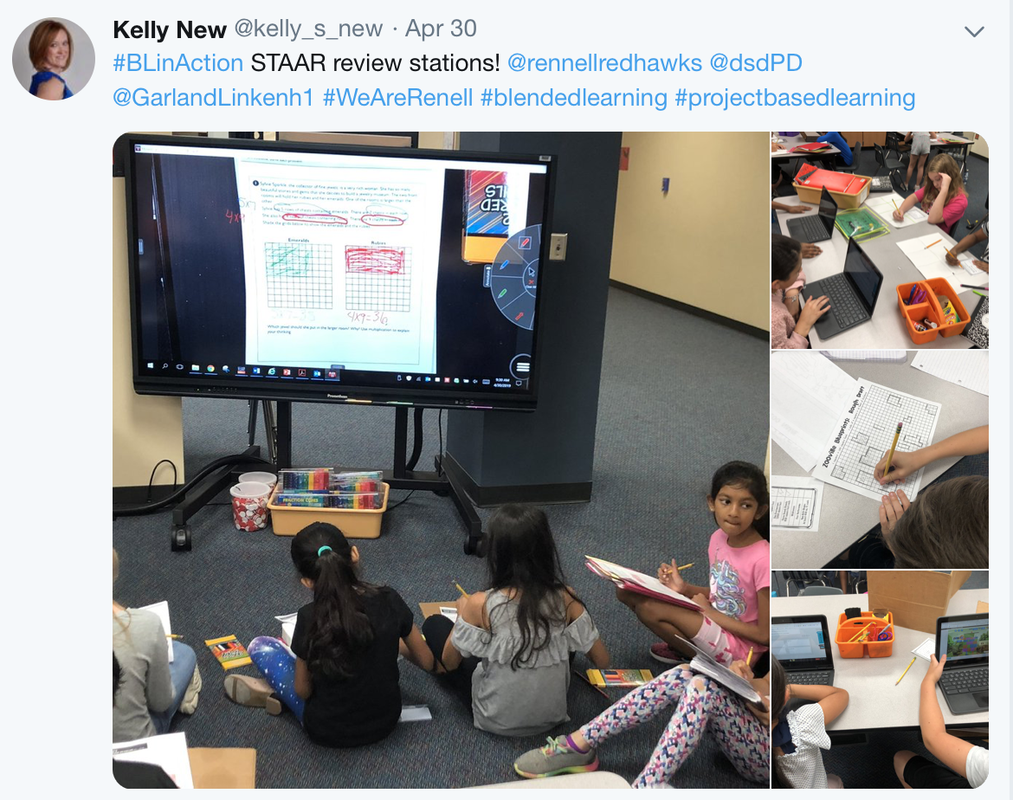
Twitter Post from Rennell
   |
   |

Want to get started with Blended Learning?
Sign up for a FREE 30-minute blended learning session with Marcia Kish. This 30-minute virtual call can kickstart your blended learning program. Click here to find a time that best works for you and your team.
Danish Elementary School
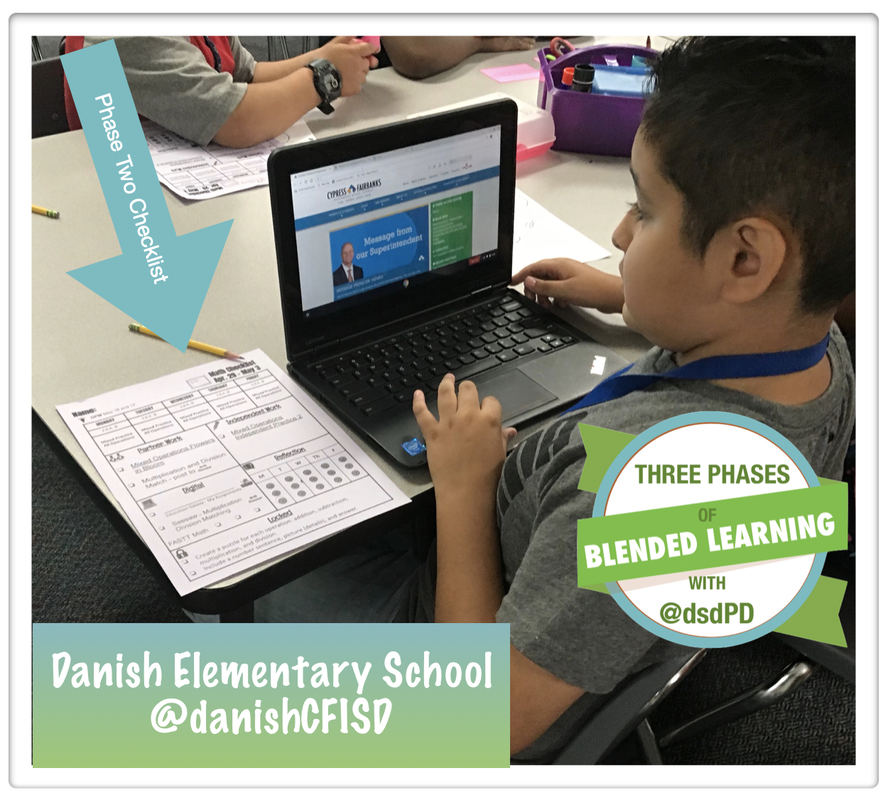
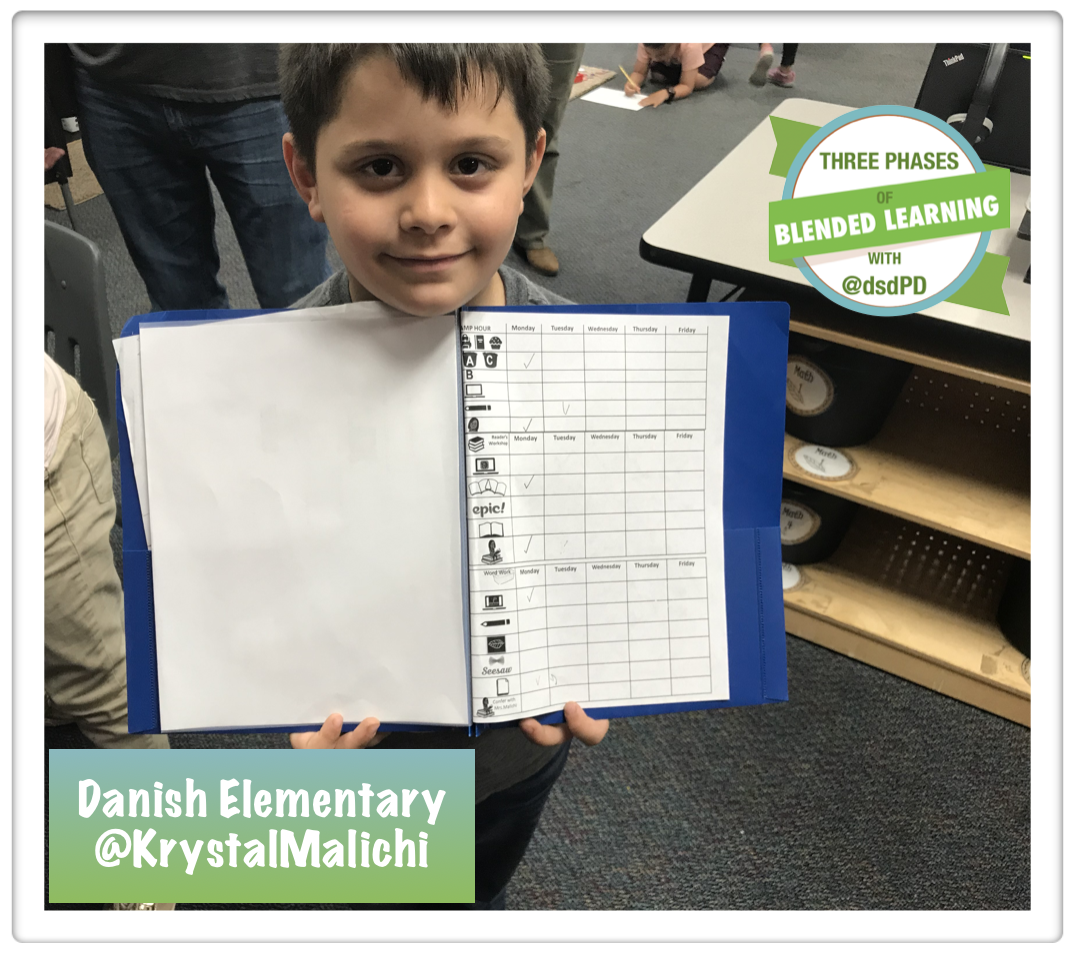
I had the privilege to work with Danish Elementary teachers eight different times this past school year. The visits were structured in a way that we were able to visit the classrooms as well as a plan with the teachers during their common planning time. The majority of the teachers at Danish ended the school year in Phase Three learning environment. Below are a few photos from the onsite visit, student projects, and culture of Danish Elementary School.
Progression Boards and Studio Choice Boards
| Fourth Grade students using a Monopoly board for STAAR review 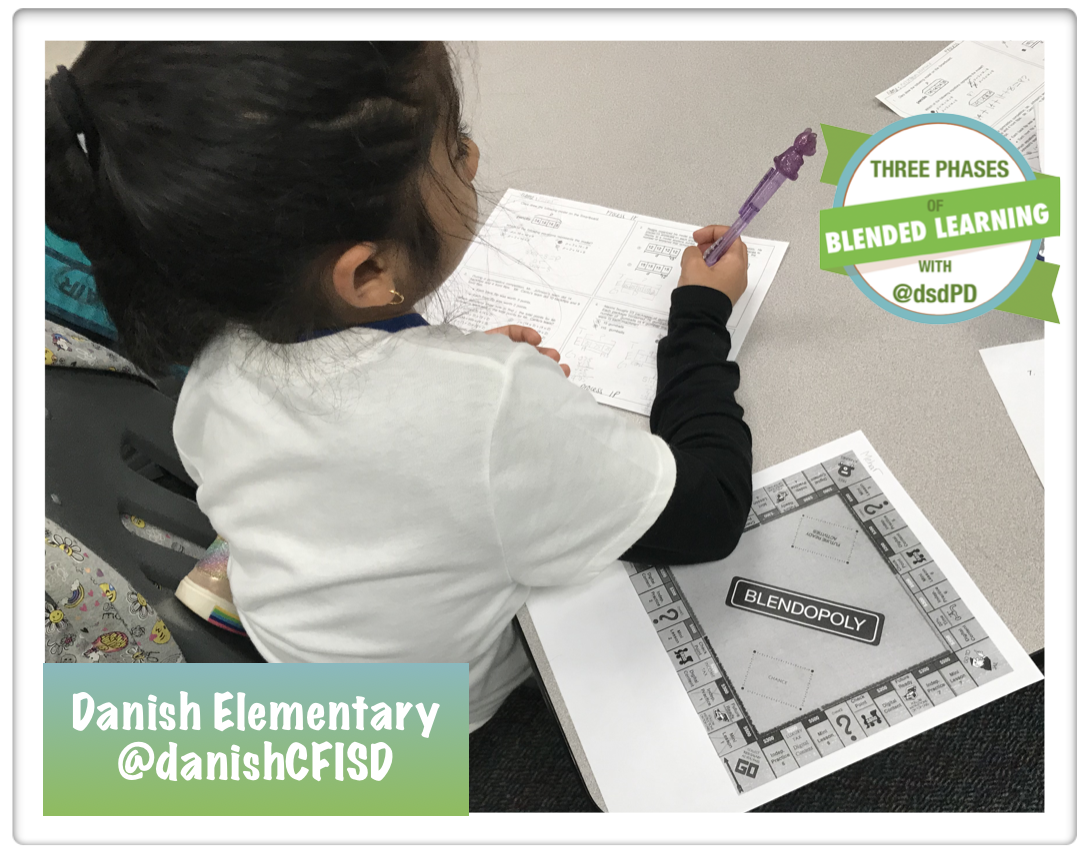 | Kindergarten ESL students signing up for their learning studios for the day. |
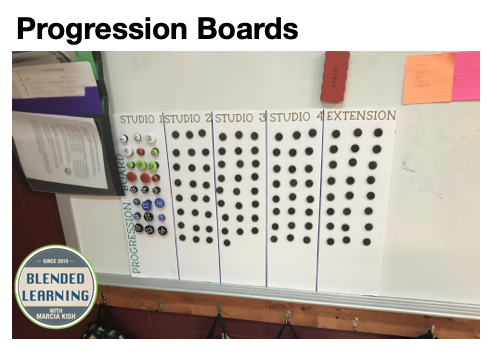
Progression board in a Kindergarten classroom. This classroom has moved to a Phase Three learning environment for 90% of day. Hats off the Kindergarten!
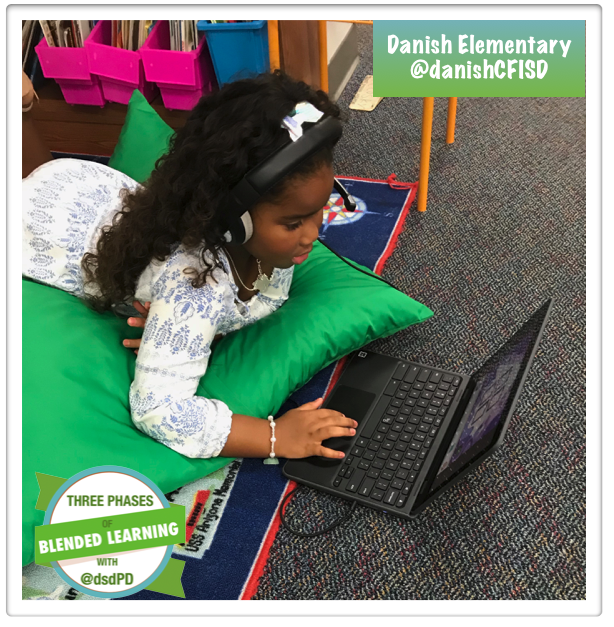
Independent Studio
Future Ready Skills
| Students using www.seesaw.me to record Spanish Words | Students are generating books using www.writereader.com  |
| First grade students are demonstrating their hydraulic rabbit for the invention showcase. | Fifth grade students reviewing for the science STAAR test with www.jeopaardylabs.com |
Sample Checklist
 |  |
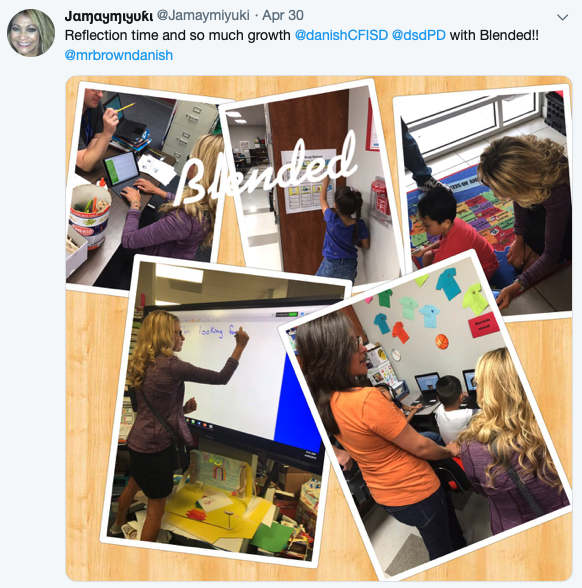
Twitter Feed from Danish
Want to get started with Blended Learning?
Sign up for a FREE 30-minute blended learning session with Marcia Kish. This 30-minute virtual call can kickstart your blended learning program. Click here to find a time that best works for you and your team.
Millsap Elementary School
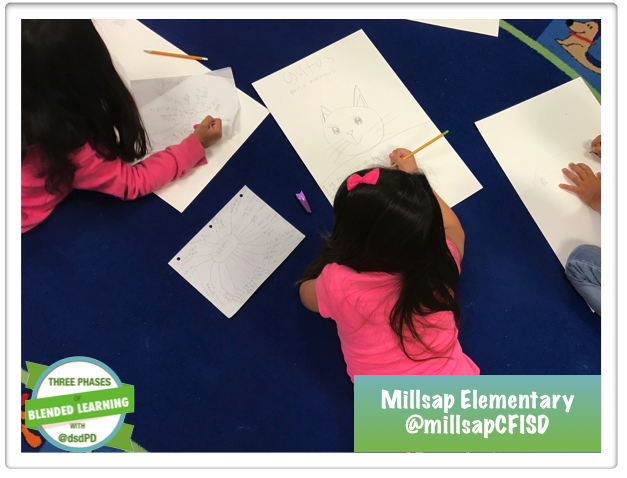
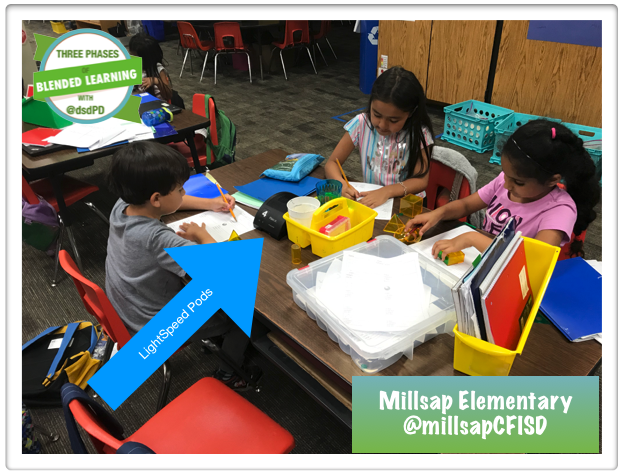
What a fantastic year at Millsap Elementary School with the deployment of the Three Phases of Blended Learning. I have seen so many teachers progress from Phase One to Phase Three within the school year. One of my highlights from the year, was when Millsap hosted a Blended Learning Shareout session with all of the blended learning schools in CyFair. The teachers were able to share with the different grade levels and subject areas about their progress with checklist, the planning process, student engagement and so much more. The shareout session was such a big hit that we are planning to conduct more share sessions next school year.
Future Ready Skills
 |  |
Kirk Elementary School
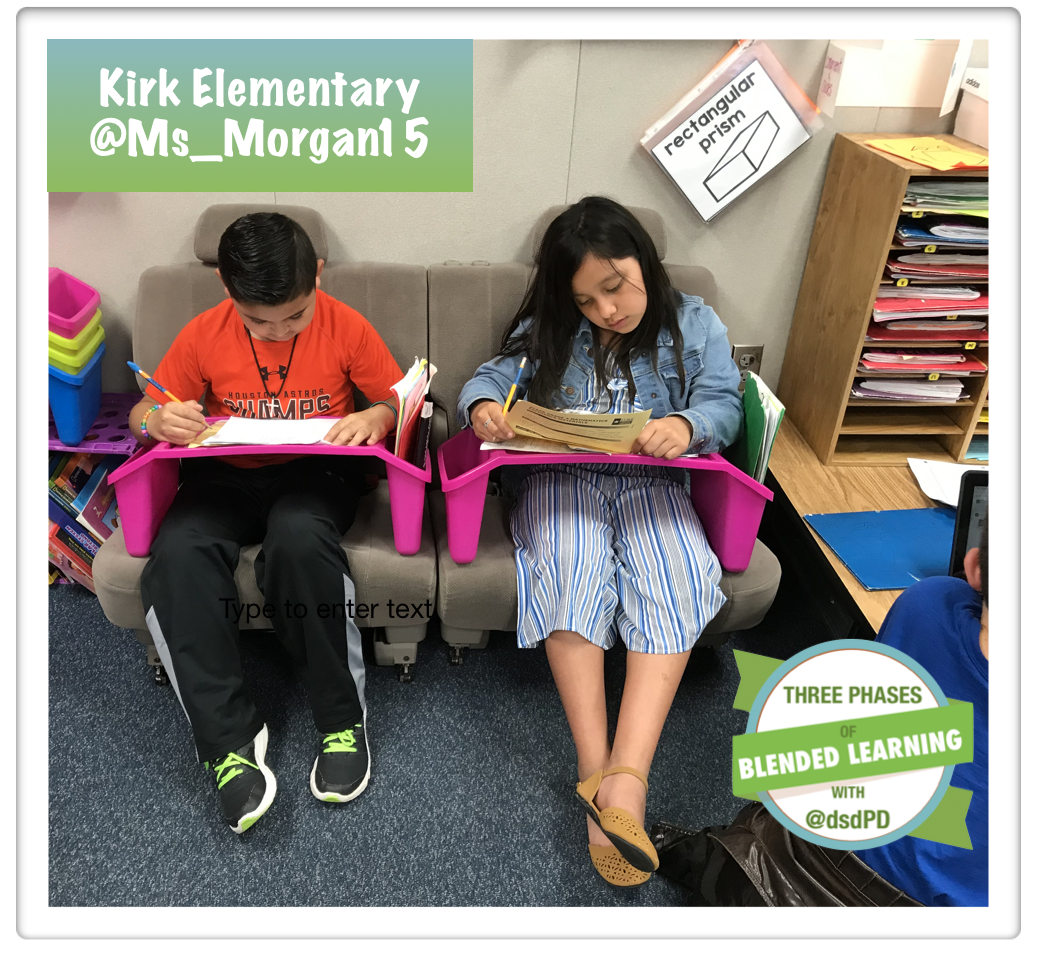
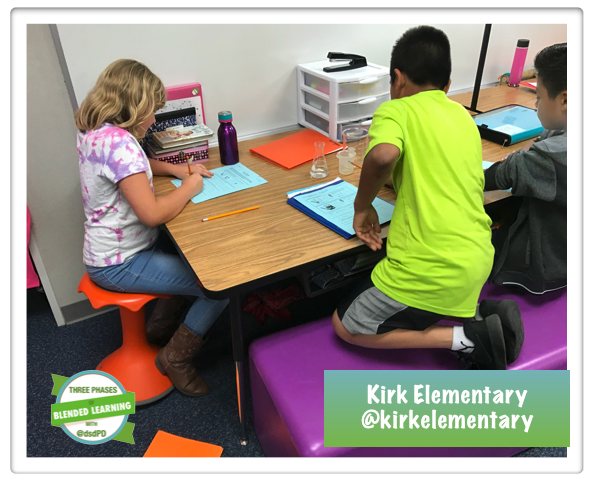
There is so much to share about the Blended Learning progression that Kirk Elementary school has made over the years. This was my first time working with Kirk but over the educators have been implementing blended learning as a building for some time. The teachers and administrators are very passionate about student voice, choice, and ownership. The Three Phases of Blended Learning complemented and intertwined with their deployment plan.
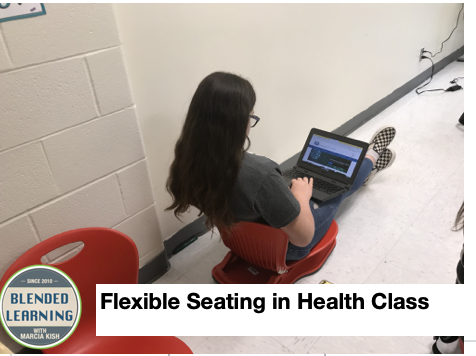
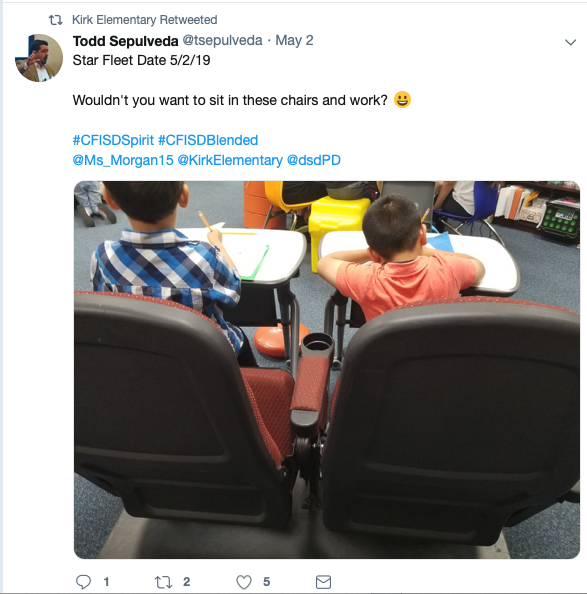
Flexible Seating
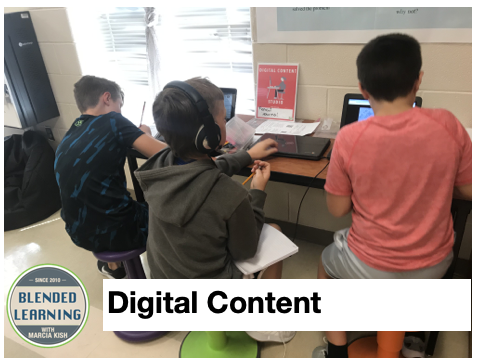
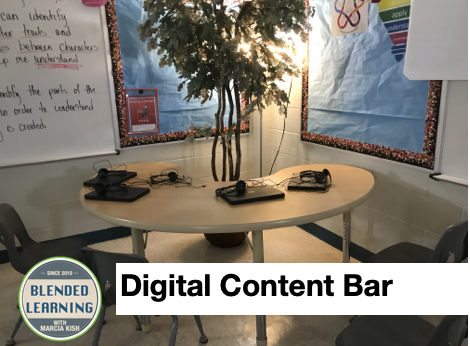
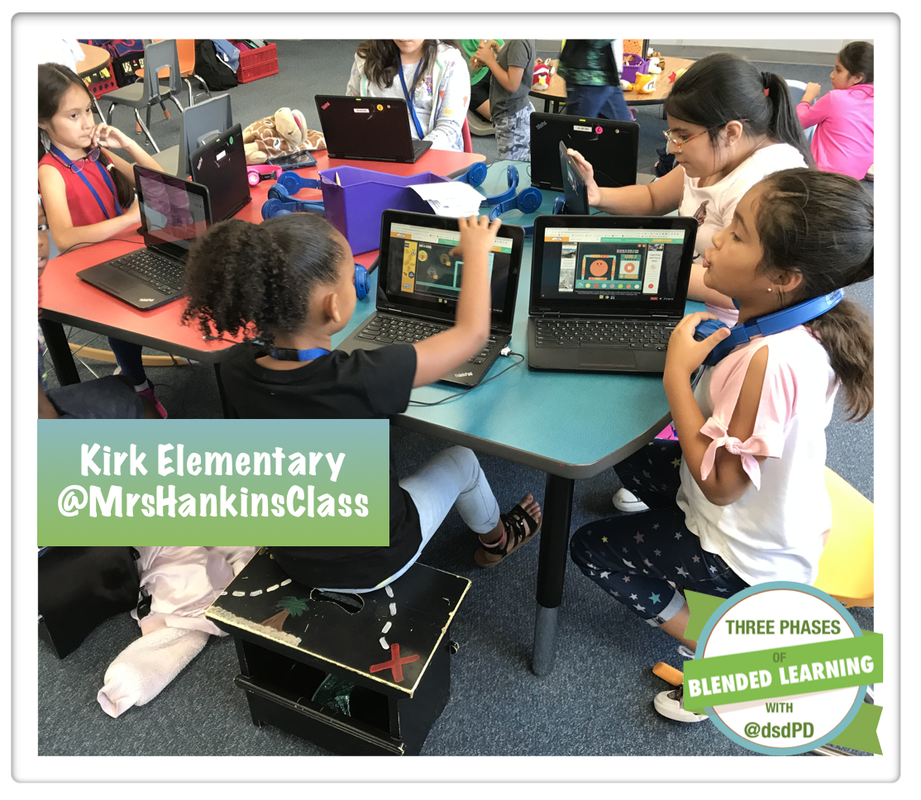
Digital Content
The second-grade students travel from digital content to independent studios, to future-ready skills, and mini-lessons at their pace. The checklist provides them with a different task to complete at each studio. The teacher will call the students to the mini-lesson when she is ready to work with the differentiated groups.
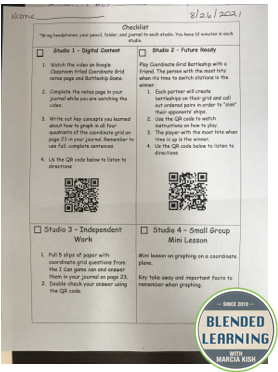
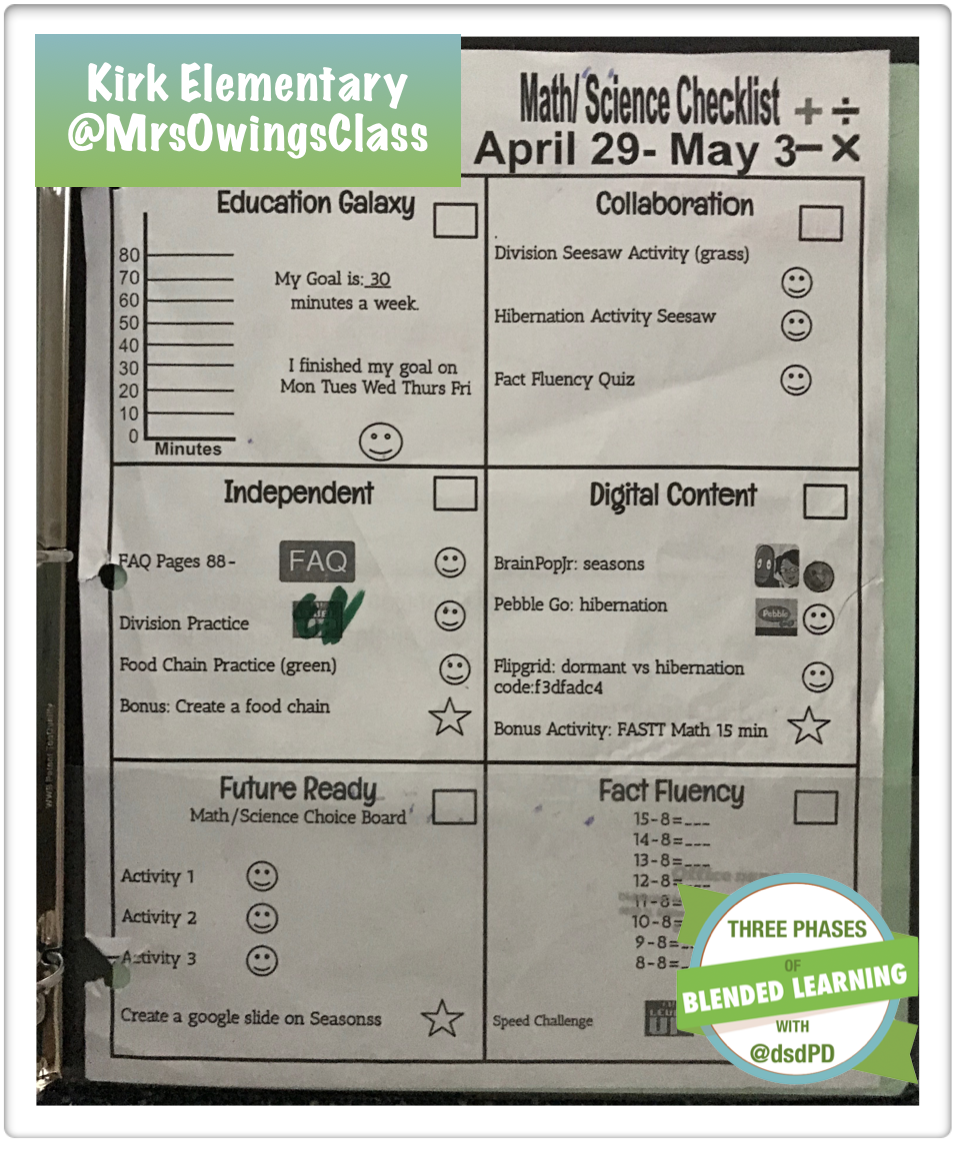
Checklist
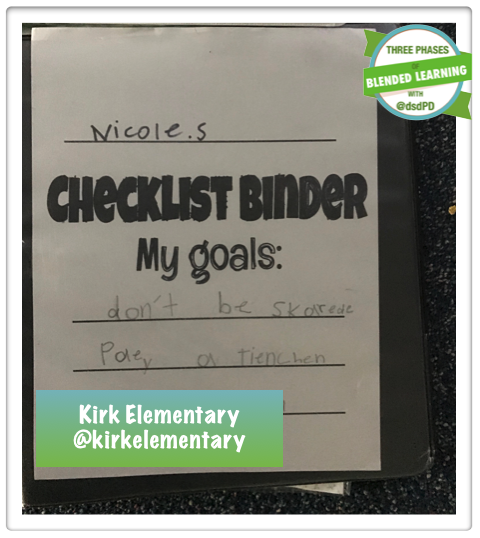
The second grade team provides the students with a weekly checklist for math, science, ELAR, and Social Studies. The student put their checklist inot their own binder that they carry with them from one learning studio to the next.
 |  |
Progression Boards
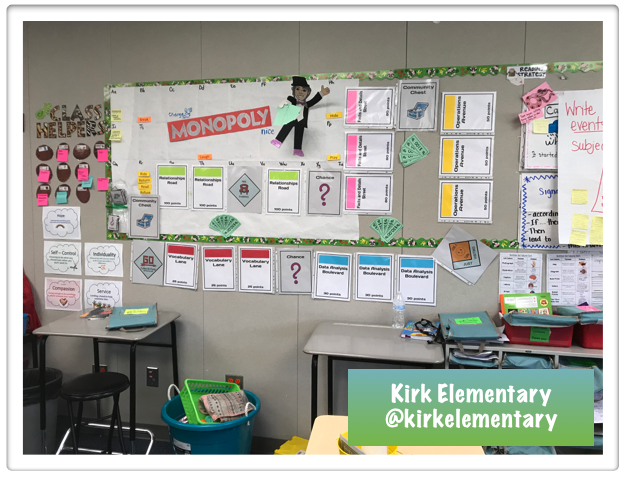 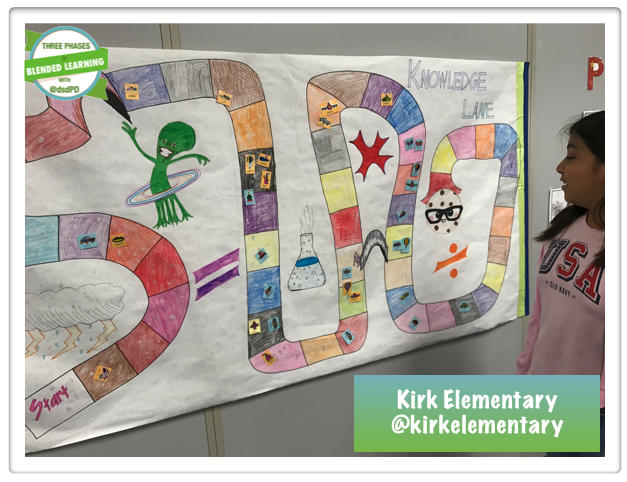 | 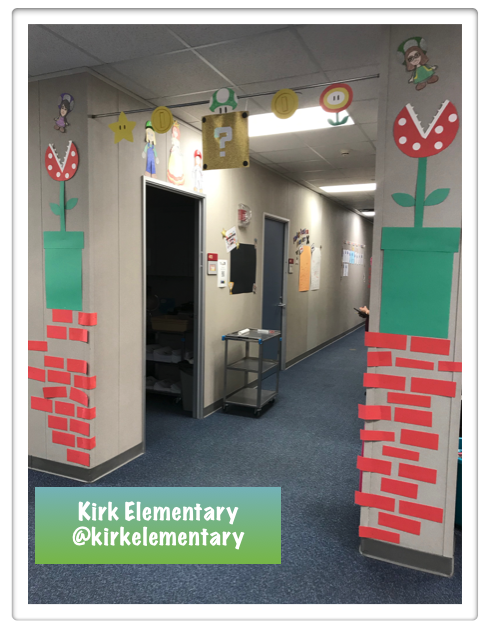 The third grade team transformed their hallway and classrooms into a gamified learning environment. From Mario to Monopoly, to Tetrius, each room had a different type of progression board. |
Future Ready Skills
Students are working on micro labs during science as part of their future-ready skills listed on the differentiated checklist.
Blended Learning in Action
Watch a fourth grade math classroom in action. Look for the mini lesson, digital content, future ready skills, and independent learning studio.
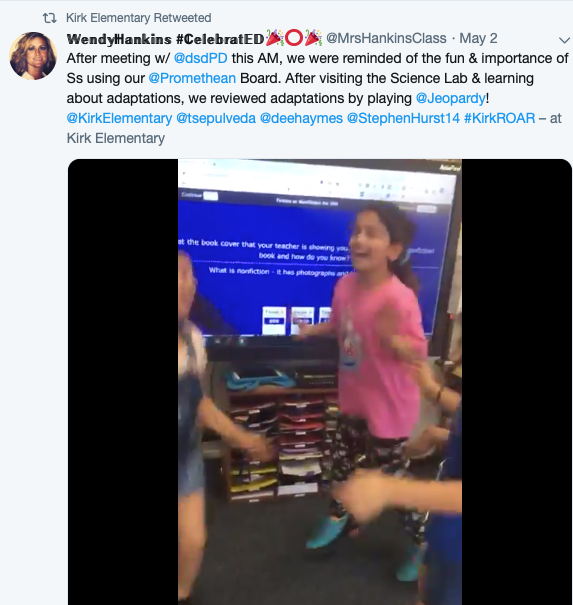
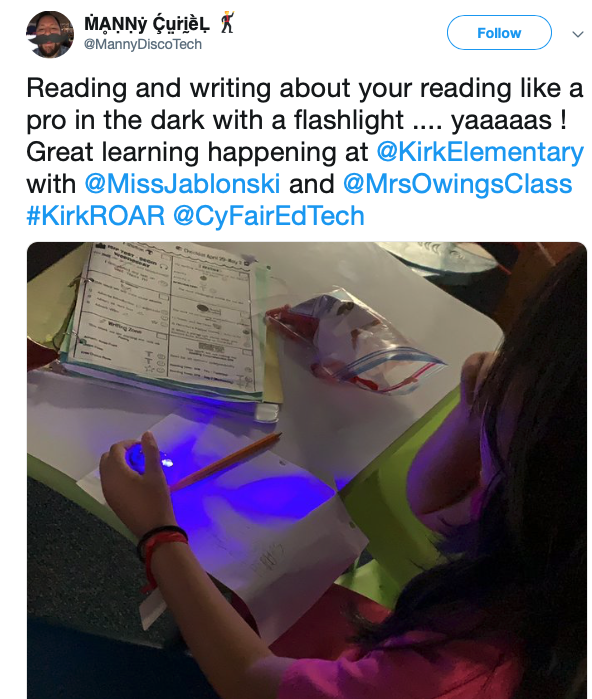
Social Media
 |  |  |
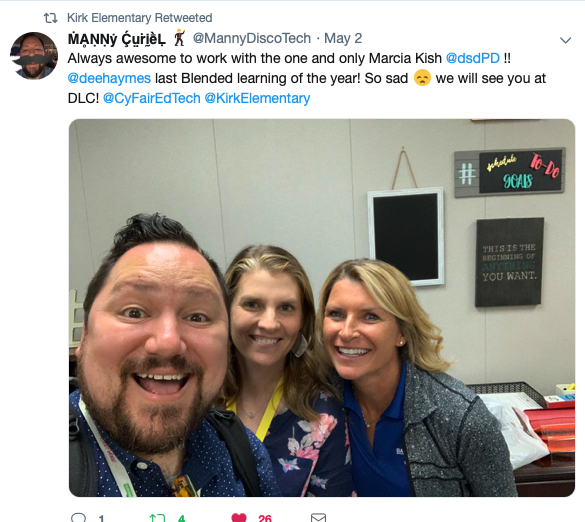 | 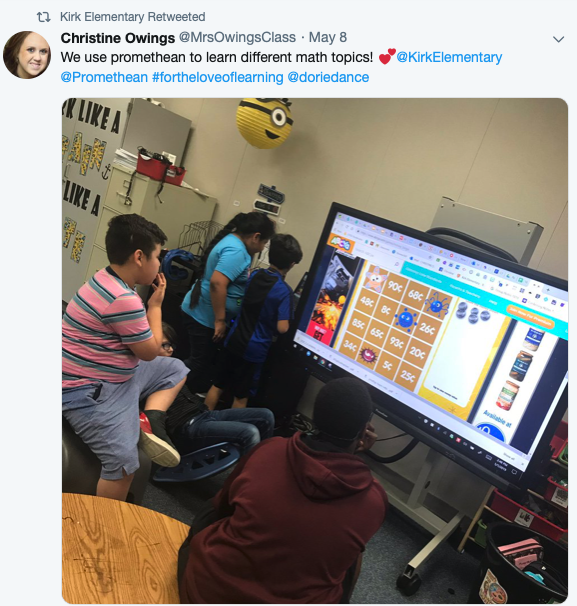 |
Want to get started with Blended Learning?
Sign up for a FREE 30-minute blended learning session with Marcia Kish. This 30-minute virtual call can kickstart your blended learning program. Click here to find a time that best works for you and your team.
Dean Middle School
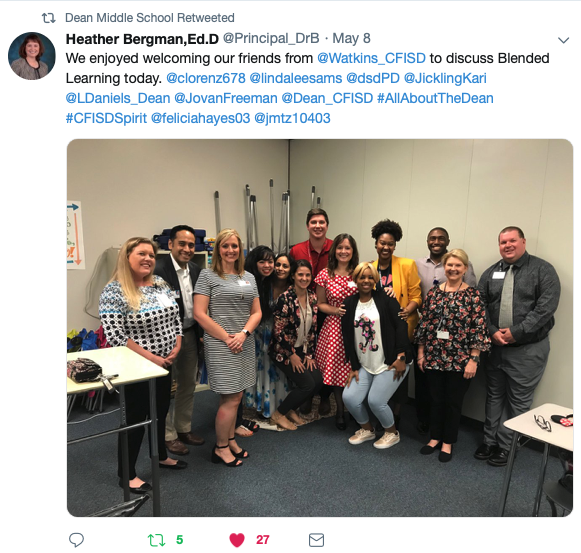
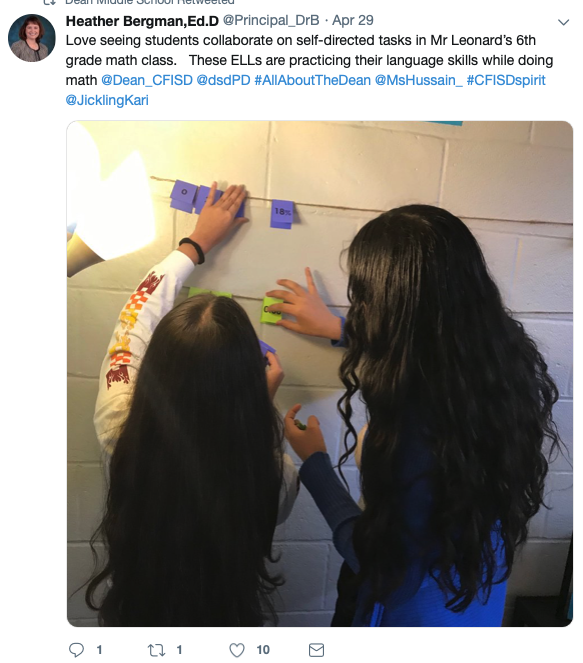
My last day at CyFair for the 2018/19 school year was spent at Dean Middle School. I truly enjoyed working with this team of educators, administrators, and coaches. Dean won my heart over. I can not express how much this team has grown since the first day I started working with them. The student engagement within each of the 7th-grade math classrooms is off the chart as well as the student scores on district assessments have increased dramatically from last year. The team started the year in a solid Phase One Learning environment. By the middle of November, the team moved to Phase Two and has stayed either in Phase Two or Phase Three the rest of the school year. That means that they deployed student choice, voice, and ownership every single day since November. Unbelievable!
Checklist
| Science Checklist 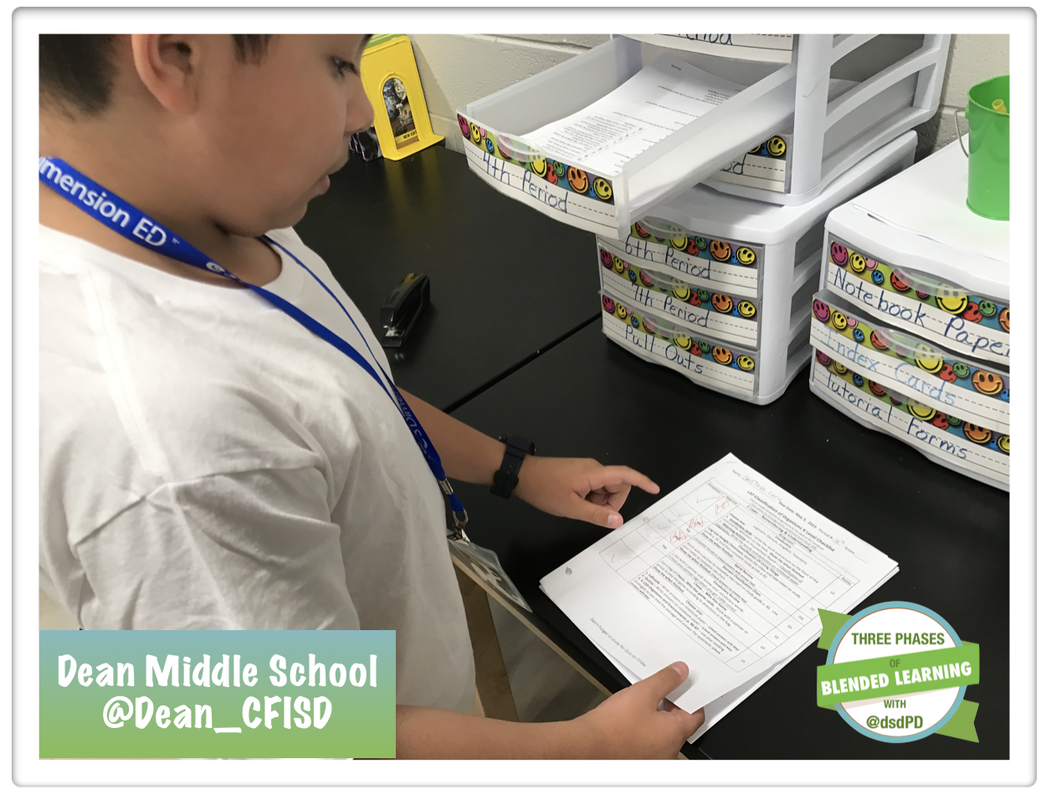 | 7th Grade Math 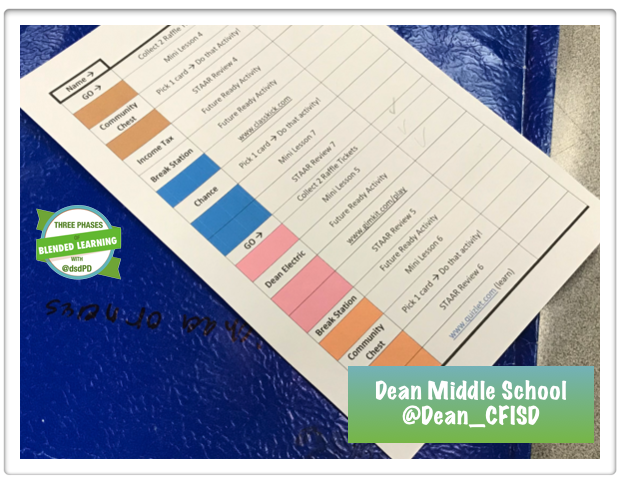 | GT Math Checklist 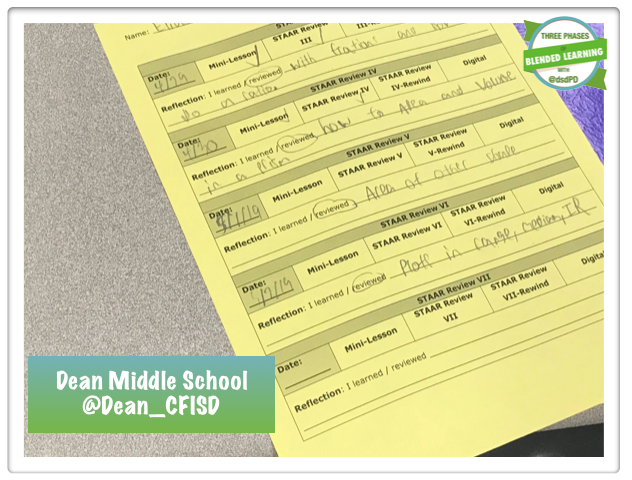 |
Mini Lesson
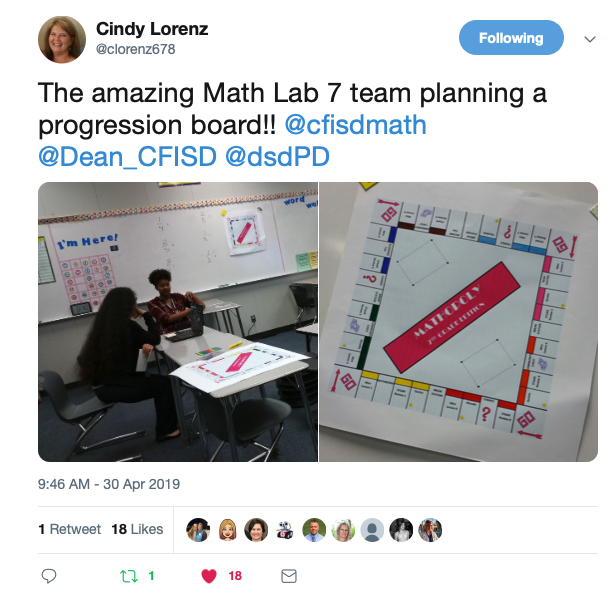
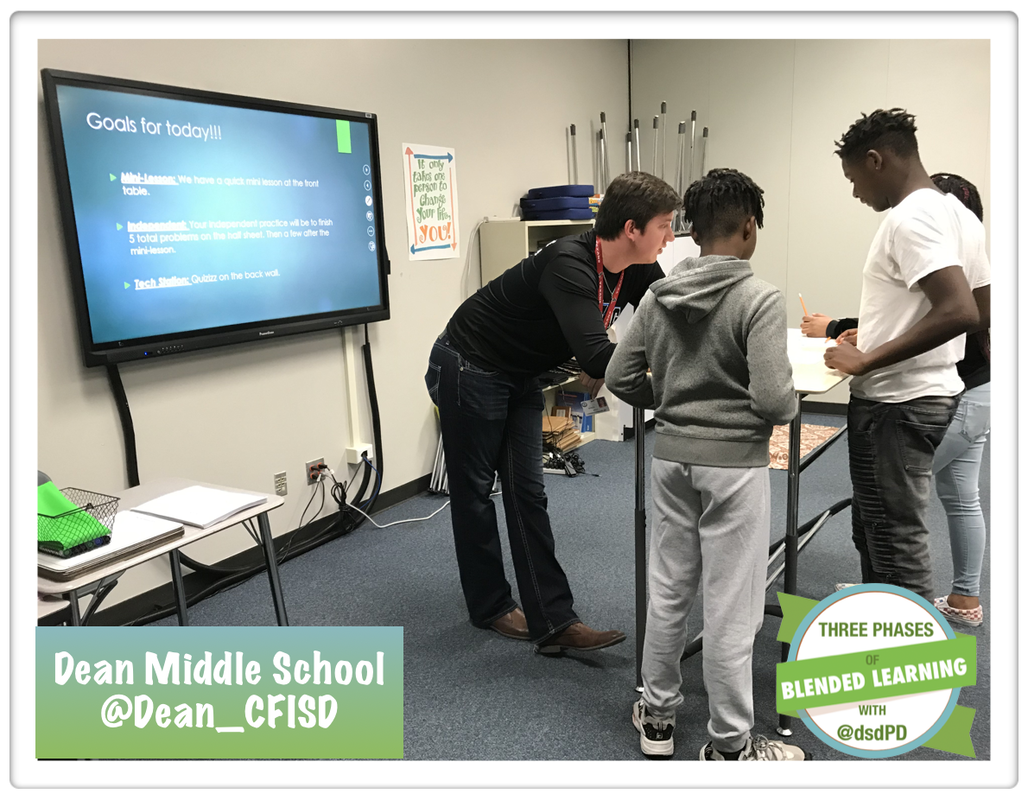 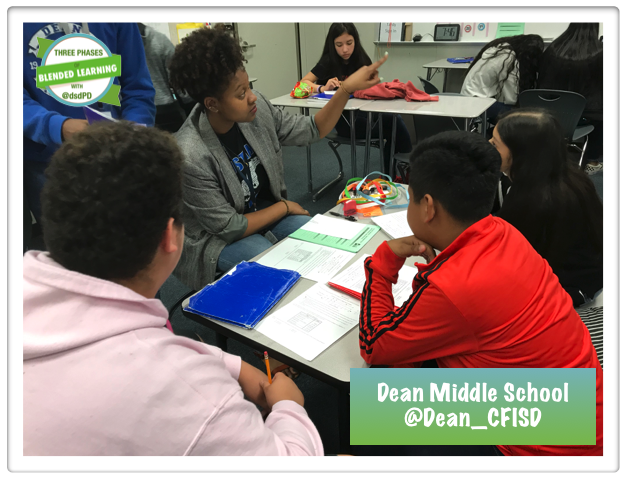 | 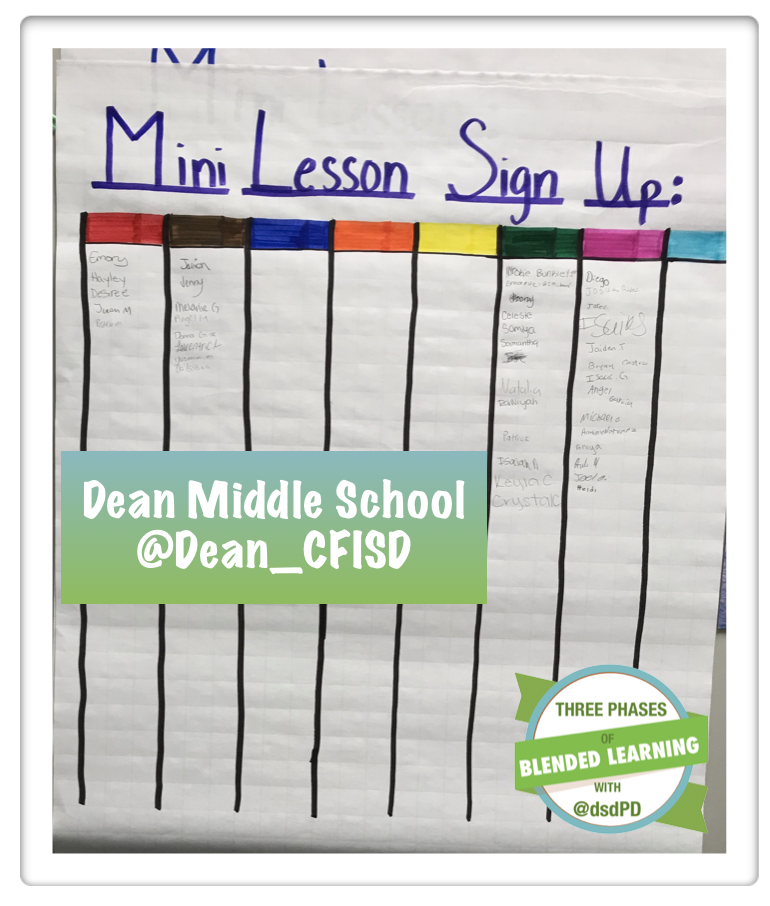 The math teachers set up the two-week review in a Monopoly Board. The students sign up for a mini-lesson when they are ready. The teacher will call the group over when she is ready for the next mini-lesson. |
Future Ready
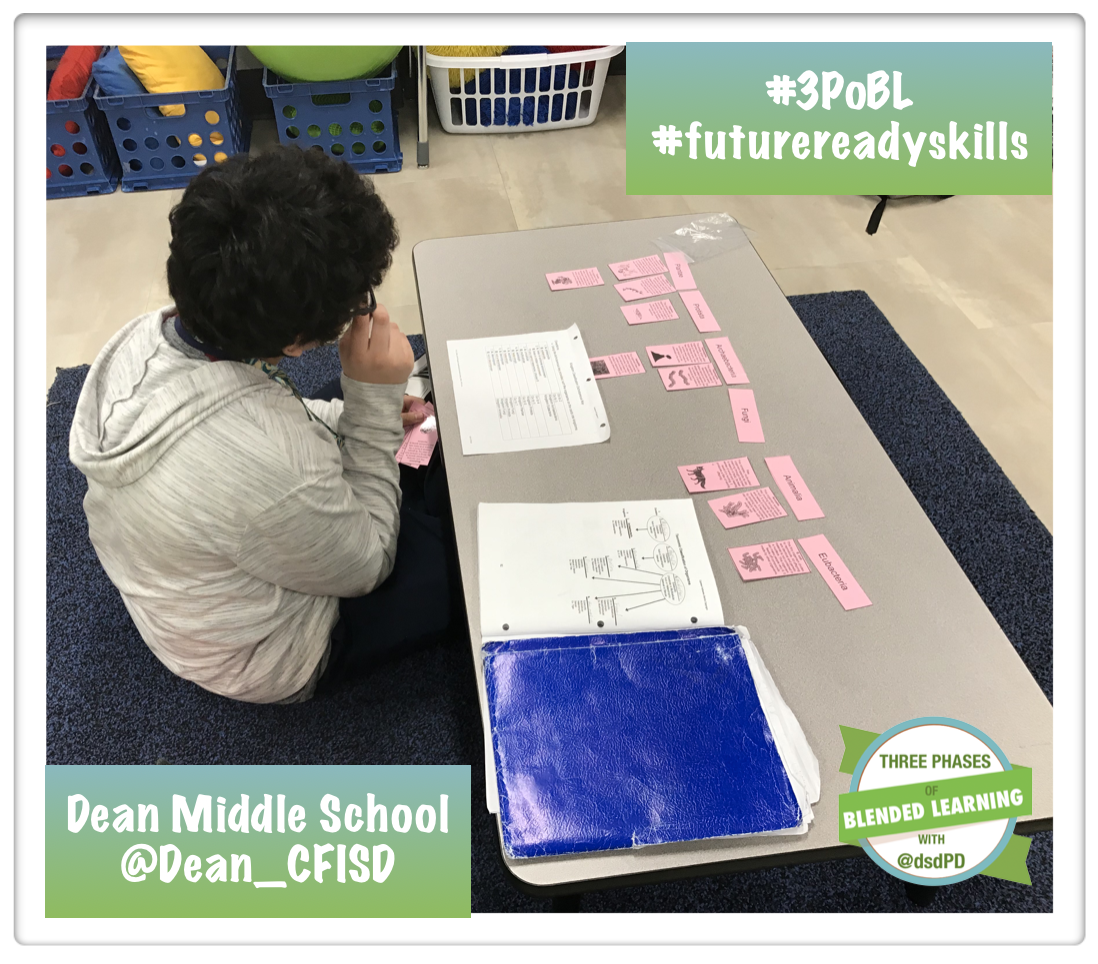 | 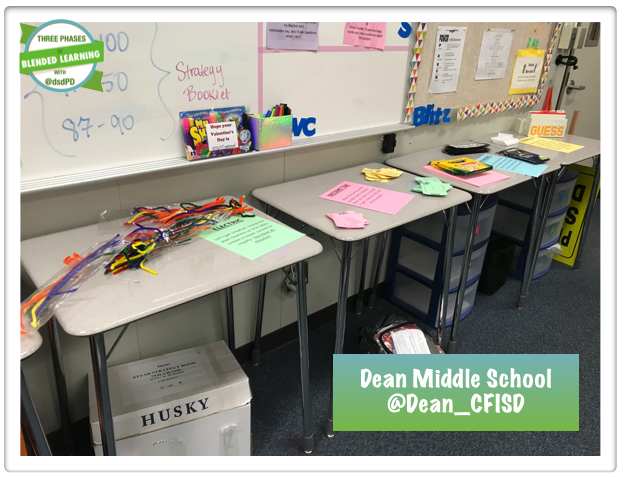 |
Studio Expert
Watch the short video as a student explains what a Studio Expert is in her GT math classroom.
Digital Content | Independent Studio |
| Students work at their own pace during all of the learning studios. 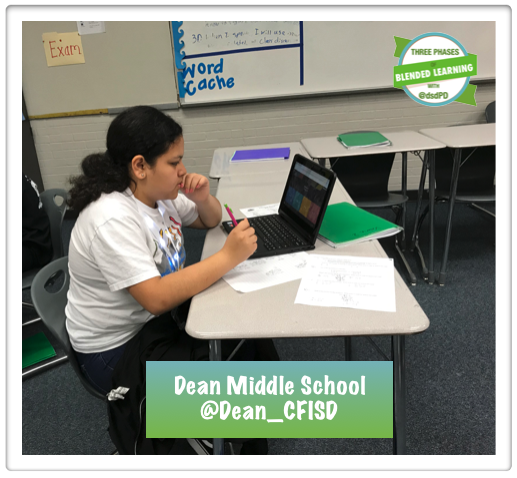 | Students can move from one learning studio to the next throughout the class period. 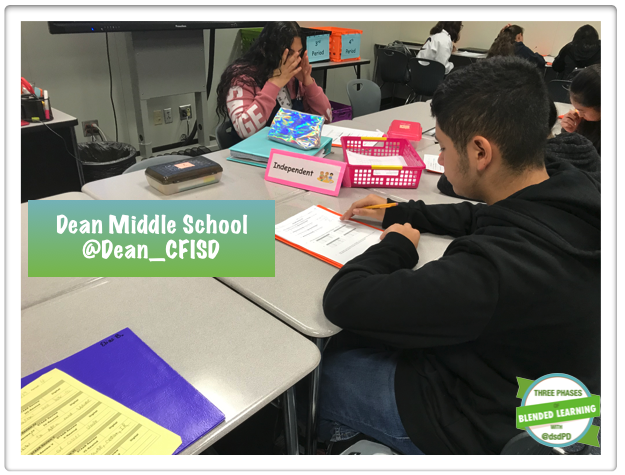 |
Social Media
 |  |
Want to get started with Blended Learning?
Sign up for a FREE 30-minute blended learning session with Marcia Kish. This 30-minute virtual call can kickstart your blended learning program. Click here to find a time that best works for you and your team.
As the school year starts to wind down, the classroom teachers, coaches, and administrators begin to plan for the upcoming school year. The new classroom assignments are made, the school supply list is being generated, and the instructional plans for the new year start to become the main topic in the teacher's lounge.
During this time of the year, I always get asked the following question. "Do I start all over with Phase One at the start of the school year?" and my answers is "Yes."
At the start of the year new school year, the teachers should return to Phase One. Phase One sets the stage for Phase Two, Phase Three, and Phase Four of the blended learning process. Most teachers start the school year out with new students. (Some teachers might loop with their students but it still good to start back in Phase One.) The students will need to know where to find the resources, how to log into the different applications, how to turn in class work, what the expectations are for each learning studio. Therefore, by moving back to Phase One, the teacher can make sure the students understand the blended learning procedures before moving to Phase Two.
Another question that I tend to hear this time of year is "I would like to start to blend next year, what should I do?" My answer starts typically with a question, "What does your current classroom or school look like? Then based on their response, I will follow up with a blended learning action plan. The action plan has typically three main goals to complete by the end of the school year.
During this time of the year, I always get asked the following question. "Do I start all over with Phase One at the start of the school year?" and my answers is "Yes."
At the start of the year new school year, the teachers should return to Phase One. Phase One sets the stage for Phase Two, Phase Three, and Phase Four of the blended learning process. Most teachers start the school year out with new students. (Some teachers might loop with their students but it still good to start back in Phase One.) The students will need to know where to find the resources, how to log into the different applications, how to turn in class work, what the expectations are for each learning studio. Therefore, by moving back to Phase One, the teacher can make sure the students understand the blended learning procedures before moving to Phase Two.
Another question that I tend to hear this time of year is "I would like to start to blend next year, what should I do?" My answer starts typically with a question, "What does your current classroom or school look like? Then based on their response, I will follow up with a blended learning action plan. The action plan has typically three main goals to complete by the end of the school year.
What is a Blended Learning Action Plan
The Blended Learning Action plan was created by Marcia Kish as a way to help the administrators, coaches, support staff, and classroom teachers stay focused on the goal of moving from a traditional classroom environment to a Phase Three blended learning environment. An action plan can start at any point within the given school year. There are typically three main goals that are set up by the blended learning coach. The goals are determined by the blended learning continuum. The Blended Learning Continuum looks for ten critical components in the classroom visits. (If a site visit is not an option, we can set up virtual meetings to determine the baseline for the Blended Learning Action Plan) By walking the classrooms and the building, the blended learning coach can set up the baseline for the Action Plan. From there, the action plans prescribe three main goals. Again, the goals come from the weaker areas on the Blended Learning Continuum.
How can I get my own Blended Learning Action Plan
Start by first signing for a FREE 30 Minute virtual call. The virtual call will demonstrate how the Blended Learning Continuum works to design the Action Plan, next steps, and a starting point for deploying blended learning within a classroom, school, or school district. Click here to pick a time that best works for you and your team. The participants of the virtual call will receive a copy of the New Phase One and Phase Two planning guide.
Learn More About Blended Learning
 | 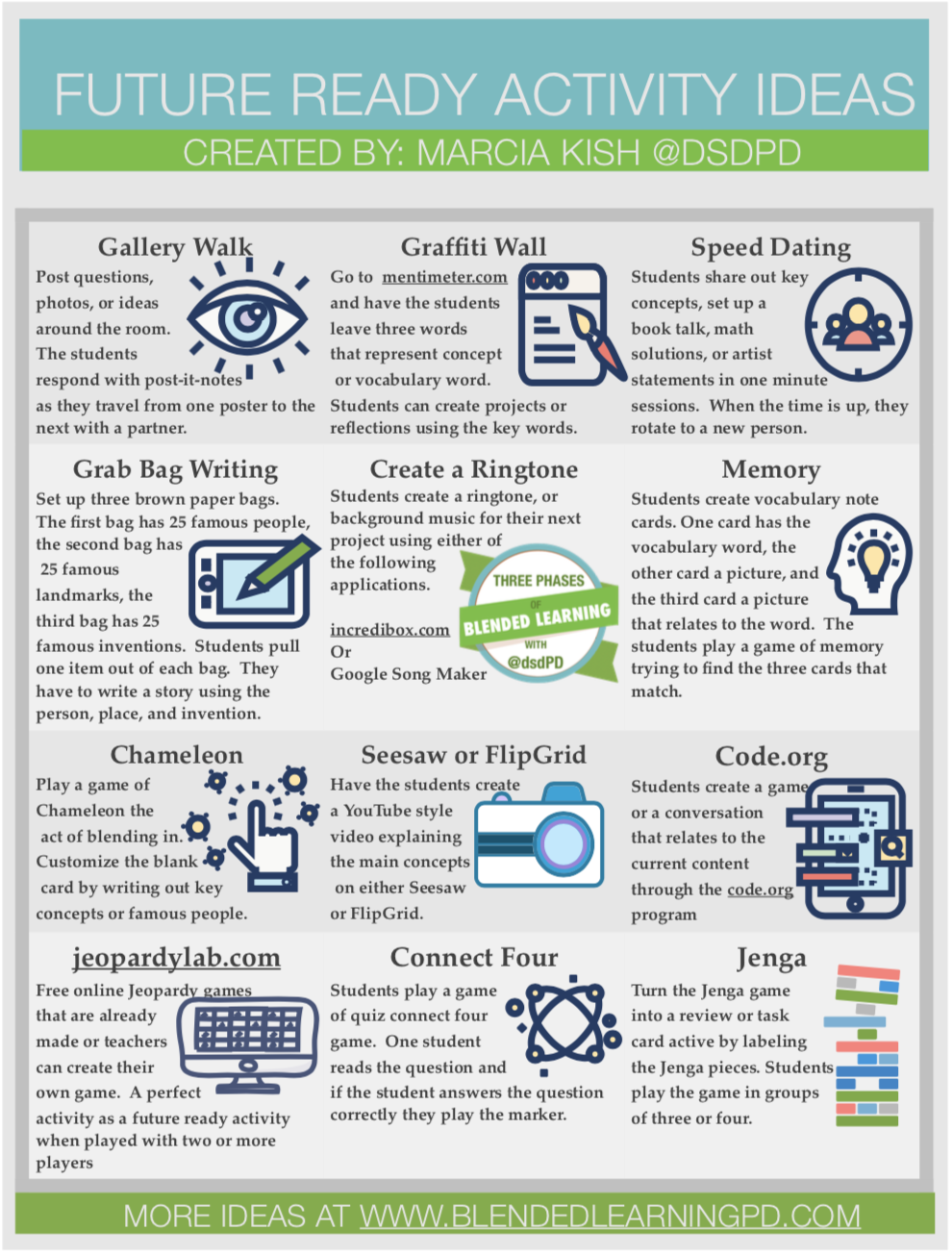 |
AuthorS
Marcia Kish - Blended and Personalized Learning coach that designed the Three Phases of Blended Learning
Jeff Kish - Coding Expert that showcases how to implement coding into the classroom.
 RSS Feed